

Opýtať sa na tento produkt
Doprava a vrátenie tovaru


-90x90h.webp "Gaming PC nakonfigurujte si sami — Ryzen 7 7700 + RTX 5070, 32GB DDR5 | DistriNode")


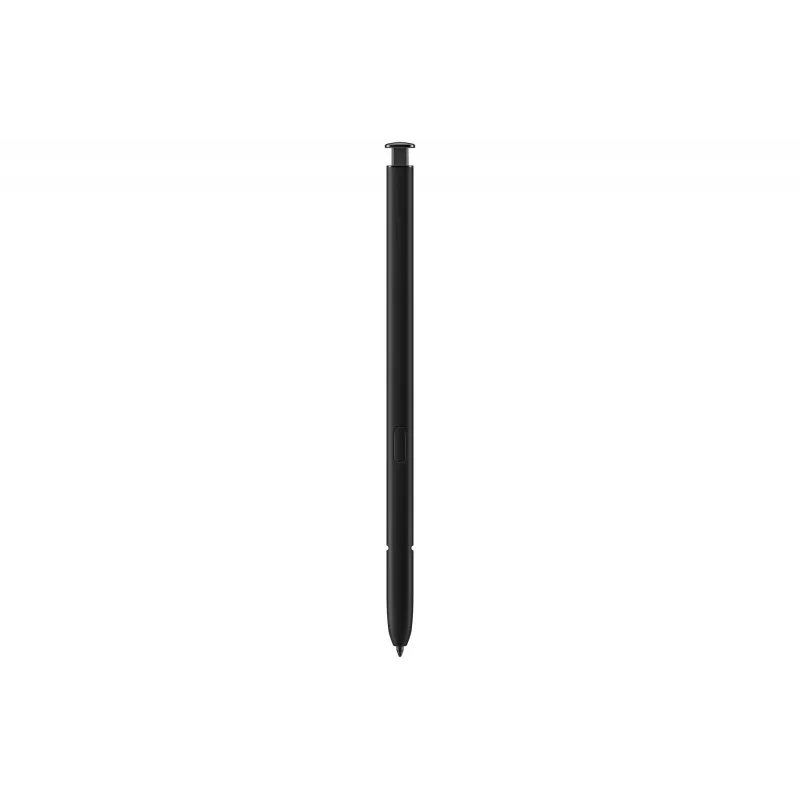
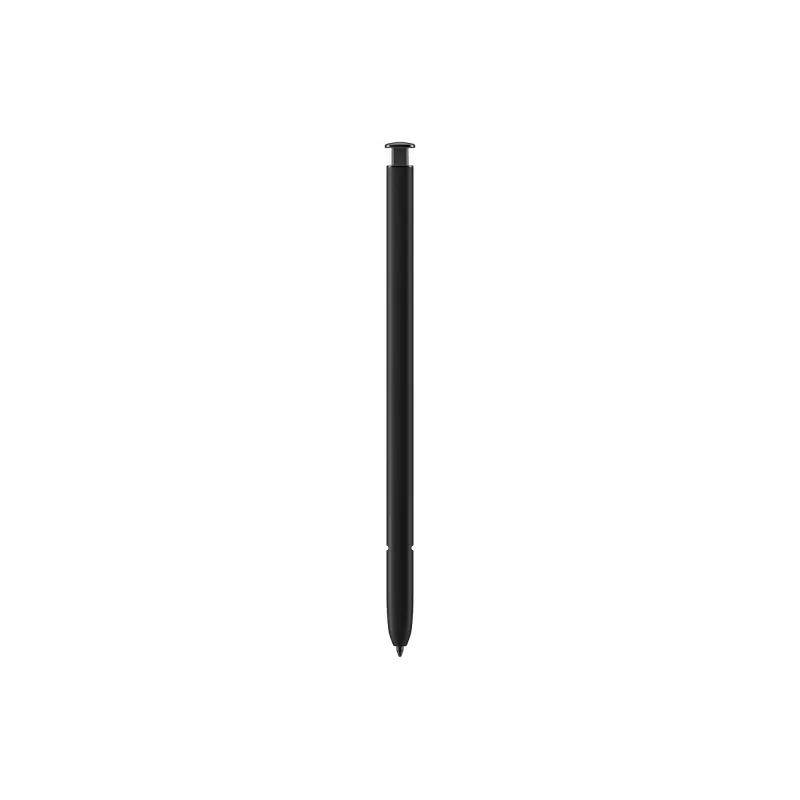
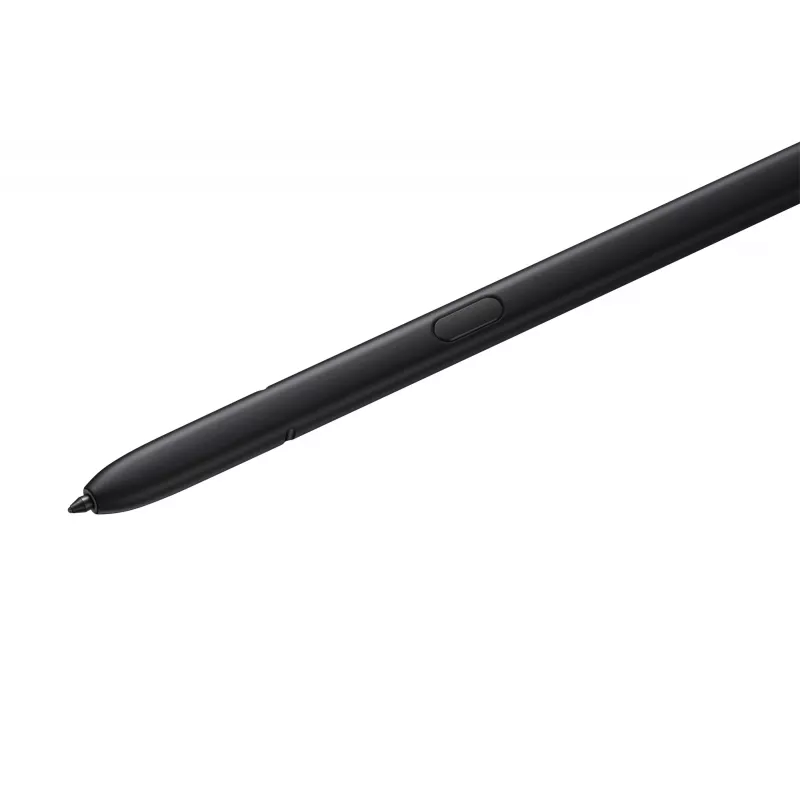
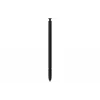
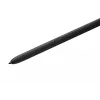
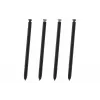
The Samsung Stylus Pen EJ-PS918 in black is a 0.7 mm tip S Pen designed for precise touch input on smartphones. It matches Samsung devices and is intended for writing, sketching and precise navigation on compatible mobile screens. The pen offers pressure-sensitive control and remote functions to extend touchscreen interaction.
Advantages
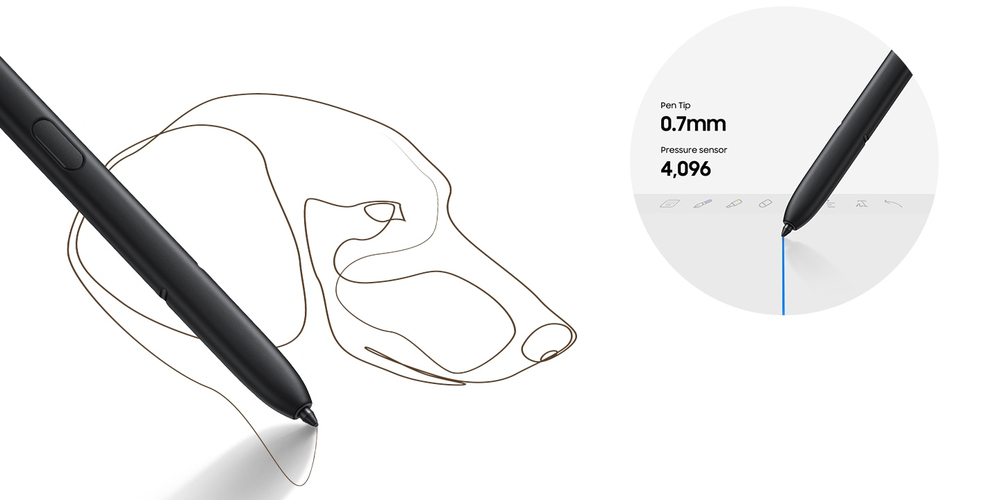
The S Pen delivers a fine 0.7 mm tip for accurate strokes and detailed input. With 4,096 levels of pressure sensitivity it provides a natural pen-on-paper feel for note-taking and drawing. The pen also supports remote control features—side-button clicks and mid-air gestures let you capture photos, control media playback and navigate presentations without touching the device.
Suitable for
When it may not be suitable
This S Pen is designed for compatible Samsung smartphones and may not work with non-compatible devices or older models without S Pen support. It is not a universal stylus for all touchscreen technologies; expected functionality such as pressure sensitivity and remote actions requires a compatible Samsung device and supporting firmware or apps.
Key specifications
How to use
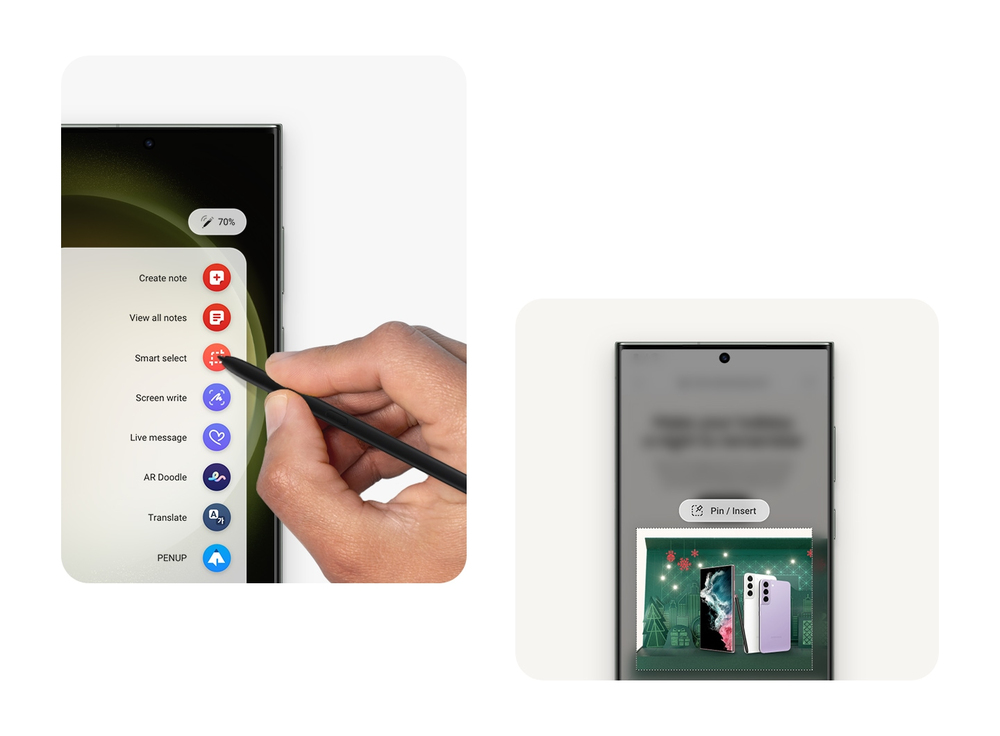
Hold the S Pen like a regular pen and use the fine tip to write or draw directly on the smartphone screen. Press the side button to access remote functions or perform mid-air gestures to trigger actions such as taking photos, playing or pausing media and switching presentation slides. Use the device’s Air Command or S Pen settings to customise shortcuts and behaviour to suit your workflow.
What to consider before purchase
Recommendations
For best results enable S Pen features in your phone settings, update device firmware, and customise Air Command shortcuts. Store the pen securely when not in use and avoid applying excessive force to the 0.7 mm tip to preserve accuracy.
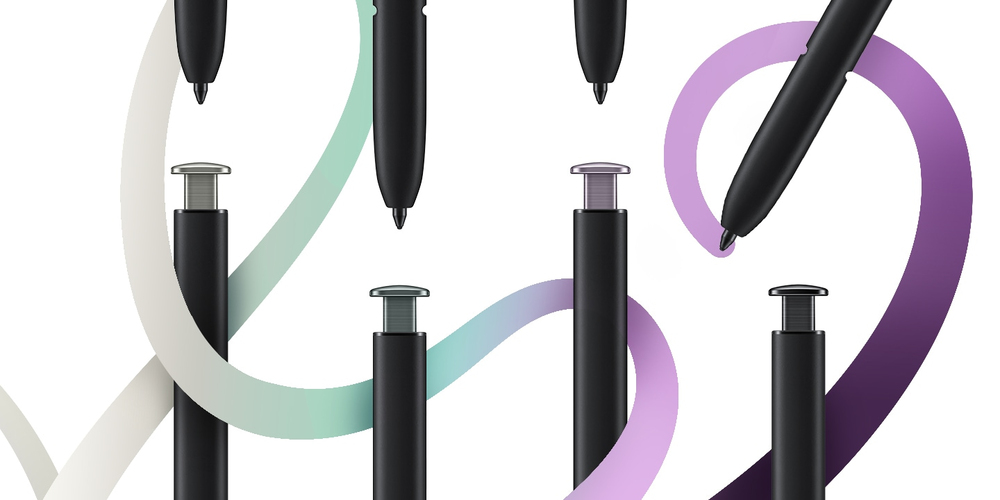
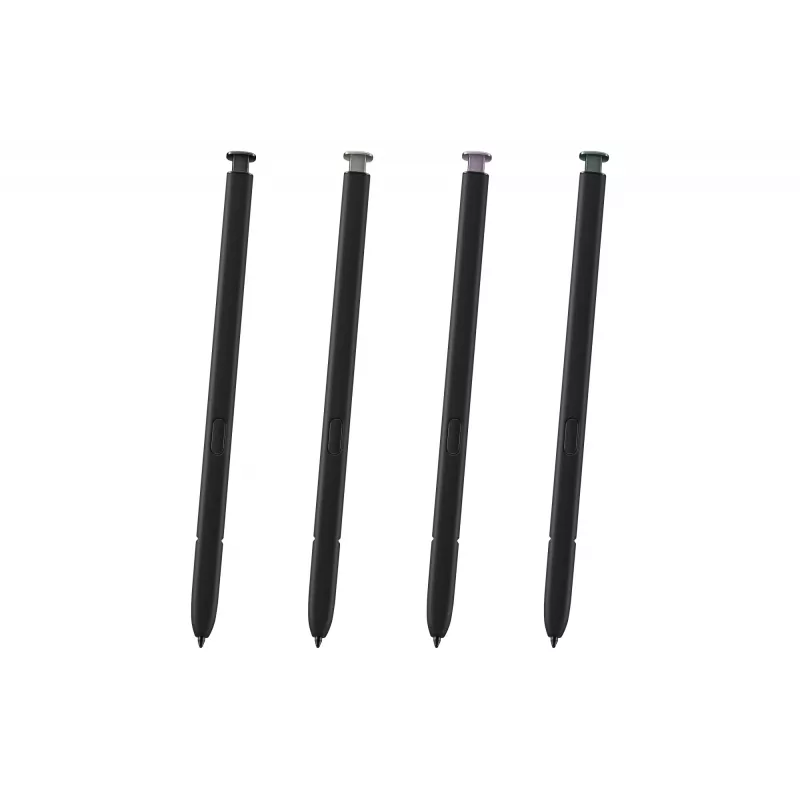
Pick your favorite color to match your creativity
Organic feel with in-depth accuracy
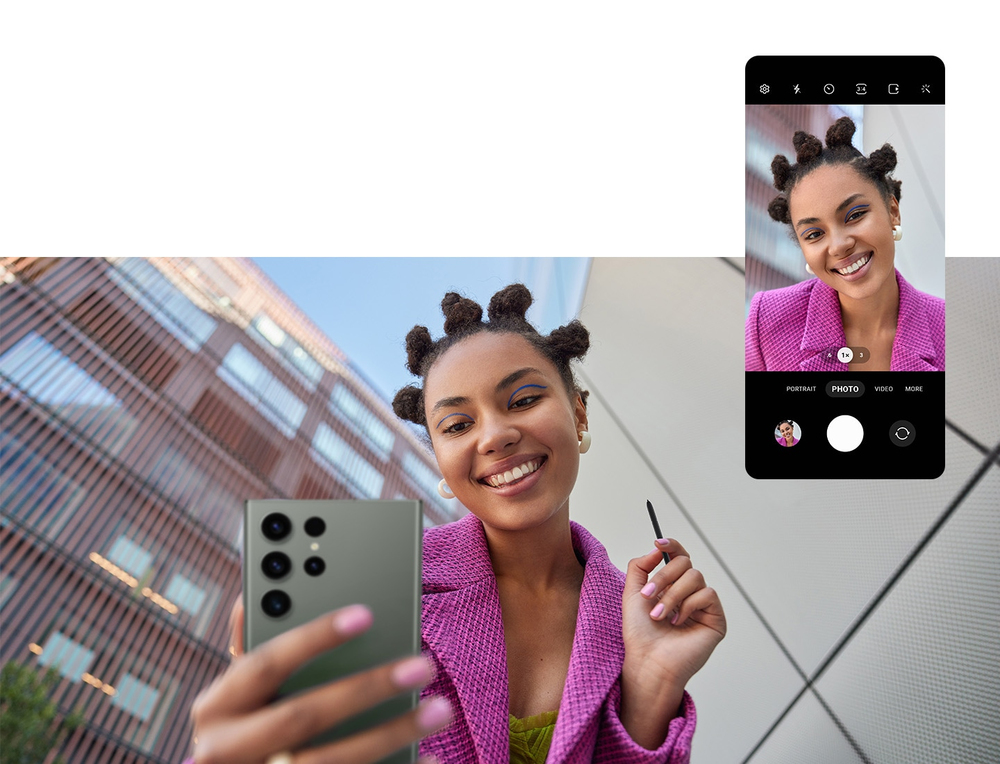
Take control of your phone from afar
Get to S Pen actions quickly with Air Command
Populárne produkty v tejto kategórii
- Samsung S Pen pre sériu Galaxy Tab S11, tablet, Samsung, biela, Galaxy Tab S11, Galaxy Tab S11 Ultra, biela, univerzálne
- Onyx Boox InkSense Plus Stylus Silver
- Samsung EJ-PS938BBEGEU dotykové pero čierna, biela
- Apple Pencil Pro
- ASUS Pen 2.0 SA203H stylus pero 16,5 g čierne
- Kobo Stylus 2 biely stylus 14,5 g čítačka e-kníh
- Samsung EJ-PX710 stylus pero 8,75 g čierny
- Stylus Samsung S Pen čierny EJ-PS928BBEGEU 3,04 g kompaktný dizajn