
Účet Kontakt
Váš košík
Doručenie cez DPD a FedEx
Pomoc? Opýtajte sa AI

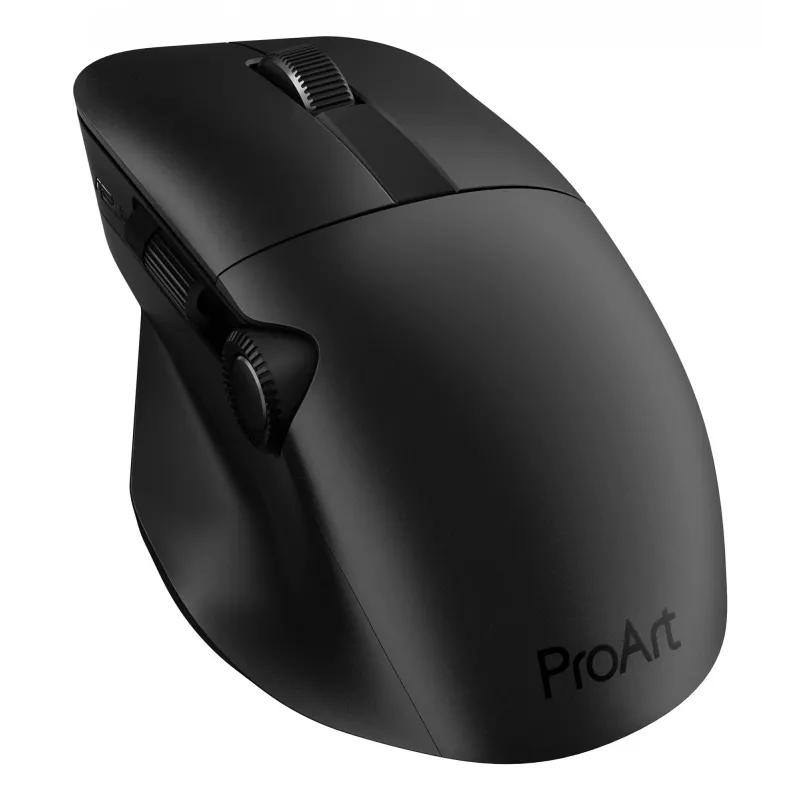
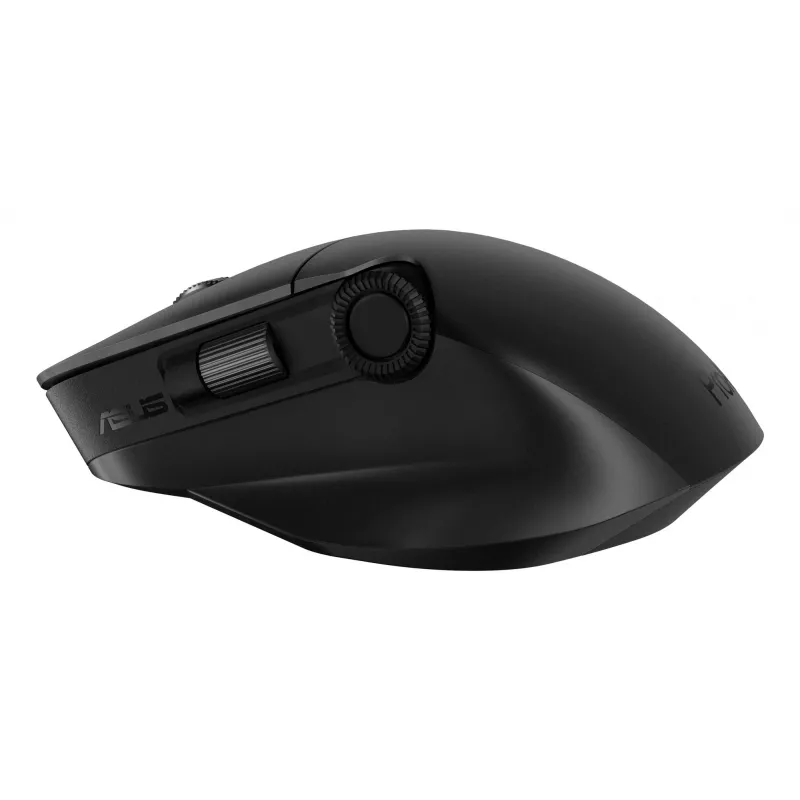
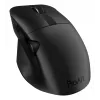
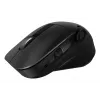
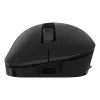
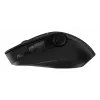
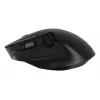
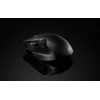
ASUS ProArt MD300 myš Office pravá ruka RF Wireless + Bluetooth optická 4200 DPI

ASUS ProArt MD300 myš Office pravá ruka RF Wireless + Bluetooth optická 4200 DPI
126,71 €
ProArt MouseCreativity, dialed upASUS ProArt Mouse MD300 is the first mouse that works with ASUS Dial, allowing creators to make quick and precise settings adjustments. This premium mouse also features a side scroll wheel and three buttons with professional-grade switches that provide tactile mouse ... Čítať viac
Sklad 13 Kód 116417 Značka ASUS Model 90XB04F0-BMU000 Záruka 2 roky

Doprava a vrátenie tovaru

Predpokladané doručenie pondelok, októbra 26
O stave zásielky Vás budeme priebežne informovať prostredníctvom nášho podrobného systému sledovania zásielok
Možnosti platby
Platobná kartaVisaMastercardPayPalApple PayGoogle PayBankový prevod
ProArt Mouse
Creativity, dialed up
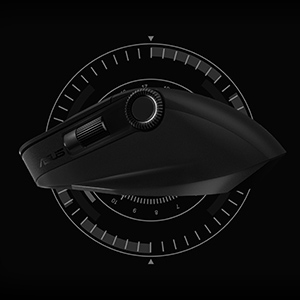
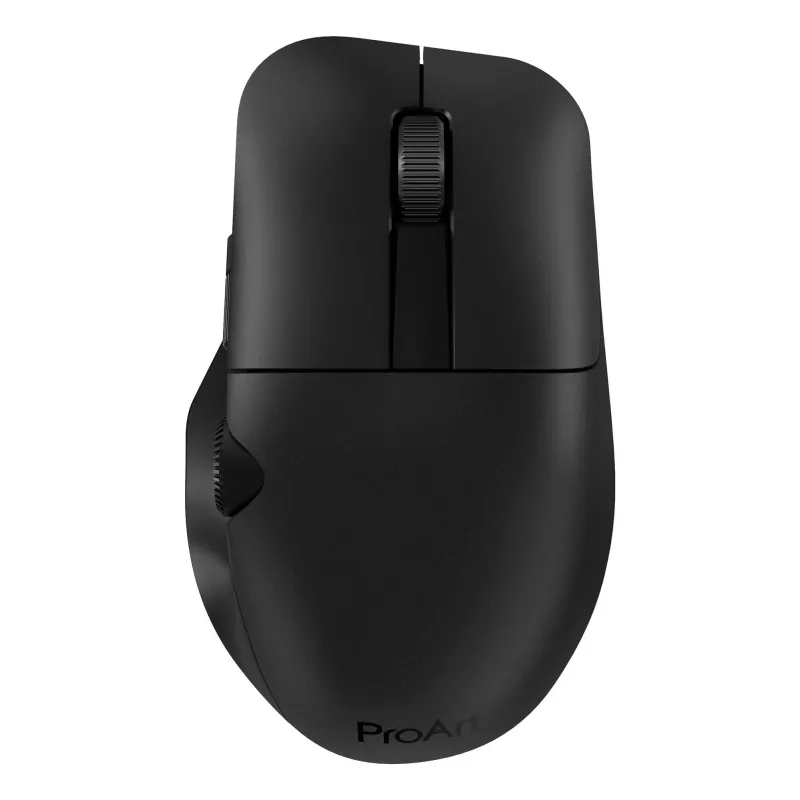
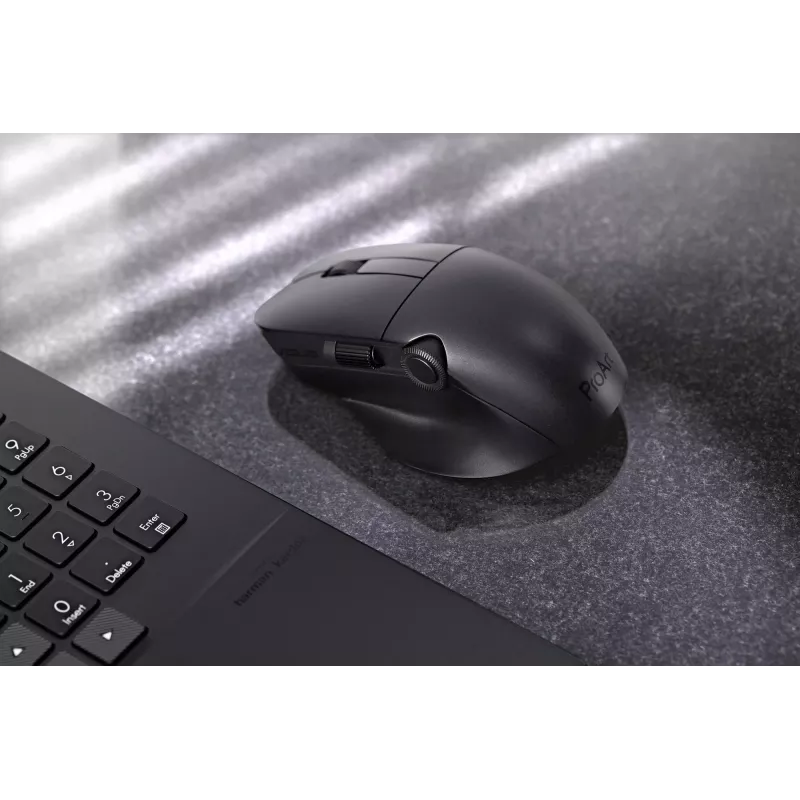
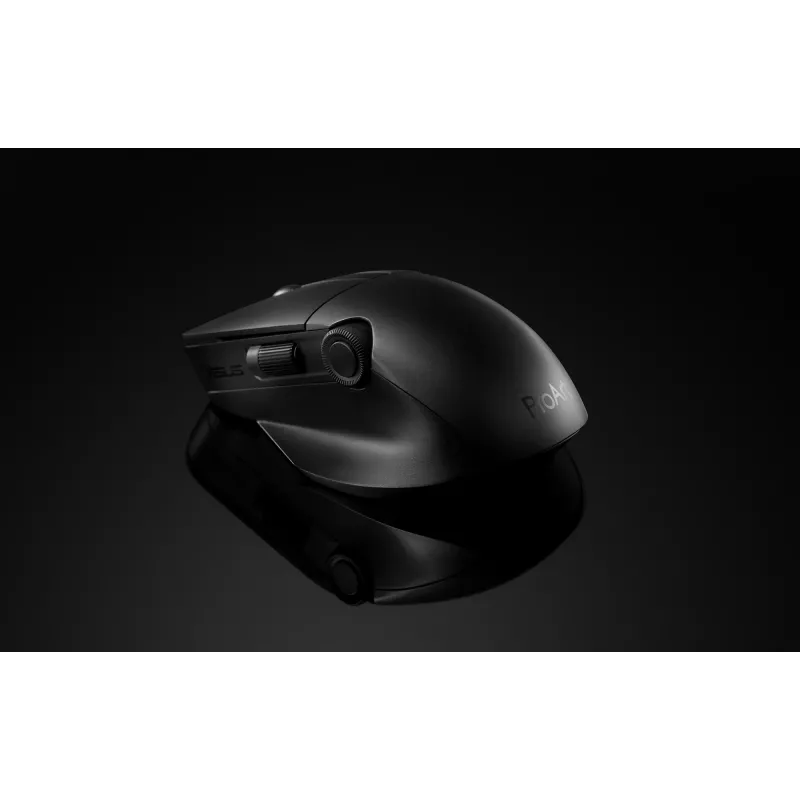
ASUS ProArt Mouse MD300 is the first mouse that works with ASUS Dial, allowing creators to make quick and precise settings adjustments. This premium mouse also features a side scroll wheel and three buttons with professional-grade switches that provide tactile mouse clicks. ProArt Mouse MD300 has a high-performance laser sensor that tracks at up to 4200 dpi for unmatched precision, even when used on a glass surface.
Creativity, dialed up

Creativity, dialed up

ASUS ProArt Mouse MD300 is the first mouse that works with ASUS Dial, allowing creators to make quick and precise settings adjustments. This premium mouse also features a side scroll wheel and three buttons with professional-grade switches that provide tactile mouse clicks. ProArt Mouse MD300 has a high-performance laser sensor that tracks at up to 4200 dpi for unmatched precision, even when used on a glass surface.

Level up with ASUS Dial

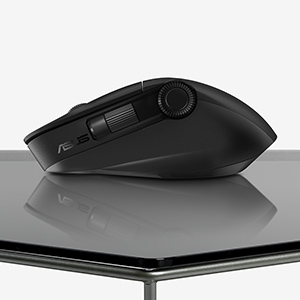
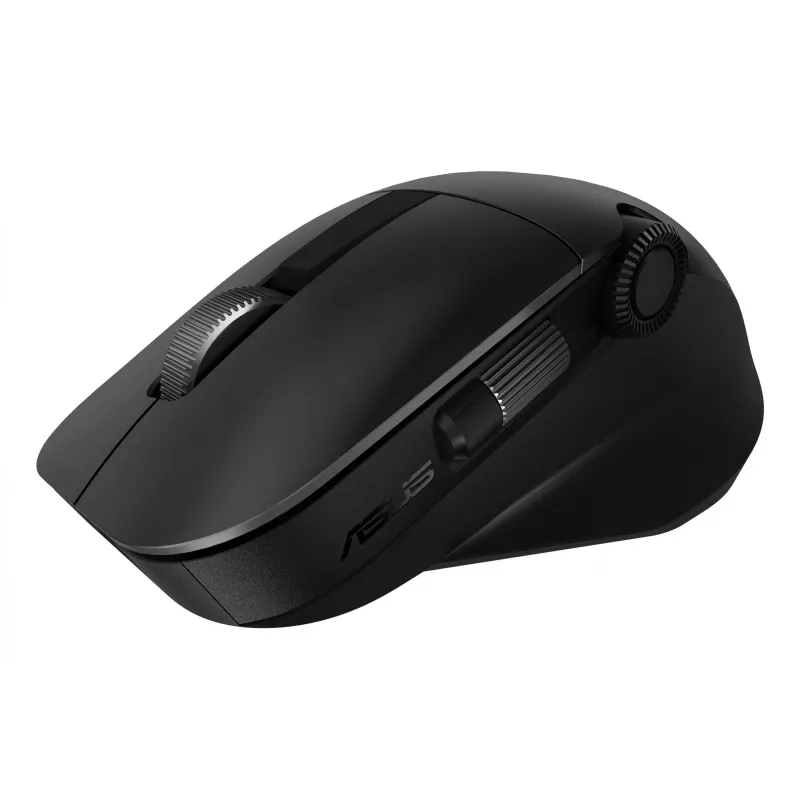
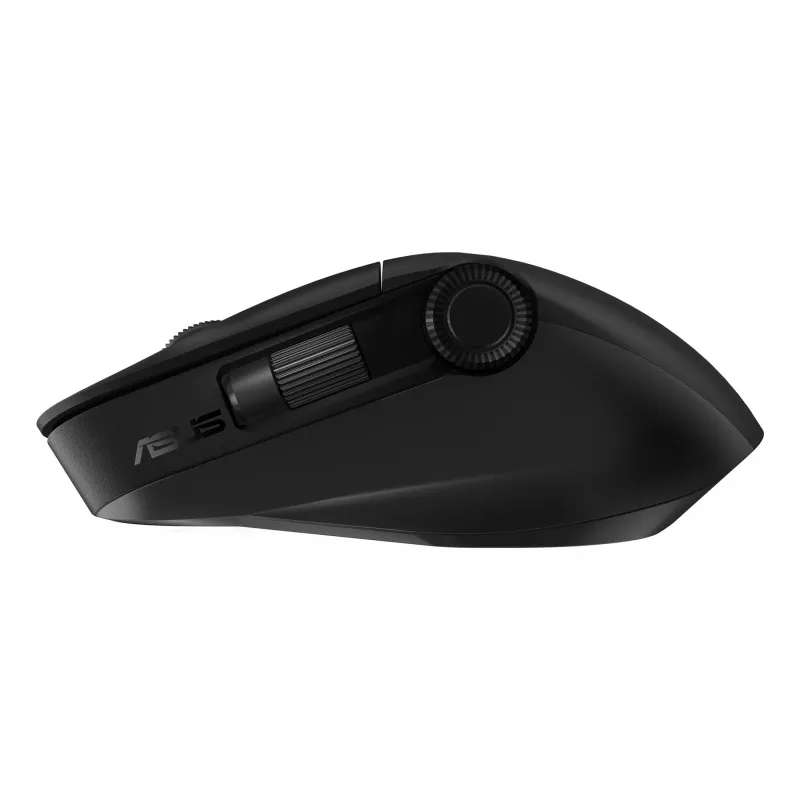
The new ASUS Dial feature makes working with creative apps as natural and intuitive as possible. The built-in side scroll wheel offers precise, seamless control with ASUS Dial, simply rotate and click to change brush size, saturation, and adjust layer opacity. It can also be used to rapidly undo previous actions for a smoother workflow. ASUS Dial scrolls through 100 lines per revolution and lasts 5X longer than traditional mouse scrolls.
Level up with ASUS Dial
Designed to last

Designed to last

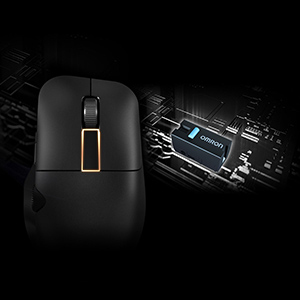
Aside from the left and right mouse buttons, a large middle button independent of the middle scroll wheel helps improve the creative workflow. Use it to control CAD software precisely or program it for other functions through the creator app. All three mouse buttons utilise pro-grade switches that are rated for up to a 50-million-click lifespan and provide satisfyingly tactile feedback with each click.

Power up in the blink of an eye

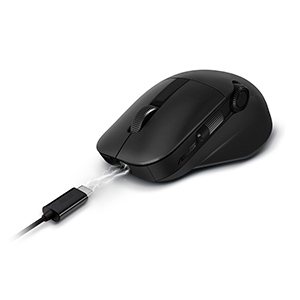
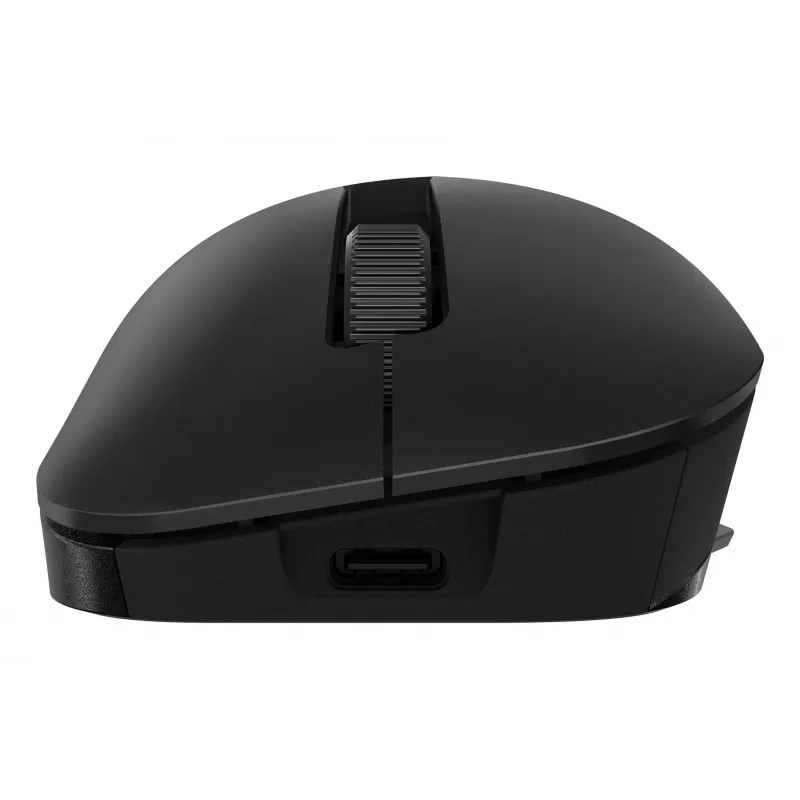
ProArt Mouse MD300 stays powered for up to 150 days on a full charge — and gets 3 hours heavy use or up to 8 hours of light use from a one-minute quick charge. Use the included USB-C® charging cable to top up the power.
Power up in the blink of an eye
Fast and accurate tracking on almost any surface

Fast and accurate tracking on almost any surface

A high-end laser sensor tracks at up to 4200 dpi and works on a wide range of surfaces, including glass3 — delivering the accuracy and precision you need. With a polling rate of up to 1000 Hz, lag is kept to a minimum for smooth, accurate control. The pivoted buttons mechanism leaves no gap between the button and switch, so click response is instantaneous and consistent. In addition, low-friction PTFE mouse feet provide a smooth glide.

Perfect for creativity apps

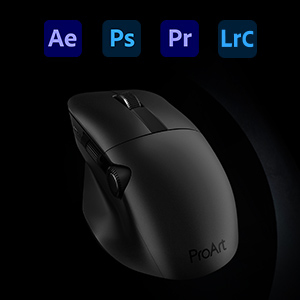
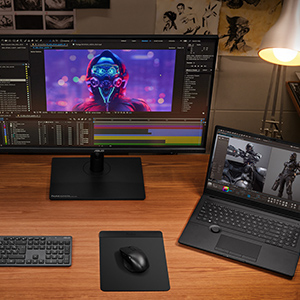
ProArt Mouse MD300 is perfect for creativity apps like Adobe After Effects, Photoshop, Premiere Pro, Lightroom Classic and more.
Perfect for creativity apps
Dual-mode connectivity

Dual-mode connectivity

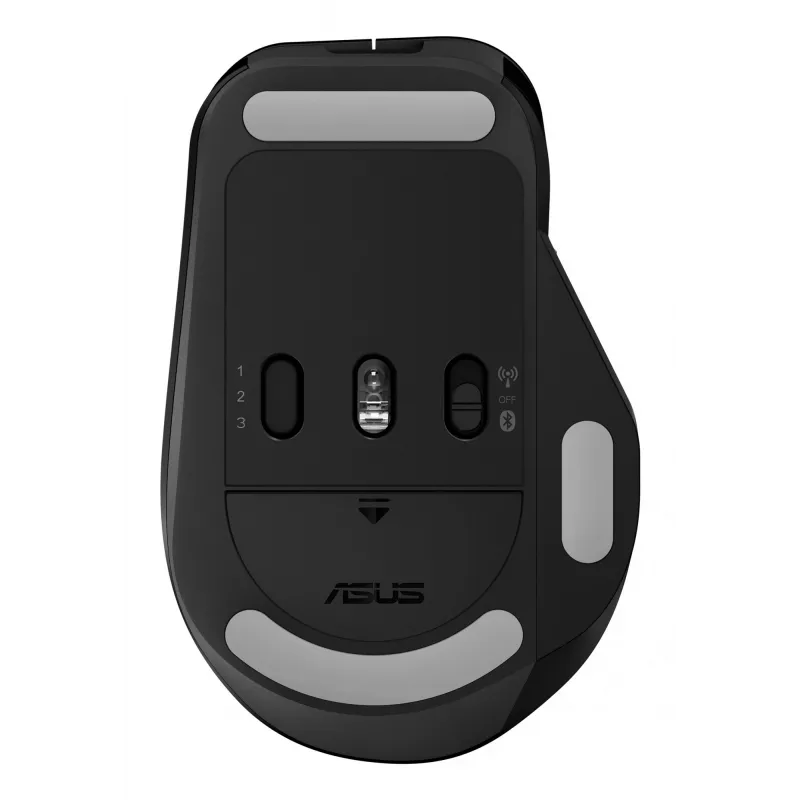
The RF 2.4 GHz wireless connection provides high data throughput to ensure accurate, lag-free input for a seamless creative workflow. You can also connect up to three devices via Bluetooth fast pairing technology and switch between them by pressing the pair button.

How to use

Connect the mouse via the included USB‑C cable for charging or use the RF USB receiver for low-latency operation; alternatively pair via Bluetooth with up to three devices and switch between them using the pair button. Install the ASUS creator software to customize ASUS Dial actions, program buttons and adjust performance settings such as dpi and polling rate. Use the large middle button and side scroll wheel for precise control in compatible creative apps.

Recommendations

For optimal tracking, use the ProArt Mouse MD300 on flat, stable surfaces; the high-end sensor also supports glass surfaces. Keep the firmware and ASUS creator app updated to access the latest customization options and compatibility improvements.

Hlavné vlastnosti
  • Smart dial and side scroll
  • Independent middle button
  • Up to 4200 dpi, and the ability to track on glass*
  • Quick charge function
  • Minimum 4 mm glass thickness
  • Office Optical 4200 DPI Black
  • Right-hand RF Wireless + Bluetooth 10 m
  • Scroll type: Wheel Buttons quantity: 6
  • Power source: Batteries
  • Built-in battery Rechargeable Lithium-Ion (Li-Ion) 800 mAh
Parametre
Batérie súčasťou balenia
Yes
Dosah bezdrôtového pripojenia
10 m
Farba povrchu
Monochromatic
Farba produktu
Black
Formát
Right-hand
Frekvencia dotazovania
1000 Hz
Hĺbka
72 mm
Hmotnosť
109 g
Kapacita akumulátora
800 mAh
Množstvo v balení
1 pc(s)
Nabíjací port USB Type-C
Yes
Nabíjateľné
Yes
Napájací adaptér súčasťou balenia
No
Nastaviteľné rozlíšenie pohybu
Yes
Počet programovateľných tlačidiel
6
Počet tlačidiel
6
Podporované operačné systémy Windows
Windows 10, Windows 11
Používateľská príručka
Yes
Prijímač súčasťou balenia
Yes
Programovateľné tlačidlá myši
Yes
Rozhranie zariadenia
RF Wireless + Bluetooth
Rozlíšenie snímania
4200 DPI
Šírka
118 mm
Technológia batérie
Lithium-Ion (Li-Ion)
Technológia pripojenia
Wireless
Technológia snímania pohybu
Optical
Typ batérie
Built-in battery
Typ posúvania
Wheel
Typ tlačidiel
Pressed buttons
Účel
Office
Výška
42 mm
Záručný list
Yes
Zdroj napájania
Batteries
Vývoj ceny za posledných 6 mesiacov
ASUS ProArt MD300 myš Office pravá ruka RF Wireless + Bluetooth optická 4200 DPI
Aktuálna
126,71 €
Najnižšia
117,51 €
Najvyššia
128,74 €
Zmena za 24 h
+1,55 €   +1%
Týždeň
+3,05 €   +2%
Mesiac
+3,23 €   +3%

Nezávislé recenzie technických médií

pcmag.comNathaniel
7/10

“Many companies are happy to adorn their high-end mice with more buttons than you might think possible. Asus takes a different tack with the creativity-focused ProArt Mouse MD300, equipping it with two scroll wheels—one on top and one on the side—as well…”

Prečítajte si celú recenziu na pcmag.com →
hitechcentury.com
7.2/10

“When it comes to mouse design, most manufacturers in the market churn out a slew of offerings oriented towards gamers or desk jockeys but this latest offering from Asus is arguably the first time that anyone has created a mouse specifically oriented…”

Výhody
  • Ergonomic design with comfy thumb rest
  • Highly customisable buttons
  • Offers ASUS Dial interactivity with non-ASUS ProArt laptops
Nevýhody
  • Not compatible with many content creator apps
Prečítajte si celú recenziu na hitechcentury.com →

Populárne produkty v tejto kategórii

Dobrý deň, som AI asistent DistriNode. Pomôžem Vám nájsť produkty, porovnať možnosti, vytvoriť cenovú ponuku v PDF alebo otvoriť požiadavku na podporu.