
Účet Kontakt
Váš košík
Doručenie cez DPD a FedEx
Pomoc? Opýtajte sa AI

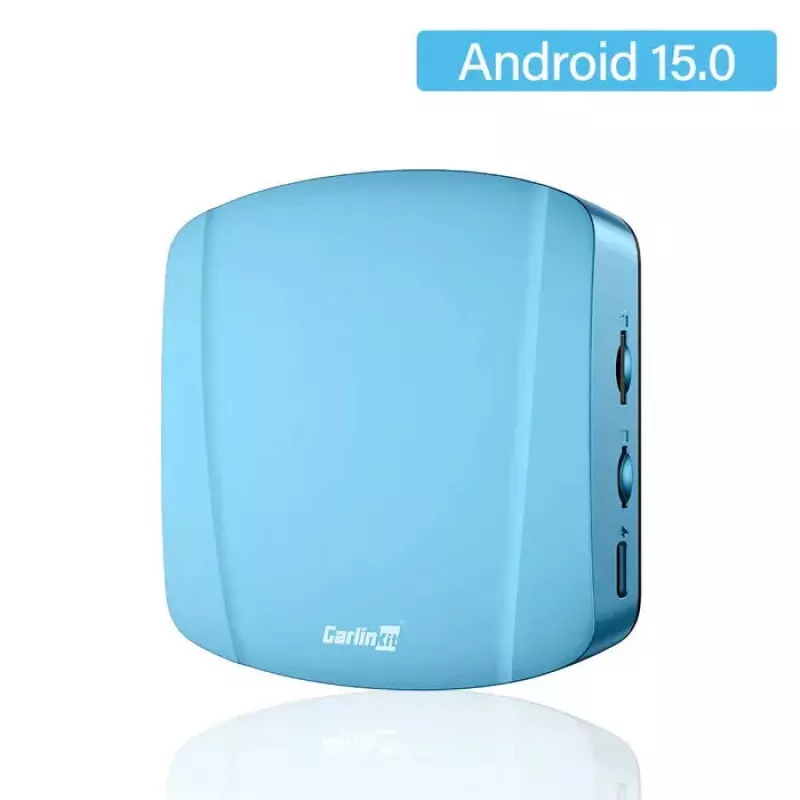
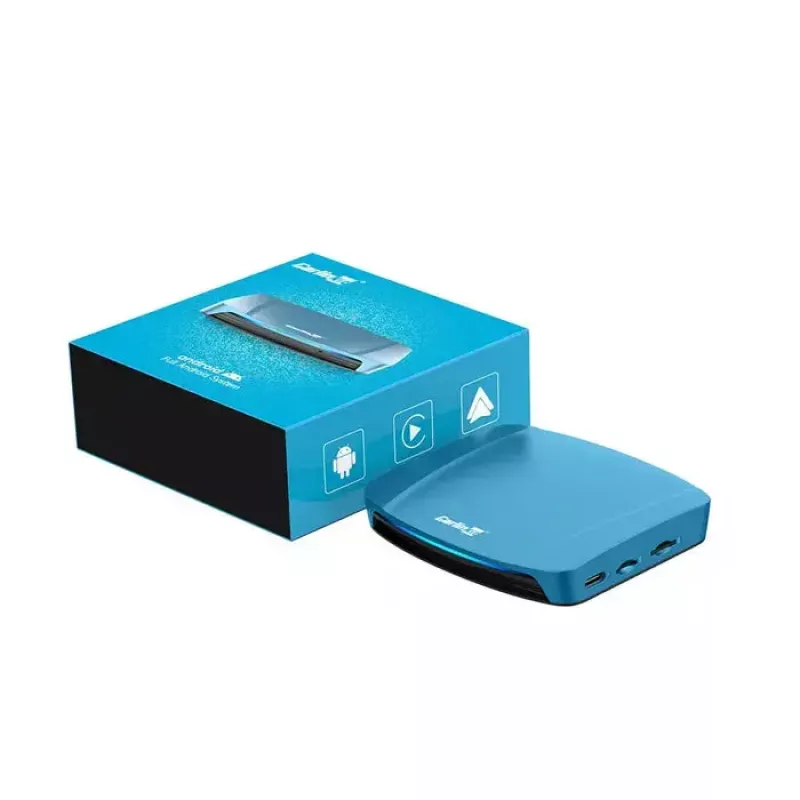
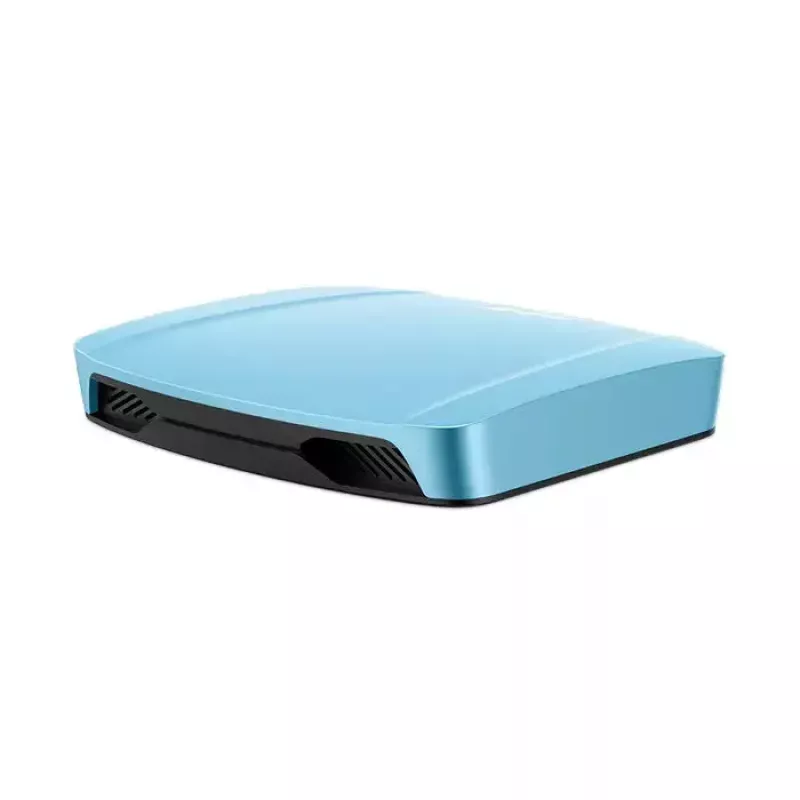
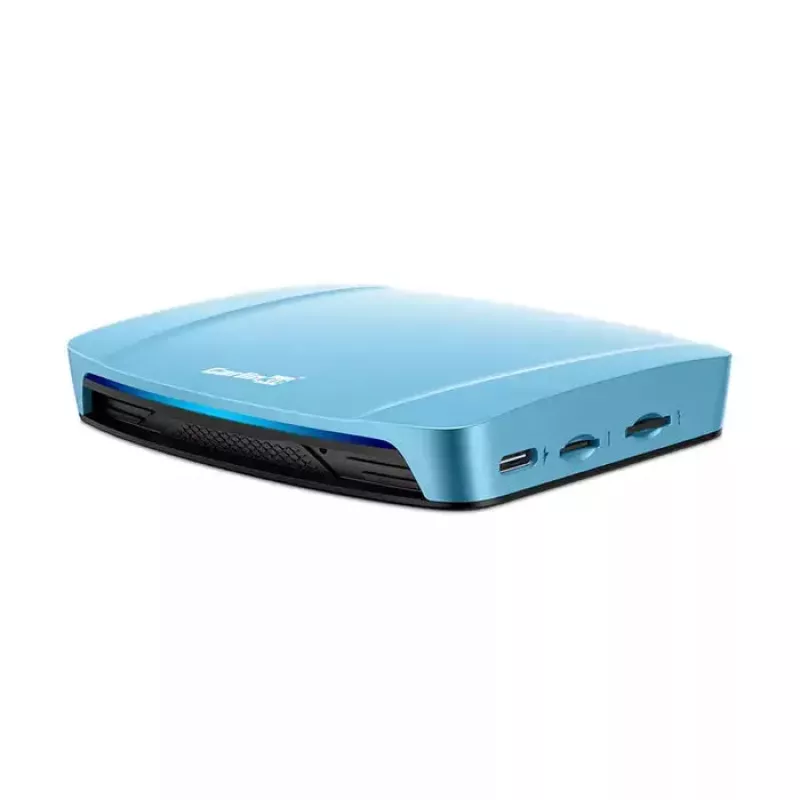
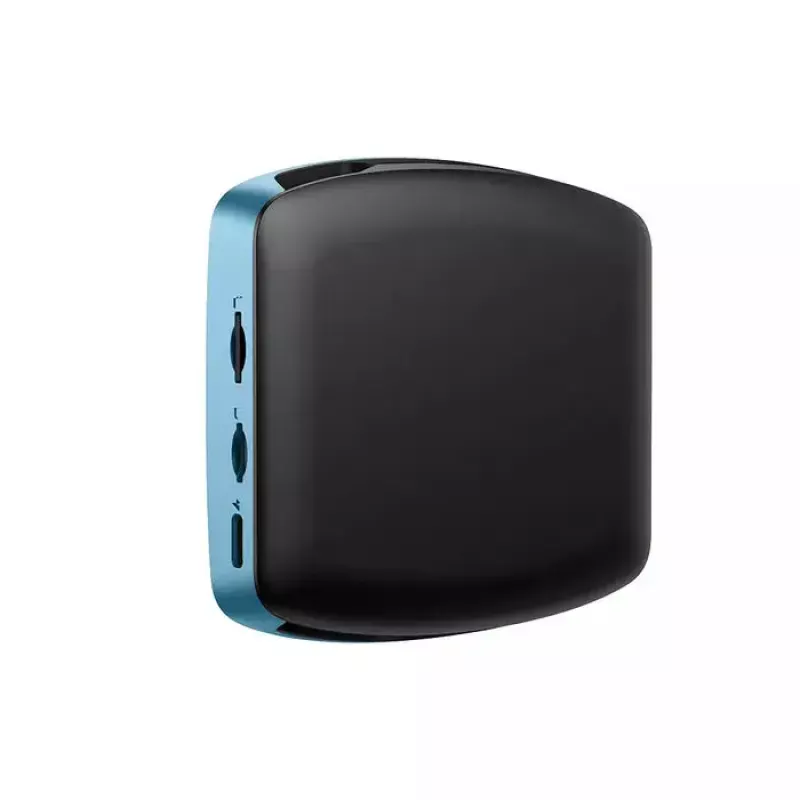
Bezdrôtový adaptér CarPlay/Android Auto Carlinkit TBOX ULTRA — bezdrôtové pripojenie pre infotainment vozidla

Bezdrôtový adaptér CarPlay/Android Auto Carlinkit TBOX ULTRA — bezdrôtové pripojenie pre infotainment vozidla
200,56 €
The Carlinkit TBOX ULTRA is a wireless adapter that converts a wired CarPlay or Android Auto connection into a wireless one, enabling seamless smartphone integration with a compatible in-car infotainment system. It supports hands-free navigation, voice assistant access, phone calls and media streami... Čítať viac
Sklad 23 Kód 2575487 Značka CARLINKIT Model TBOX ULTRA Záruka 2 roky

Doprava a vrátenie tovaru

Predpokladané doručenie pondelok, októbra 19
O stave zásielky Vás budeme priebežne informovať prostredníctvom nášho podrobného systému sledovania zásielok
Možnosti platby
Platobná kartaVisaMastercardPayPalApple PayGoogle PayBankový prevod

The Carlinkit TBOX ULTRA is a wireless adapter that converts a wired CarPlay or Android Auto connection into a wireless one, enabling seamless smartphone integration with a compatible in-car infotainment system. It supports hands-free navigation, voice assistant access, phone calls and media streaming via the vehicle’s display and steering-wheel controls while reducing cable clutter and improving convenience for drivers who prefer a wireless setup.

Advantages

Carlinkit TBOX ULTRA provides a stable wireless link between your smartphone and the car’s infotainment unit using optimized wireless protocols to minimize latency and maintain audio/video quality. The adapter is designed for plug-and-play use with minimal setup, allowing automatic reconnection after the initial pairing. It supports both CarPlay and Android Auto environments, preserving steering-wheel control compatibility and in-car microphone use for hands-free calling and voice commands.

Suitable for

  • Drivers who want to eliminate USB cable connection for CarPlay or Android Auto
  • Vehicles with a factory-installed wired CarPlay/Android Auto system that supports third-party wireless adapters
  • Users who frequently use navigation, calls or media streaming while driving
  • Situations where reduced cable clutter and easier device access are desired

Key specifications

  • Wireless compatibility: supports CarPlay and Android Auto wireless protocols
  • Connectivity: USB interface for power and connection to the vehicle’s infotainment port
  • Audio/video: maintains in-car display mirroring and audio streaming with minimal latency
  • Compatibility: designed for vehicles with wired CarPlay/Android Auto systems that accept wireless adapters
  • Power consumption: low-power design suitable for continuous in-car use

How to use

Connect the Carlinkit TBOX ULTRA to the vehicle’s USB port used for CarPlay/Android Auto and power on the vehicle. Follow the on-screen prompts on the car display to accept the adapter if required, then pair your smartphone via Bluetooth and complete any wireless CarPlay/Android Auto pairing steps on the phone. After initial setup, the adapter typically reconnects automatically when the phone is in range and the vehicle is powered, allowing immediate access to navigation, calls and media through the car’s native controls.

Recommendations

For best performance, keep your smartphone’s operating system and the CarPlay/Android Auto apps up to date. Place the adapter in the vehicle’s USB port with a stable power source and avoid using cheap USB hubs or splitters that may cause connection drops. If connection issues occur, restart the vehicle and the phone, check that the phone’s wireless settings allow CarPlay/Android Auto connections, and ensure the car’s infotainment firmware is current.

Hlavné vlastnosti
  • Drivers who want to eliminate USB cable connection for CarPlay or Android Auto
  • Vehicles with a factory-installed wired CarPlay/Android Auto system that supports third-party wireless adapters
  • Users who frequently use navigation, calls or media streaming while driving
  • Situations where reduced cable clutter and easier device access are desired
  • Wireless compatibility: supports CarPlay and Android Auto wireless protocols
  • Connectivity: USB interface for power and connection to the vehicle’s infotainment port
  • Audio/video: maintains in-car display mirroring and audio streaming with minimal latency
  • Compatibility: designed for vehicles with wired CarPlay/Android Auto systems that accept wireless adapters
  • Power consumption: low-power design suitable for continuous in-car use
Vývoj ceny za posledných 6 mesiacov
Bezdrôtový adaptér CarPlay/Android Auto Carlinkit TBOX ULTRA — bezdrôtové pripojenie pre infotainment vozidla
Aktuálna
200,56 €
Najnižšia
187,62 €
Najvyššia
209,49 €
Zmena za 24 h
-0,35 €   0%
Týždeň
-3,14 €   -2%
Mesiac
-2,57 €   -1%

Populárne produkty v tejto kategórii

Predajca: UAB KUR LT · Laisvės pr. 125A, LT-06118 Vilnius, Litva · IČO 303192950 · IČ DPH LT100008198612 · Odoslanie z EÚ (Litva)
Dobrý deň, som AI asistent DistriNode. Pomôžem Vám nájsť produkty, porovnať možnosti, vytvoriť cenovú ponuku v PDF alebo otvoriť požiadavku na podporu.