
Účet Kontakt
Váš košík
Doručenie cez DPD a FedEx
Pomoc? Opýtajte sa AI

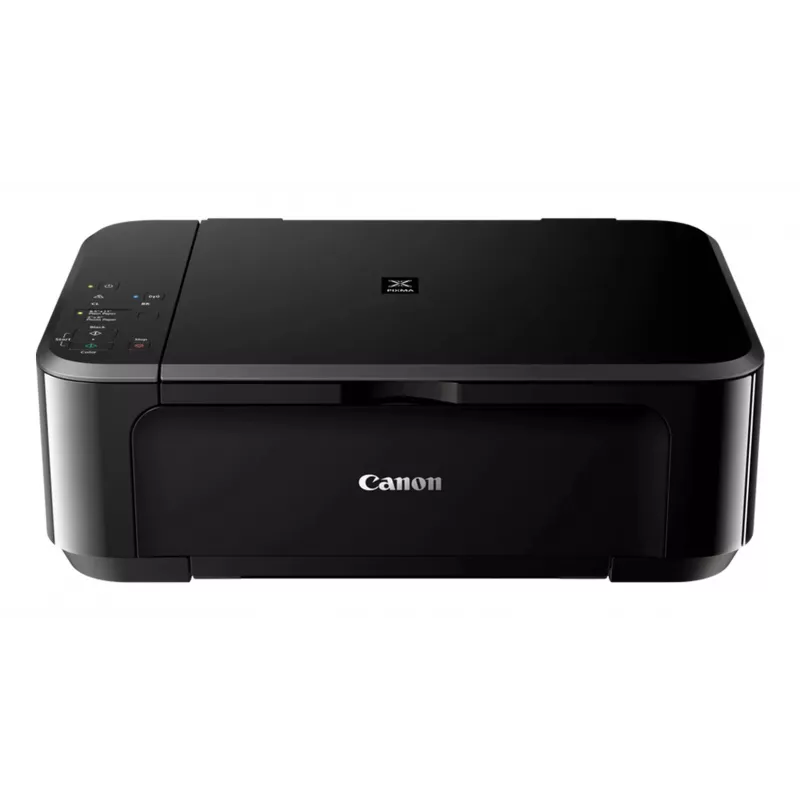
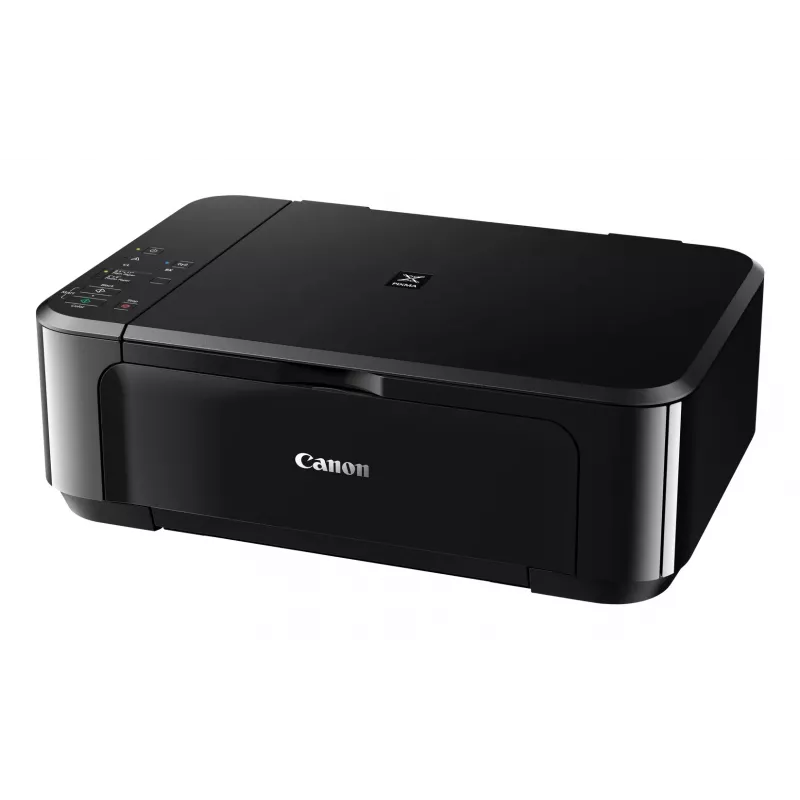
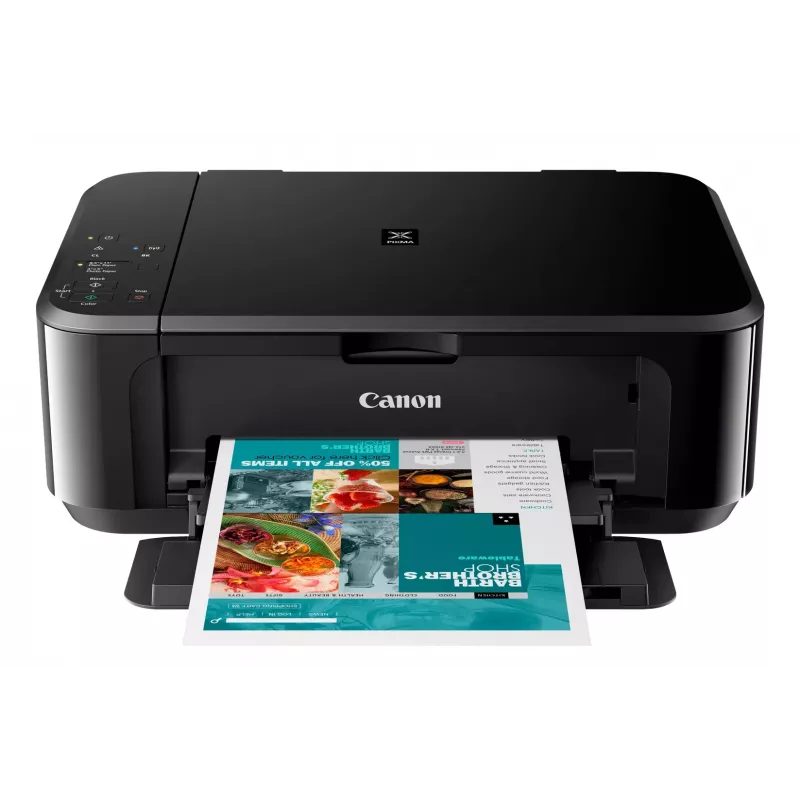
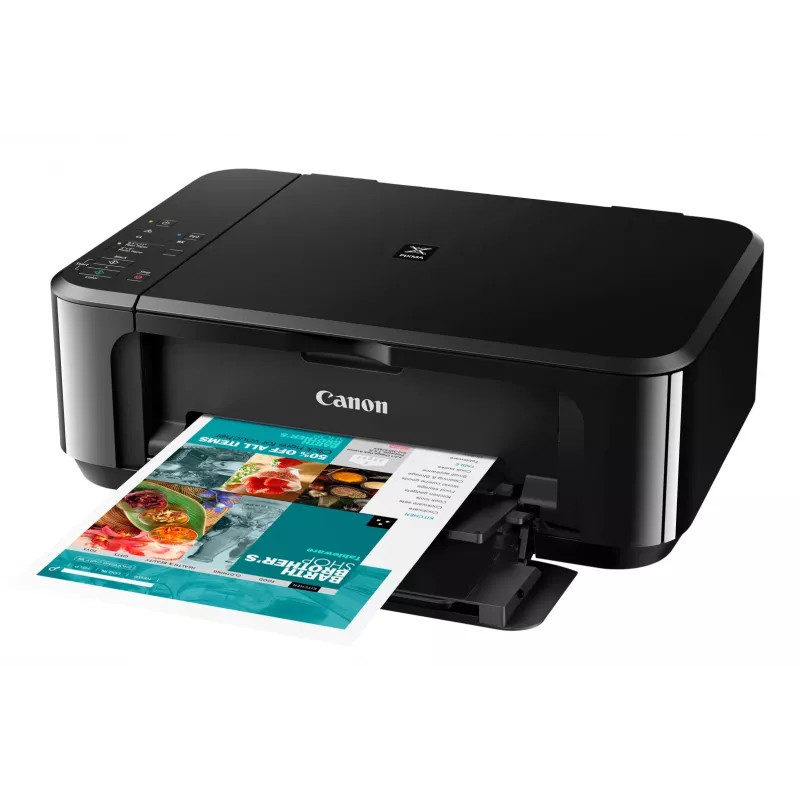
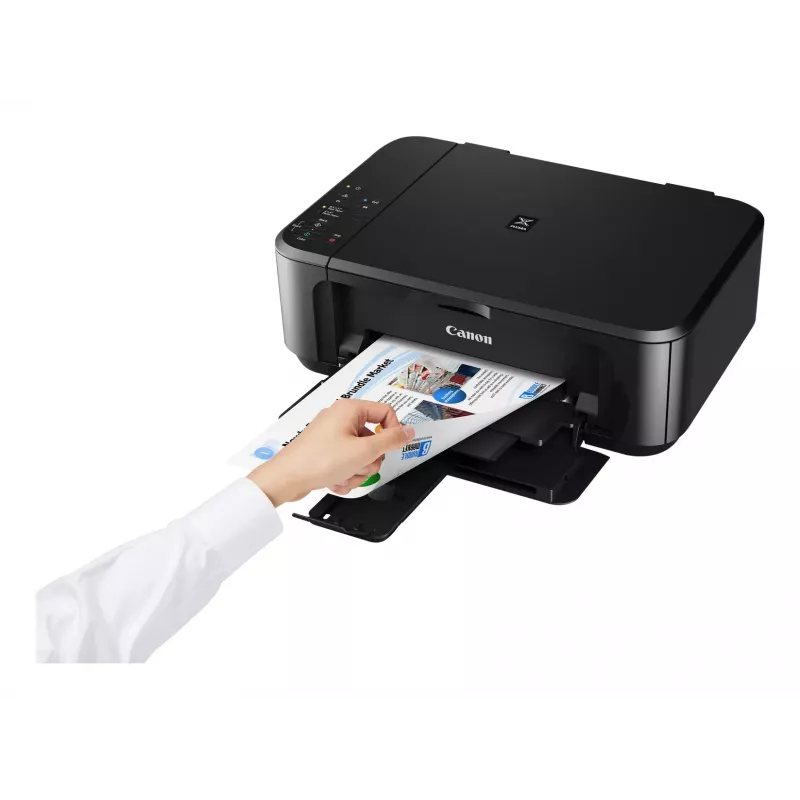
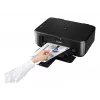
Canon PIXMA MG3650S atramentová A4 4800 x 1200 DPI Wi-Fi

Canon PIXMA MG3650S atramentová A4 4800 x 1200 DPI Wi-Fi
155,20 €
The Canon PIXMA MG3650S is a compact Wi‑Fi All‑In‑One printer designed for home and small office use. It offers printing, copying and scanning with optional XL ink cartridges and automatic double‑sided printing, enabling fast, high‑quality borderless photos up to A4 and sharp text documents. Connect... Čítať viac
Sklad Nie je skladomNie je skladom Kód 25793 Značka Canon Model 0515C106 Záruka 2 roky

Doprava a vrátenie tovaru

The Canon PIXMA MG3650S is a compact Wi‑Fi All‑In‑One printer designed for home and small office use. It offers printing, copying and scanning with optional XL ink cartridges and automatic double‑sided printing, enabling fast, high‑quality borderless photos up to A4 and sharp text documents. Connectivity options include wireless printing from smartphones and tablets via the Canon PRINT app and direct access to cloud services through PIXMA Cloud Link.

Advantages

This All‑In‑One provides borderless photo printing from 4x6 inch to A4, clear document text and straightforward mobile operation. Integrated cloud connectivity (Google Drive, OneDrive, Dropbox) and the ability to scan or send files by email without a PC increase workflow flexibility. Optional XL cartridges and automatic two‑sided printing reduce consumable costs and paper use.

Key specifications

  • Model: Canon PIXMA MG3650S
  • Functions: Print, copy, scan
  • Connectivity: Wi‑Fi, Canon PRINT app, PIXMA Cloud Link
  • Photo printing: Borderless up to A4; supports 4x6 inch
  • Ink options: Standard and optional XL cartridges (genuine Canon ink required for some cloud/scan functions)
  • Duplex: Automatic 2‑sided printing

How to use

Install the Canon PRINT app on your smartphone or tablet and follow the on‑screen instructions to connect the PIXMA MG3650S to your Wi‑Fi network. Load paper or photo media into the paper tray, select print, copy or scan from the device or app, and choose settings such as borderless printing or double‑sided output. To scan to cloud services or email directly from the printer, sign in to PIXMA Cloud Link within the app and use genuine Canon ink if required for scan‑to‑cloud/email features.

Recommendations

For lower running costs choose optional XL ink cartridges and enable automatic duplex printing where appropriate. Use genuine Canon ink to ensure full functionality of scan‑to‑cloud and scan‑to‑email services and to maintain print quality.
Hlavné vlastnosti
  • Home & office Inkjet Colour printing
  • 4800 x 1200 DPI
  • A4
  • Colour copying Colour scanning
  • Apple AirPrint, Google Cloud Print, Mopria Print Service, PIXMA Cloud Link
  • Direct printing
  • USB port Wi-Fi
  • 5.4 kg
Parametre
Bezpečnostné algoritmy
WEP, WPA-PSK, WPA2-PSK
Dodávaný softvér
MP Driver including Scanning Utility My Image Garden with Full HD Movie Print 9 Quick Menu Easy-WebPrint EX (download)
Ethernet LAN
No
Farba produktu
Black
Faxovanie
No
Formáty fotografického papiera (palce)
10x15,13x18,20x25
Formáty ISO radu A (A0...A9)
A4, A5
Formáty ISO radu B (B0...B9)
B5
Formáty obálok
10, DL
Formáty tlačových médií mimo ISO
Legal, Letter
Hladina akustického výkonu (pohotovostný režim)
43.5 dB
Hĺbka
304 mm
Hmotnosť
5.4 kg
Kód harmonizovaného systému (HS)
84433100
Kopírovanie
Colour copying
Maximálna oblasť skenovania
216 x 297 mm
Maximálna vstupná kapacita
100 sheets
Maximálne rozlíšenie
4800 x 1200 DPI
Maximálny formát papiera ISO radu A
A4
Maximálny počet kópií
21 copies
Obojstranná tlač
Yes
PictBridge
Yes
Počet tlačových kaziet
2
Podporované mobilné operačné systémy
Android, iOS
Podporované operačné systémy Mac
Yes
Podporované operačné systémy Windows
Yes
Prevádzková teplota (T-T)
5 - 35 °C
Priama tlač
Yes
Relatívna vlhkosť pri prevádzke (H-H)
10 - 90%
Režim obojstrannej tlače
Auto
Rozlíšenie optického skenovania
1200 x 2400 DPI
Rýchlosť tlače (ISO/IEC 24734) čiernobiela
9.9 ipm
Rýchlosť tlače (ISO/IEC 24734) farebná
5.7 ipm
Šírka
449 mm
Skenovanie
Colour scanning
Spotreba energie (kopírovanie)
16 W
Spotreba energie (priemerná prevádzka)
16 W
Spotreba energie (standby)
1.4 W
Spotreba energie (vypnuté)
0.1 W
Štandardné rozhrania
USB, Wireless LAN
Štandardy Wi-Fi
802.11b, 802.11g, Wi-Fi 4 (802.11n)
Technológia skenovania
CIS
Technológia tlače
Inkjet
Technológie mobilnej tlače
Apple AirPrint, Google Cloud Print, Mopria Print Service, PIXMA Cloud Link
Tlač
Colour printing
Typ skenera
Flatbed scanner
Typ vstupu papiera
Paper tray
Typy médií v zásobníku papiera
Envelopes, Glossy paper, High resolution paper, Matte paper, Photo paper, Plain paper, Semi-glossy paper, T-shirt Transfer
Umiestnenie na trhu
Home & office
USB port
Yes
Vstavaný displej
No
Vstupná farebná hĺbka
48 bit
Vstupná frekvencia AC
50 - 60 Hz
Vstupné napätie AC
100 - 240 V
Výška
152 mm
Výstupná farebná hĺbka
24 bit
Wi-Fi
Yes
Vývoj ceny zatiaľ nie je k dispozícii
Stále zhromažďujeme dostatok denných údajov o cenách tohto produktu.

Napísať recenziu

Hodnotenie *
Vaše meno sa zobrazí verejne – môžete použiť prezývku. Kupujúcich pozývame, aby písali recenzie; pred zverejnením ich kontrolujeme a zverejňujeme aj kritické.

Recenzie expertov

Nezávislé recenzie technických médií

goodhousekeeping.comThe
7.8/10

Verdikt: At just shy of £40, the Canon Pixma MG3650S is reasonably priced and delivers impressive print quality as well as fast scanning. So, if you're after a budget printer that develops sharp and vibrant photos, it's definitely worth your while. It worked quick...

Výhody
  • It's straightforward to set up and use
  • You can set the printer to automatically print on both sides of paper
  • It's really easy to print from your smartphone or tablet thanks to the Canon Print app, and you can print straight from a digital camera using P
Nevýhody
  • There's no memory card slot or LCD screen to print photos from
  • The output tray doesn't always catch the pages after they've been printed
Prečítajte si celú recenziu na goodhousekeeping.com →
techadvisor.co.ukCliff
6/10

Verdikt: The high cost of Canon's black ink cartridges means that the MG3650 isn't a good choice for people who mostly just need to print simple text documents. Fortunately colour printing is far more competitive, so it's worth considering if you need a versatile...

Prečítajte si celú recenziu na techadvisor.co.uk →

Populárne produkty v tejto kategórii

Predajca: UAB KUR LT · Laisvės pr. 125A, LT-06118 Vilnius, Litva · IČO 303192950 · IČ DPH LT100008198612 · Odoslanie z EÚ (Litva)
Dobrý deň, som AI asistent DistriNode. Pomôžem Vám nájsť produkty, porovnať možnosti, vytvoriť cenovú ponuku v PDF alebo otvoriť požiadavku na podporu.
Všetky kategórie