
Účet Kontakt
Váš košík
Doručenie cez DPD a FedEx
Pomoc? Opýtajte sa AI

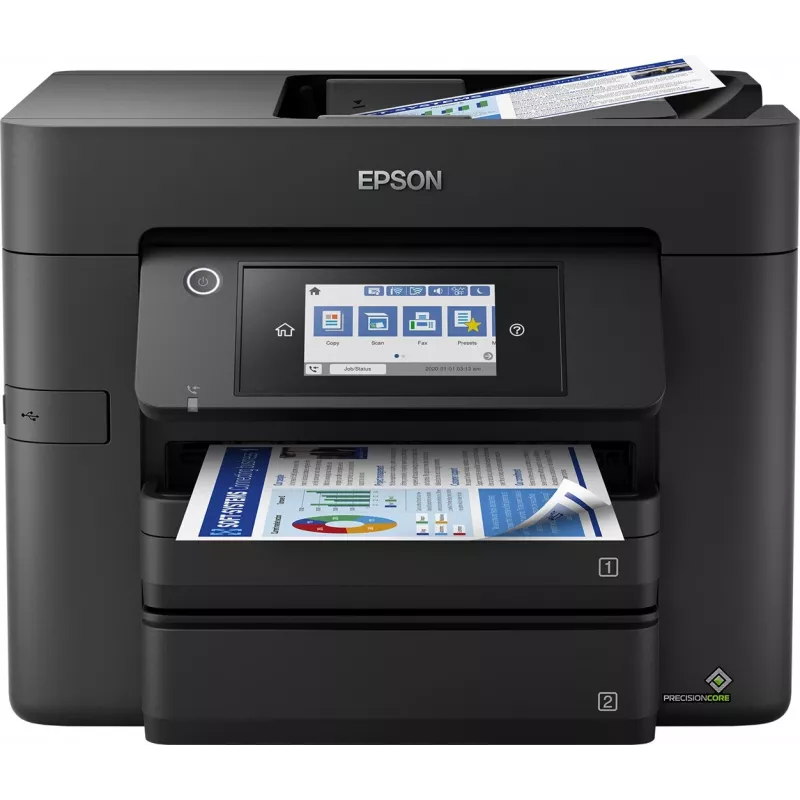
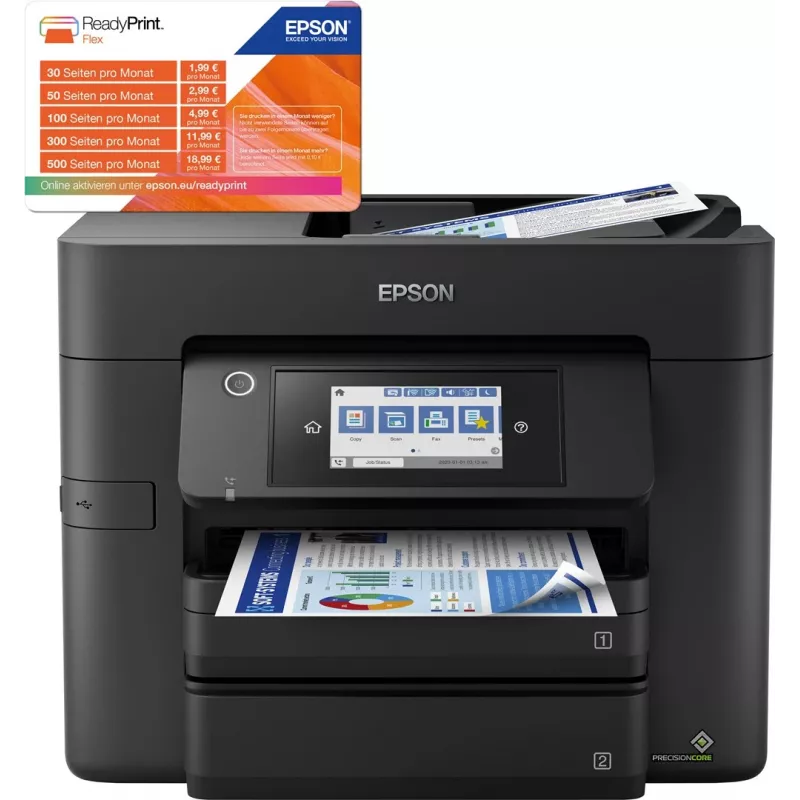
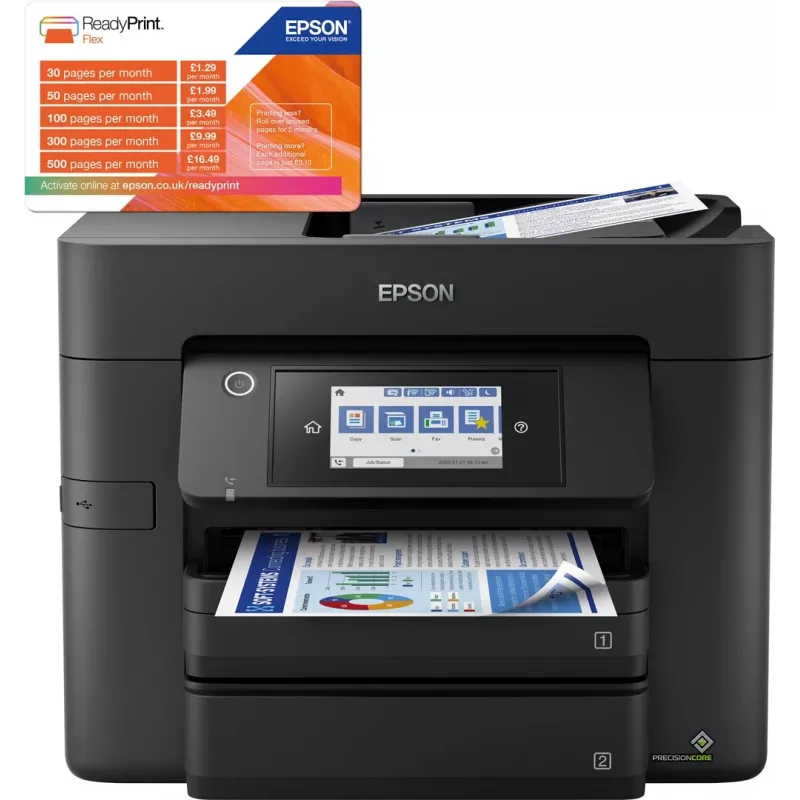
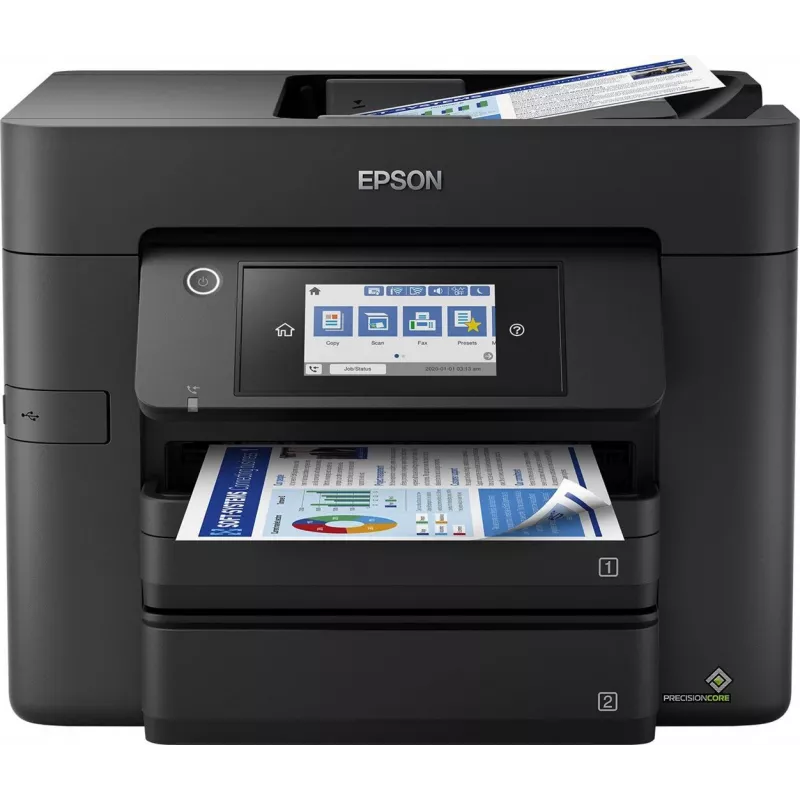
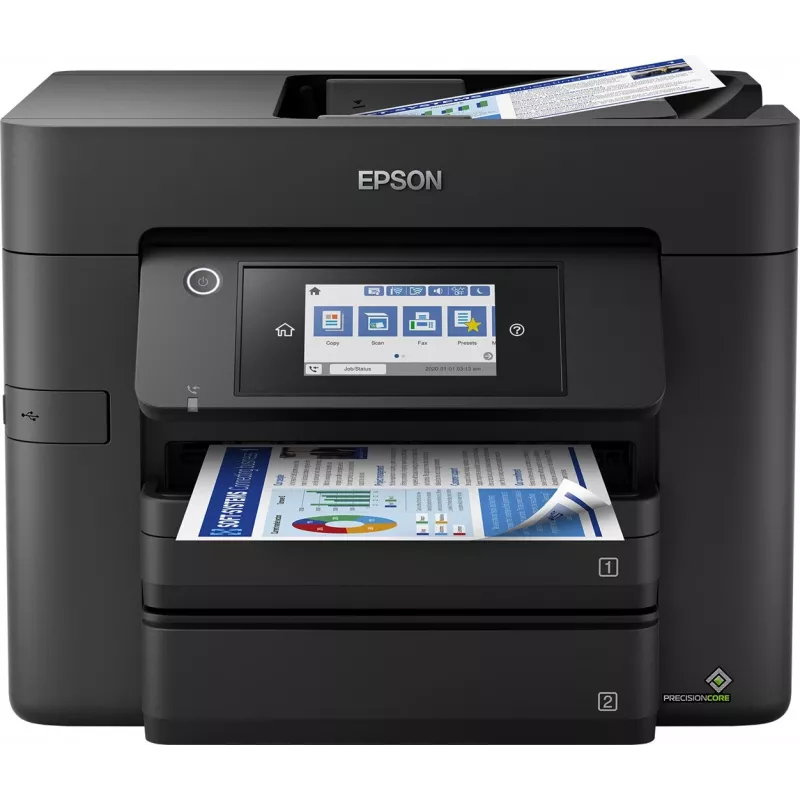
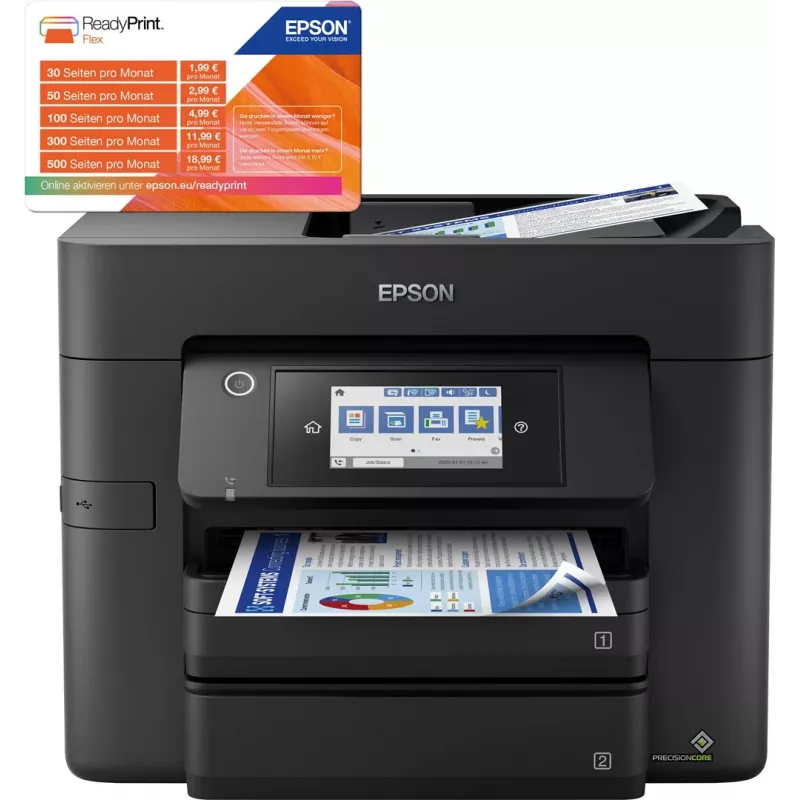
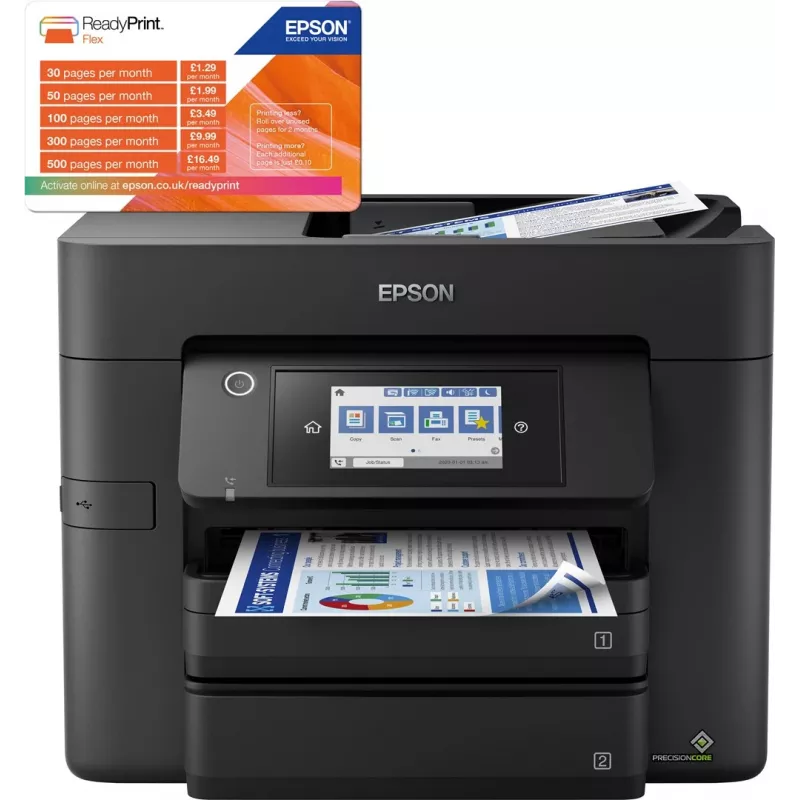
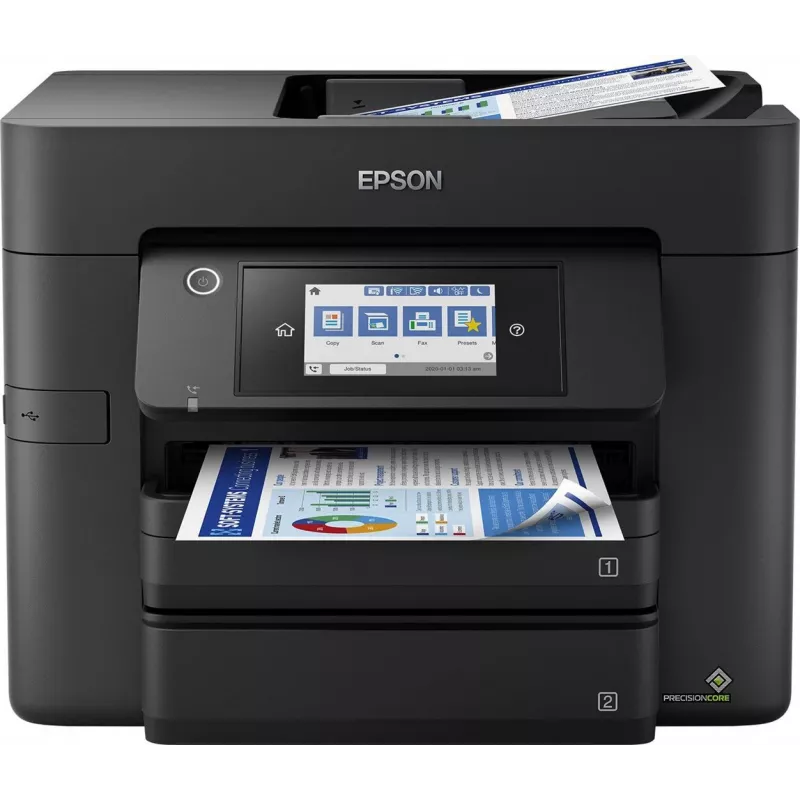
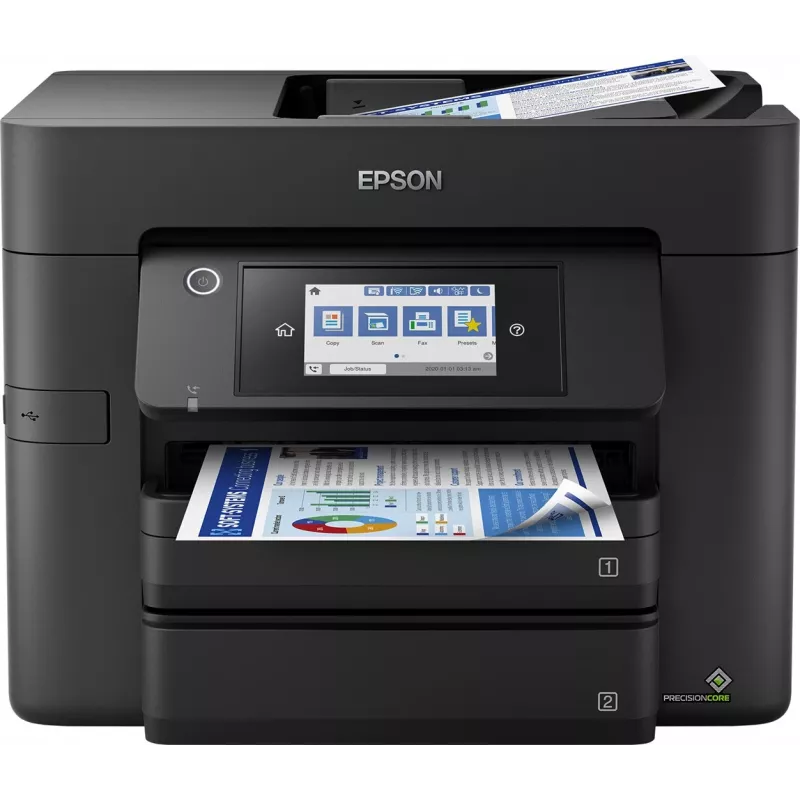
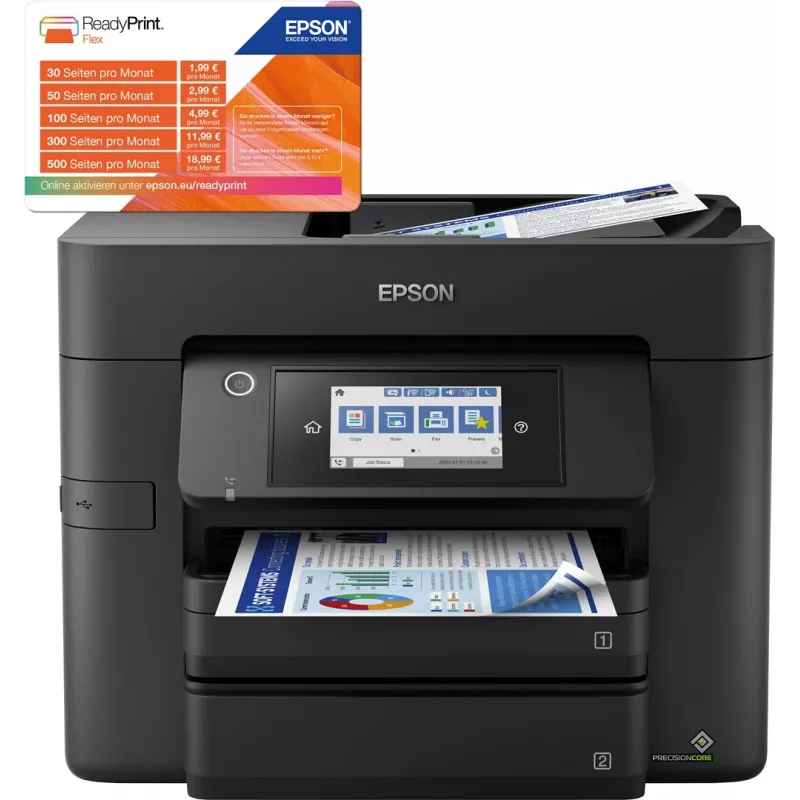
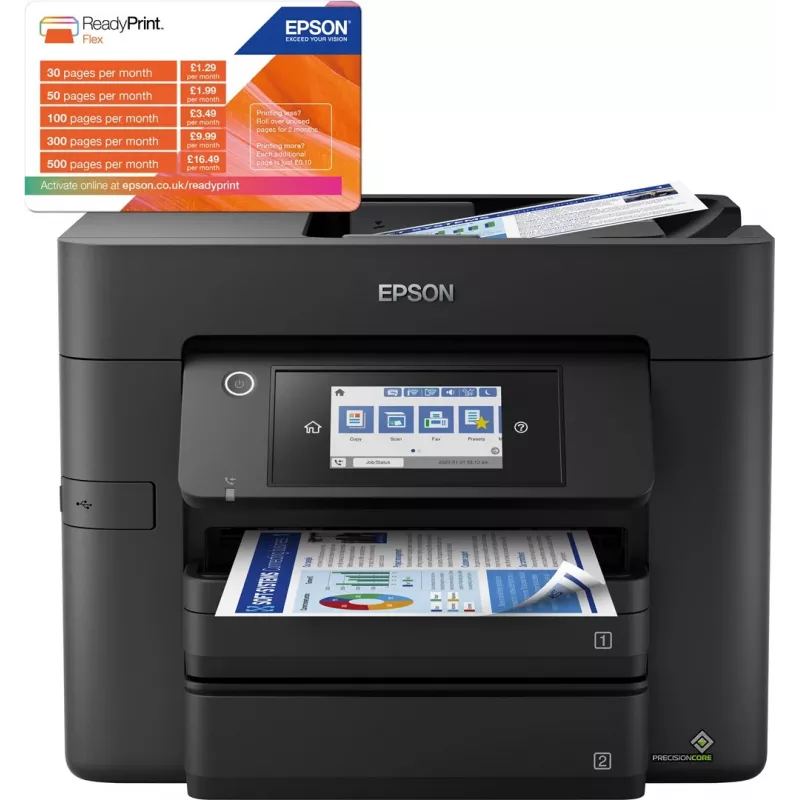
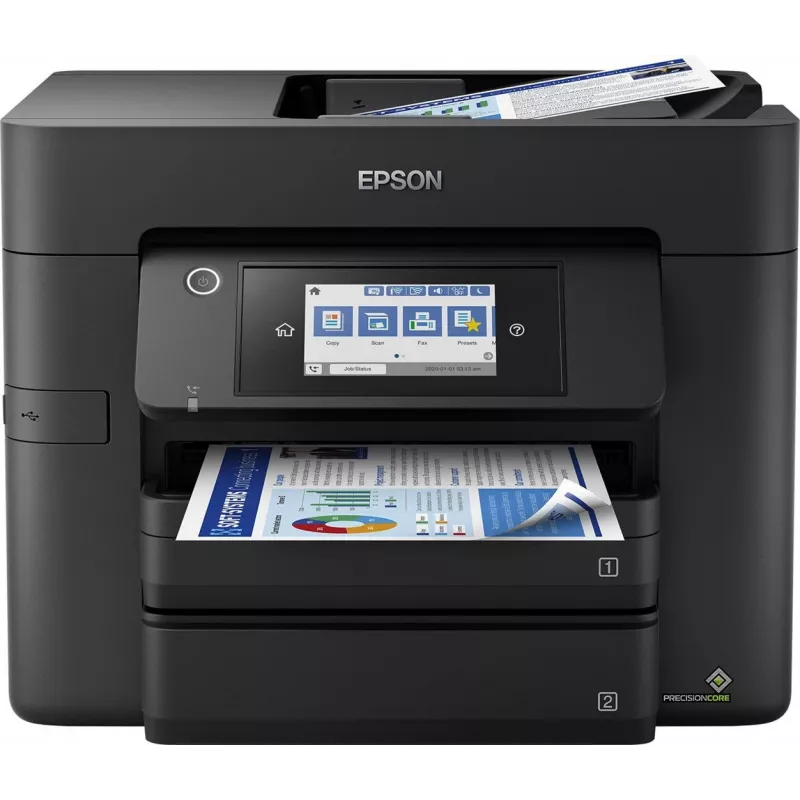
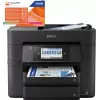
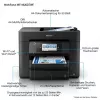
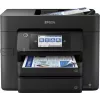
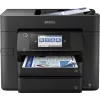
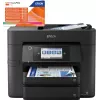
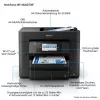
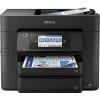
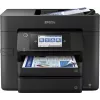
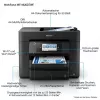
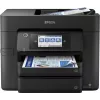
Epson WorkForce Pro WF-4830DTWF atramentová A4 4800 x 2400 DPI 36 ppm Wi-Fi

Epson WorkForce Pro WF-4830DTWF atramentová A4 4800 x 2400 DPI 36 ppm Wi-Fi
215,68 €
Expand your potential with this A4 multifunction inkjet. It offers high-quality, low-cost-printing and flexible wireless solutions.Think big with this high-quality multifunction with single and double-sided printing, scanning and fax all up to A4. You’ll stride through tasks with print speeds of up ... Čítať viac
Sklad 3 Kód 117170 Značka EPSON Model C11CJ05402 Záruka 2 roky

Doprava a vrátenie tovaru

Predpokladané doručenie utorok, októbra 20
O stave zásielky Vás budeme priebežne informovať prostredníctvom nášho podrobného systému sledovania zásielok
Možnosti platby
Platobná kartaVisaMastercardPayPalApple PayGoogle PayBankový prevod
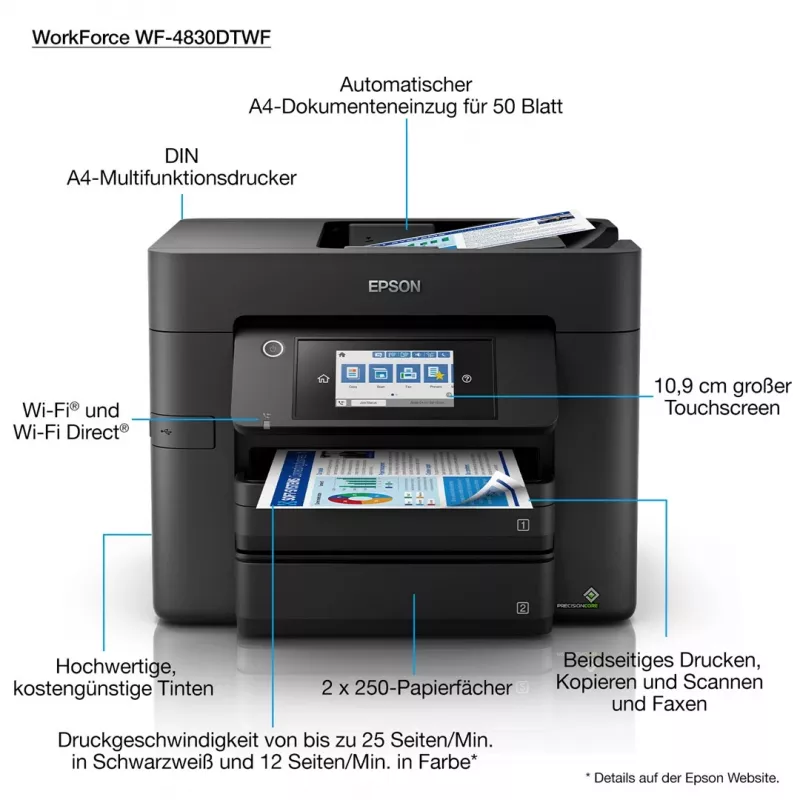
Expand your potential with this A4 multifunction inkjet. It offers high-quality, low-cost-printing and flexible wireless solutions.

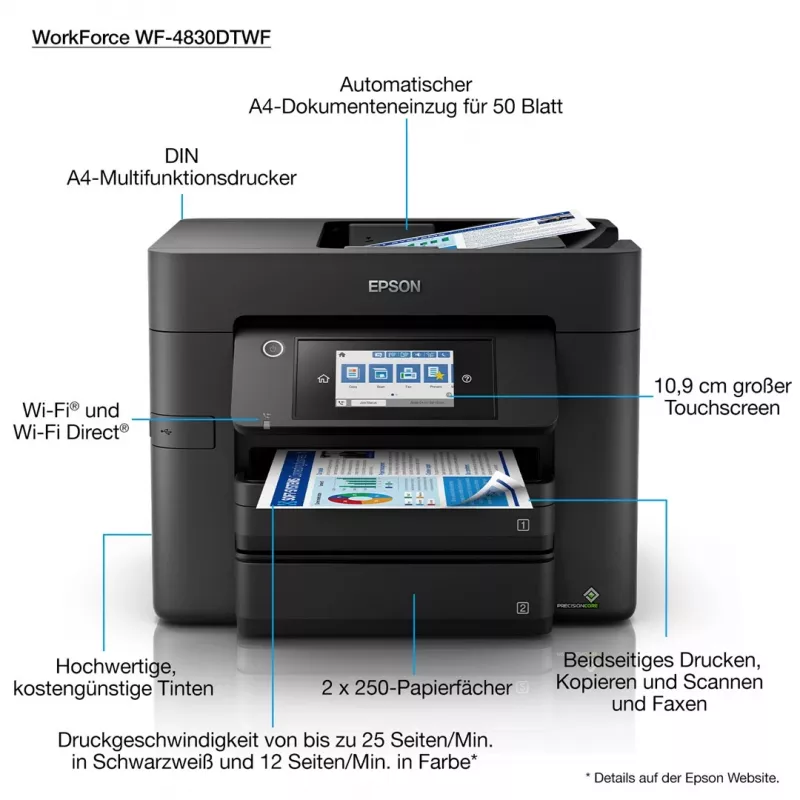
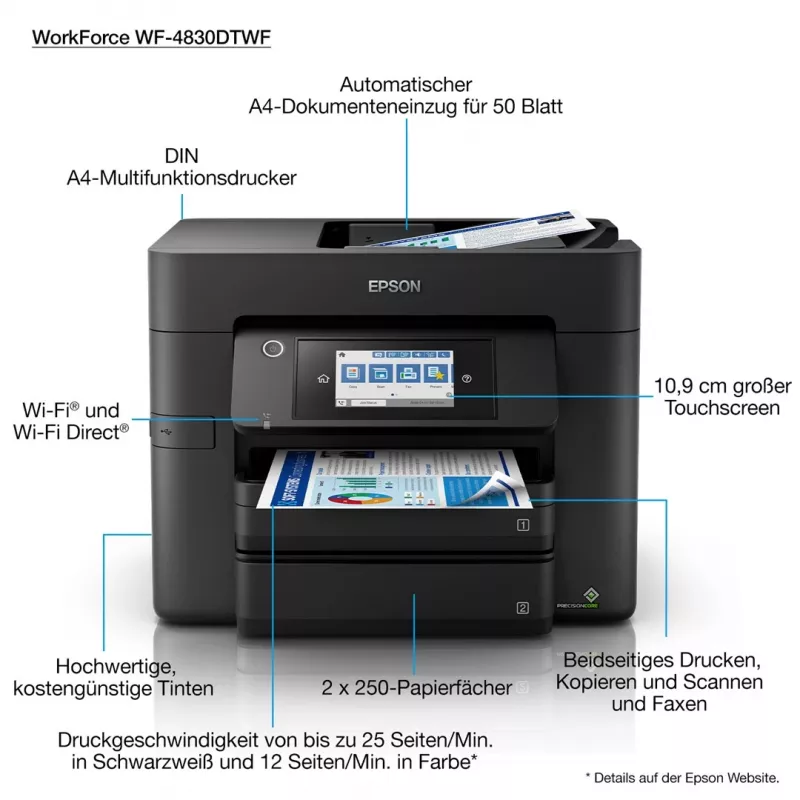
Think big with this high-quality multifunction with single and double-sided printing, scanning and fax all up to A4. You’ll stride through tasks with print speeds of up to 25ppm¹ in black and a 50 page A4 automatic document feeder (ADF). And that’s not forgetting its cost-effective inks and flexible wireless connectivity solutions such and Scan-to-cloud².

Professional A4 printing
This A4 multifunction printer will meet the needs of even the most demanding home office and small office users. It offers double-sided (duplex) printing, scanning and faxing all up to A4, plus its automatic document feeder can process up to 50 double-sided A4 pages. Furthermore, its PrecisionCore printhead produces high-quality, laser-like prints.

Enhance your productivity
This efficient, reliable and fast model offers A4 double-sided printing and print speeds of 25ppm in black and 12ppm in colour¹. It’s also simple to operate directly thanks to its intuitive user interface and 10.9cm touchscreen.

Minimise your outgoings
Dramatically reduce your costs; this printer is compatible with individual inks which are are 50% more efficient compared to tri-colour cartridges³. Giving great value for money, cartridges are available in standard and XL, with the highest yield delivering up to 1,100 pages⁴.

Flexible wireless solutions
Print from anywhere in the office with Wi-Fi connectivity or use Wi-Fi Direct to print from compatible wireless devices without a Wi-Fi network. Epson's free mobile printing apps and solutions provide further versatility; Email Print allows you to send items to print from almost anywhere in the world². And with Scan-to-Cloud, you can enjoy the benefits of collaborative working².

Epson WorkForce Pro WF-4830DTWF. Print technology: Inkjet, Printing: Colour printing, Maximum resolution: 4800 x 2400 DPI, Print speed (colour, normal quality, A4/US Letter): 22 ppm. Copying: Colour copying. Scanning: Colour scanning, Optical scanning resolution: 1200 x 1200 DPI. Maximum ISO A-series paper size: A4. Wi-Fi. Product colour: Black

Hlavné vlastnosti
  • High-quality A4 multifunction: Double-sided print, scan, copy and fax - all A4
  • Fast business-quality printing: 25ppm in black and 12ppm in colour¹
  • Cost-effective inks: Individual inks are 50% more efficient compared to tri-colour cartridges³
  • Wireless solutions: Ethernet, Wi-Fi, Wi-Fi Direct and Scan-to-Cloud²
  • Epson's free mobile printing apps: Freedom to print and scan from almost anywhere²
  • Home & office Inkjet Colour printing
  • 4800 x 2400 DPI
  • Printing colours: Black, Cyan, Magenta, Yellow
  • A4 36 ppm
  • Colour copying Colour scanning
  • Epson Connect, Epson iPrint, Epson Email Print, Epson Remote Print, Apple AirPrint, Mopria Print Service
  • USB port Wi-Fi Ethernet LAN Near Field Communication (NFC)
  • 11.9 kg
Parametre
Automatický podávač dokumentov (ADF)
Yes
Bezpečnostné algoritmy
64-bit WEP, 128-bit WEP, WPA-PSK, WPA-TKIP
Čas do prvej strany (čierna, normálna)
5.5 s
Čas do prvej strany (farebná, normálna)
8.5 s
Celková výstupná kapacita
80 sheets
Celkový počet vstupných zásobníkov
2
Displej
LCD
Dotyková obrazovka
Yes
Ethernet LAN
Yes
Farba produktu
Black
Farby tlače
Black, Cyan, Magenta, Yellow
Farebný displej
Yes
Formáty fotografického papiera
10x15,13x18 cm
Formáty ISO radu A (A0...A9)
A4, A5, A6
Formáty ISO radu B (B0...B9)
B5
Formáty obálok
C6, DL
Formáty tlačových médií mimo ISO
Legal, Letter
Gramáž média v zásobníku papiera
65 - 255 g/m²
Hĺbka
388 mm
Hĺbka balenia
480 mm
Hmotnosť
11.9 kg
Hmotnosť balenia
14.1 kg
Hmotnosť palety (UK)
0 g
Hrubá hmotnosť palety
0 g
Integrovaná čítačka kariet
No
Jazyky popisu stránky
ESC/P-R
Káble v balení
AC
Kazety súčasťou balenia
Yes
Kód harmonizovaného systému (HS)
84433100
Kompatibilné operačné systémy
Mac OS X 10.6.8 or later, Windows 10 (32/64 bit), Windows 7 (32/64 bit), Windows 8 (32/64 Bit), Windows 8.1 (32/64 bit), Windows Server 2008 (32/64 Bit), Windows Server 2008 R2, Windows Server 2012 (64bit), Windows Server 2012 R2, Windows Server 2016, Windows Vista (32/64 Bit), Windows XP Professional x64 Edition SP2 or later, Windows XP SP3 or later (32-bit), Windows Server 2003 R2, Windows Server 2003 SP2 or later
Komunikácia blízkeho poľa (NFC)
Yes
Kopírovanie
Colour copying
Krajina pôvodu
Indonesia
Maximálna vstupná kapacita
500 sheets
Maximálne rozlíšenie
4800 x 2400 DPI
Maximálny formát papiera ISO radu A
A4
Maximálny pracovný cyklus
33000 pages per month
Množstvo v balení
1 pc(s)
Obojstranná tlač
Yes
Obojstranné skenovanie
Yes
Odporúčaný pracovný cyklus
200 - 1700 pages per month
Ovládače súčasťou balenia
Yes
Počet používateľov
4 user(s)
Počet produktov na palete
10 pc(s)
Počet produktov na palete (UK)
20 pc(s)
Počet tlačových kaziet
4
Podporované formáty dokumentov
PDF
Podporované formáty obrázkov
BMP, JPEG, TIFF, PNG
Podporované operačné systémy Mac
Mac OS X 10.6 Snow Leopard
Podporované operačné systémy Windows
Windows 10, Windows 10 x64, Windows 7, Windows 7 x64, Windows 8, Windows 8 x64, Windows 8.1, Windows 8.1 x64, Windows Vista, Windows Vista x64, Windows XP Professional x64, Windows XP
Podporované serverové operačné systémy
Windows Server 2008, Windows Server 2008 x64, Windows Server 2008 R2, Windows Server 2012 x64, Windows Server 2012 R2, Windows Server 2016, Windows Server 2003 R2, Windows Server 2003
Podporované sieťové protokoly
TCP/IPv4, TCP/IPv6
Protokoly správy
SNMP, HTTP, DHCP, BOOTP, APIPA, DDNS, mDNS, SNTP, SLP, WSD, LLTD, Ping
Rozlíšenie optického skenovania
1200 x 1200 DPI
Rýchlosť obojstrannej tlače (čierna, normálna kvalita, A4/US ...
16 ppm
Rýchlosť obojstrannej tlače (farebná, normálna kvalita, A4/US...
9 ppm
Rýchlosť obojstrannej tlače (ISO/IEC 24734, A4) čierna
16 ppm
Rýchlosť obojstrannej tlače (ISO/IEC 24734, A4) farebná
9 ppm
Rýchlosť tlače (čierna, normálna kvalita, A4/US Letter)
36 ppm
Rýchlosť tlače (farebná, normálna kvalita, A4/US Letter)
22 ppm
Rýchlosť tlače (ISO/IEC 24734) čierna
25 ppm
Rýchlosť tlače (ISO/IEC 24734) farebná
12 ppm
Šírka
425 mm
Šírka balenia
436 mm
Skenovanie
Colour scanning
Skenovať do
Cloud
Spôsob tlače
Epson PrecisionCore
Spotreba energie (kopírovanie)
22 W
Spotreba energie (pohotovostný režim)
8.6 W
Spotreba energie (vypnuté)
0.2 W
Štandardy Wi-Fi
802.11b, 802.11g, Wi-Fi 4 (802.11n)
Technológia skenovania
CIS
Technológia tlače
Inkjet
Technológie mobilnej tlače
Epson Connect, Epson iPrint, Epson Email Print, Epson Remote Print, Apple AirPrint, Mopria Print Service
Tlač
Colour printing
Trysky tlačovej hlavy
800 nozzles black, 256 nozzles per colour
Typ ovládania
Touch
Typy médií v zásobníku papiera
Envelopes, Photo paper, Plain paper
Uhlopriečka displeja
10.9 cm (4.3")
Umiestnenie na trhu
Home & office
USB port
Yes
Veľkosť kvapky atramentu
3.8
Vstavaný displej
Yes
Vstupná kapacita automatického podávača dokumentov (ADF)
50 sheets
Výška
330 mm
Výška balenia
405 mm
Wi-Fi
Yes
Záručný list
Yes
Vývoj ceny za posledných 6 mesiacov
Epson WorkForce Pro WF-4830DTWF atramentová A4 4800 x 2400 DPI 36 ppm Wi-Fi
Aktuálna
215,68 €
Najnižšia
182,18 €
Najvyššia
218,68 €
Zmena za 24 h
+0,00 €   +0%
Týždeň
-2,99 €   -1%
Mesiac
+32,86 €   +18%

Nezávislé recenzie technických médií

rtings.comOlivier
7.8/10

“The Epson WorkForce Pro WF-4830 is an all-in-one inkjet printer. It uses a four-cartridge system with Cyan, Magenta, Yellow, and Black ink, and it's compatible with Epson's T822 and T822XL ink cartridges.”

Výhody
  • Feels very well-built
  • Low cost-per-print
  • Automatic feeder with duplex scanning
  • Large input tray capacity
  • Prints black documents quickly
Nevýhody
  • Low black page yield
  • Slow color document printing speed
Prečítajte si celú recenziu na rtings.com →
pcmag.comWilliam
8/10

Verdikt: The WorkForce Pro WF-4830 all-in-one printer is fast and comes with two deep paper drawers and an auto-duplexing ADF. It prints good-looking text, photos, and graphics, making it a great choice for small offices with moderate printing needs...

Výhody
  • Fast and excellent PrecisionCore output
  • Spacious 4
  • 3-inch touch screen
  • Broad mobile device support
  • USB thumb drive support
  • Two large paper drawers
  • Auto-duplexing ADF
  • Relatively low purchase price for what you get
Nevýhody
  • Lacks multipurpose tray or slot
  • High cost per page
Prečítajte si celú recenziu na pcmag.com →
the-gadgeteer.comMike

Verdikt: I haven't bought a new printer in quite a few years, and I have to say that I'm impressed with the Epson WorkForce Pro WF-4830 Wireless All-in-One Printer. It had features that I didn't expect, like the saving of scans to an FTP folder. The wireless conne...

Výhody
  • Ability to operate from the computer or the printer and send items to various locations
  • 2-Sided printing
  • Very nice touch screen
  • Auto Document Feeder for scanning and copying
  • Phone connectivity smart app
Nevýhody
  • The setup program needs to prompt for WiFi connection and password
Prečítajte si celú recenziu na the-gadgeteer.com →

Populárne produkty v tejto kategórii

Dobrý deň, som AI asistent DistriNode. Pomôžem Vám nájsť produkty, porovnať možnosti, vytvoriť cenovú ponuku v PDF alebo otvoriť požiadavku na podporu.