Účet Kontakt
Váš košík
Doručenie cez DPD a FedEx
Pomoc? Opýtajte sa AI

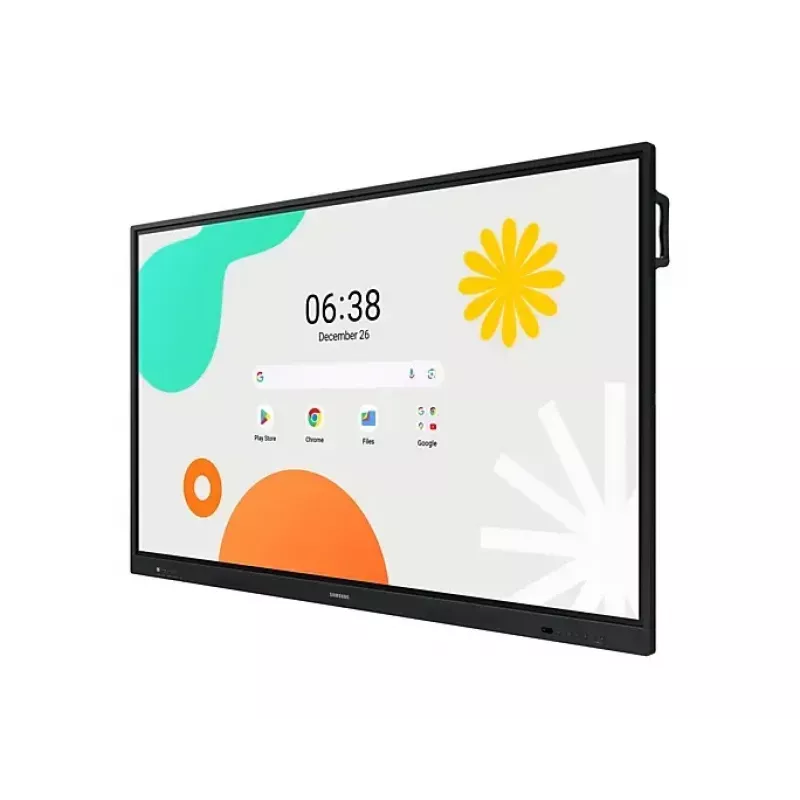
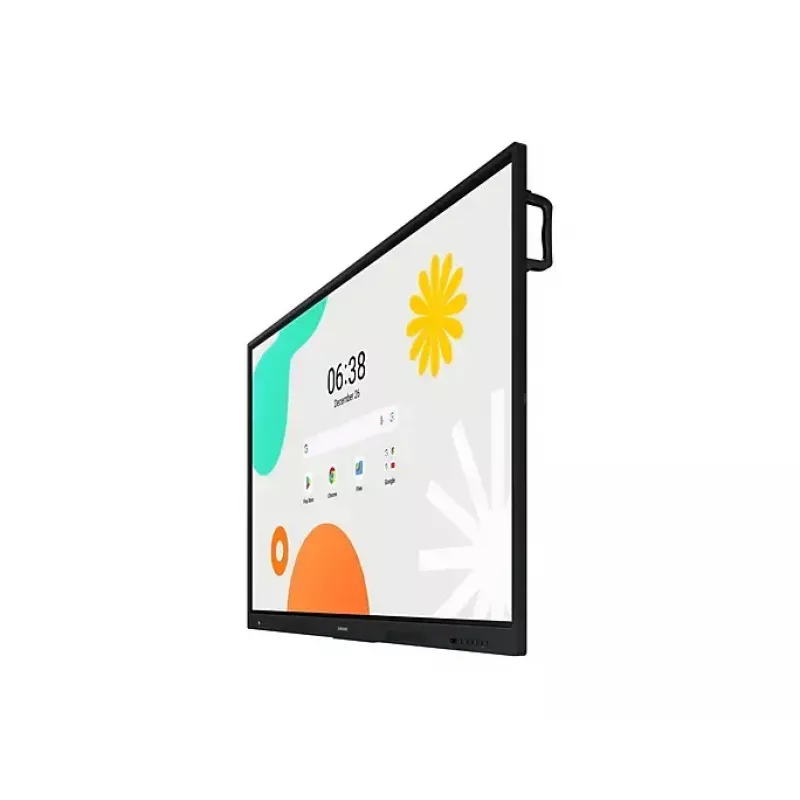
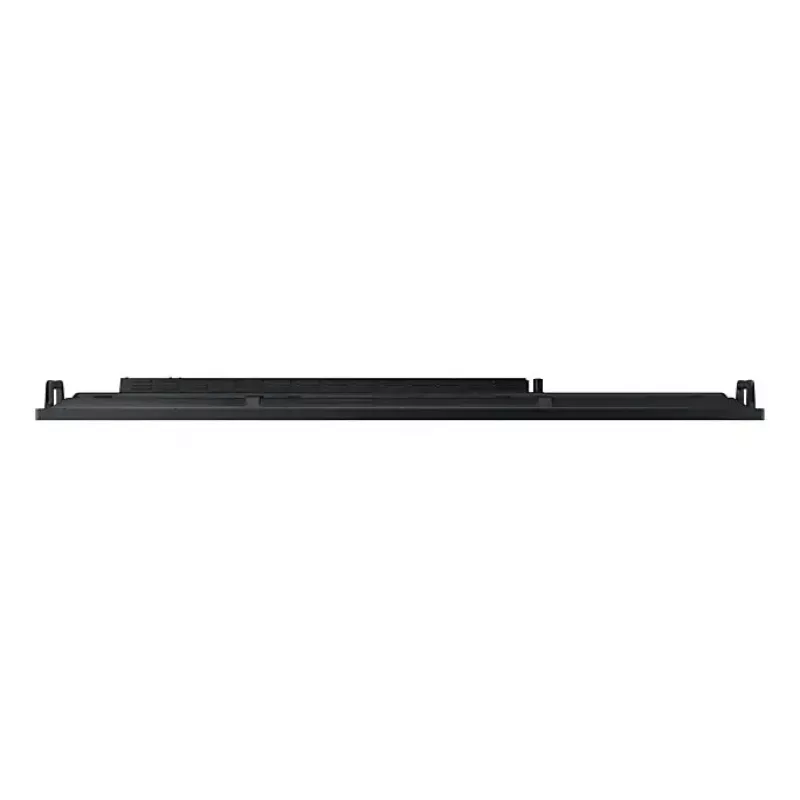
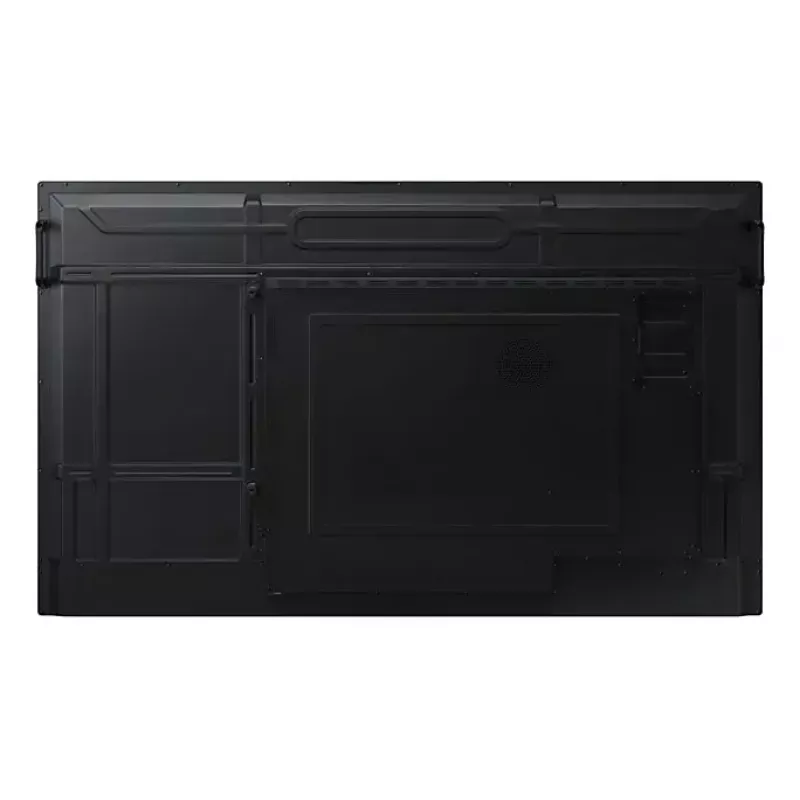
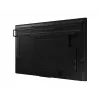
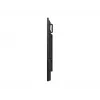
Monitor Samsung LH86WAFWLGCXEN 86" dotykový displej 3840 x 2160

Monitor Samsung LH86WAFWLGCXEN 86
36 mes.
Monitor Samsung LH86WAFWLGCXEN 86
Monitor Samsung LH86WAFWLGCXEN 86" dotykový displej 3840 x 2160
1 877,10 €
Unlimited Learning Possibilities The interactive display WAF series, powered by Android OS, enhances education with Google services and a seamless annotation function. Instantly take notes at any moment and empower students to collaborate independently in separate zones, usheri... Čítať viac
Sklad 5 Kód 4406 Značka SAMSUNG Model LH86WAFWLGCXEN Záruka 3 roky

Doprava a vrátenie tovaru

Predpokladané doručenie utorok, októbra 20
O stave zásielky Vás budeme priebežne informovať prostredníctvom nášho podrobného systému sledovania zásielok
Možnosti platby
Platobná kartaVisaMastercardPayPalApple PayGoogle PayBankový prevod
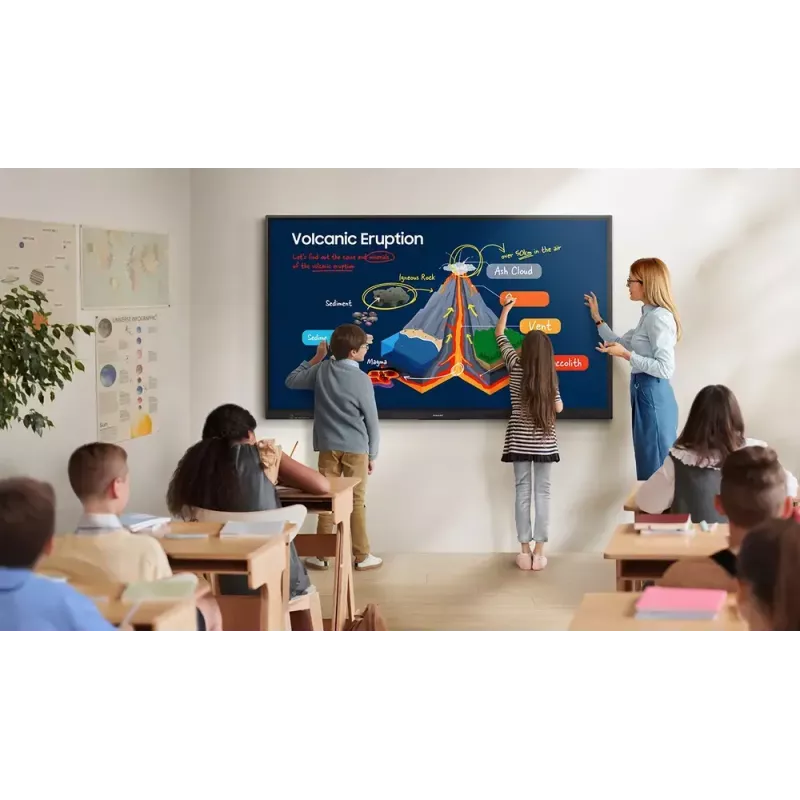
Unlimited Learning Possibilities

Unlimited Learning Possibilities

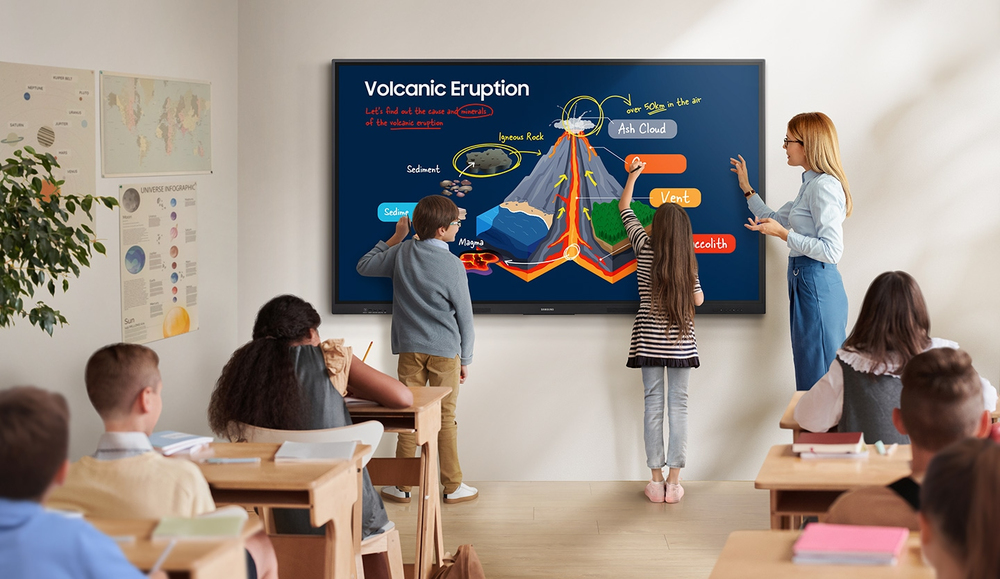
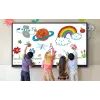
The interactive display WAF series, powered by Android OS, enhances education with Google services and a seamless annotation function. Instantly take notes at any moment and empower students to collaborate independently in separate zones, ushering in a new era of interactive education.

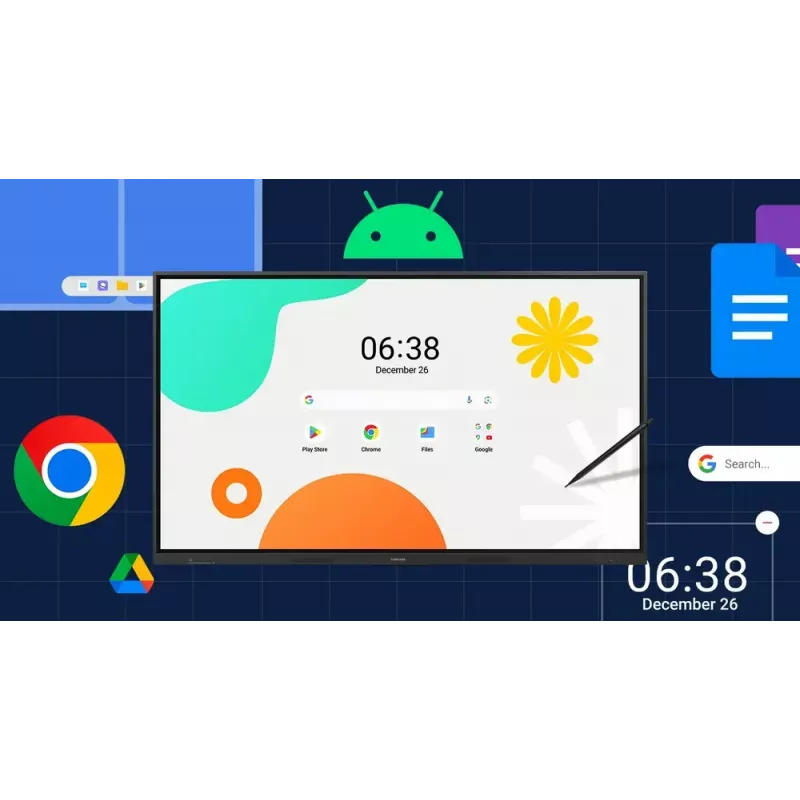
An intuitive UX that fits your needs

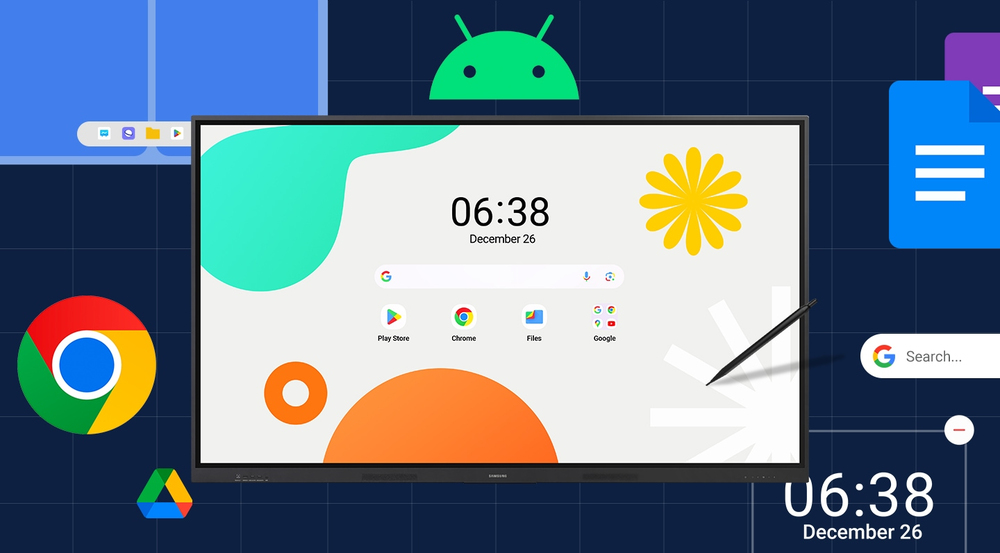
Powered by Android™The WAF series offers familiarity to its users. It's compatible with other Android devices and provides a variety of widgets and an easily customizable home screen. These features create more flexibility in building an environment that suits various learning needs.
An intuitive UX that fits your needs
Effortless access to Google services

Effortless access to Google services

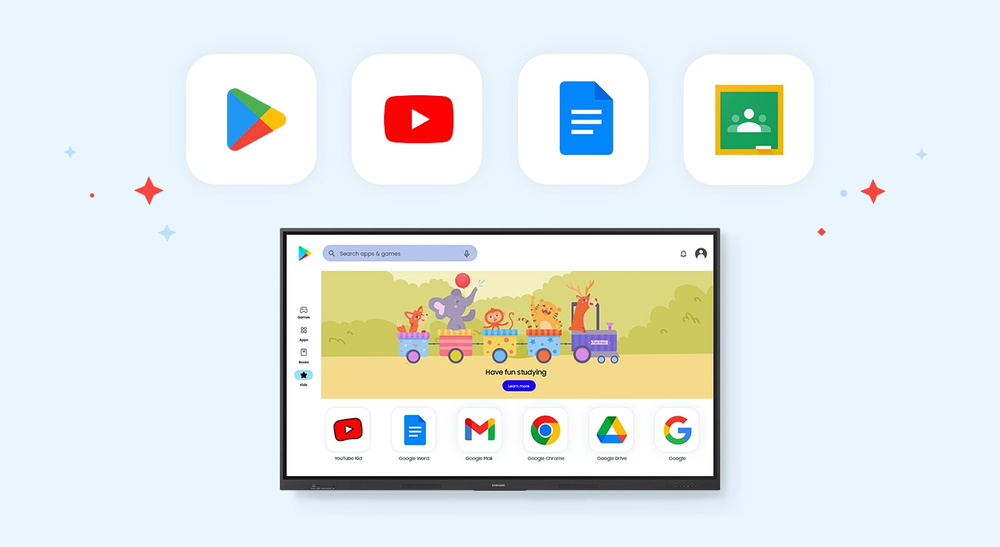
EDLA CertificationWith an EDLA certification, the WAF series supports a variety of Google services like Google Play and YouTube. This access to major educational apps like Google Classroom leads to increased efficiency and enhanced communication with students.

Take notes instantly, anywhere on the screen
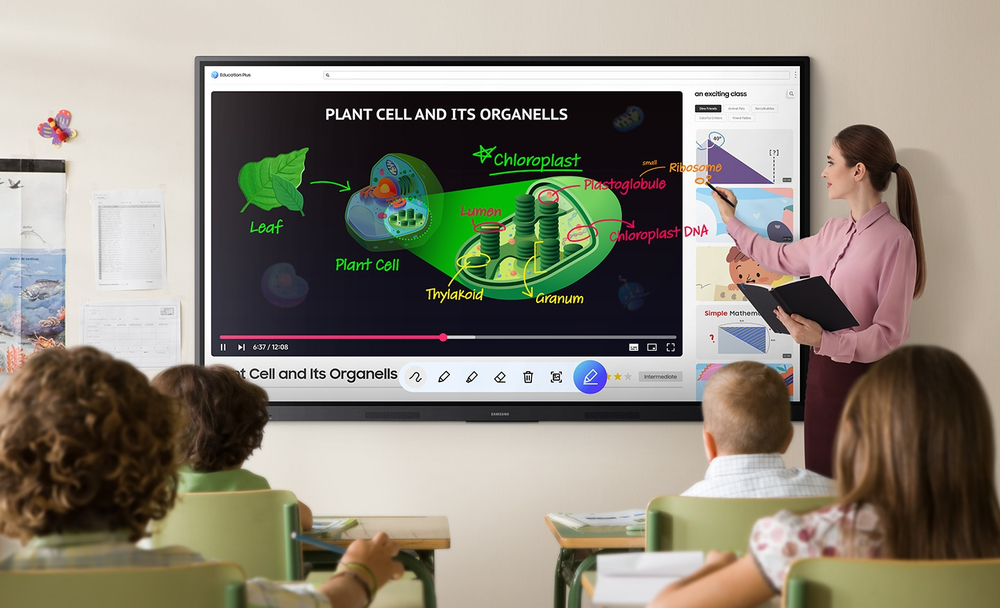
Annotation OnThe WAF series lets users take notes anytime with a simple press of the always-visible Annotation button. Whether watching a video or viewing any content, users can seamlessly annotate without interruptions, avoiding the need to capture images first and enhancing productivity.
Take notes instantly, anywhere on the screen
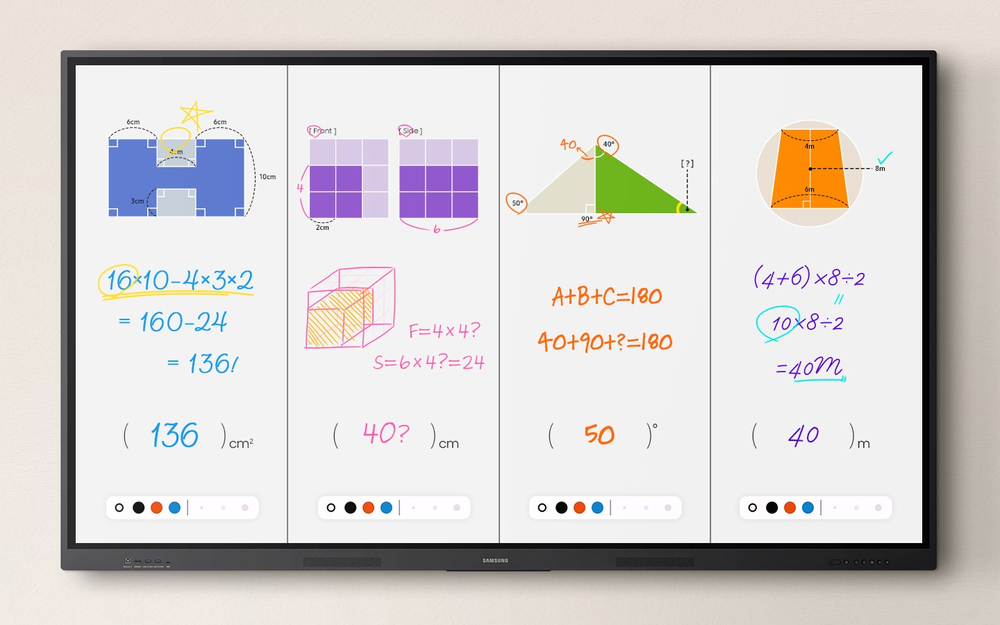
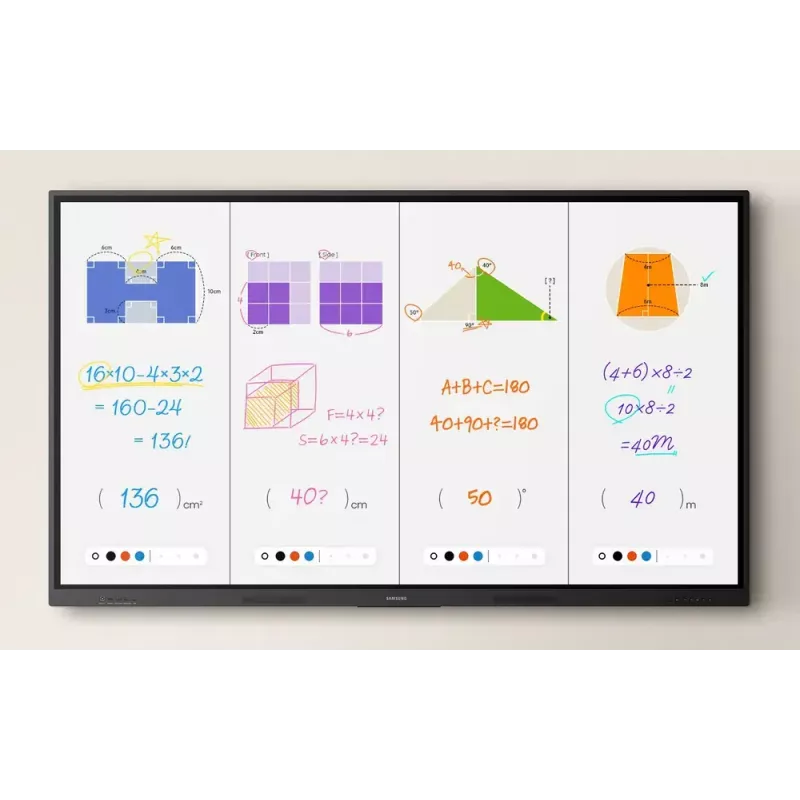
Write independently, learn together

Write independently, learn together

Split Note ModeThe upgraded Note app allows up to four independent note zones on a single page, enabling multiple students to use the whiteboard simultaneously. Students can work in their own zones without affecting others, fostering both collaboration and individual learning.

Display multiple screens simultaneously
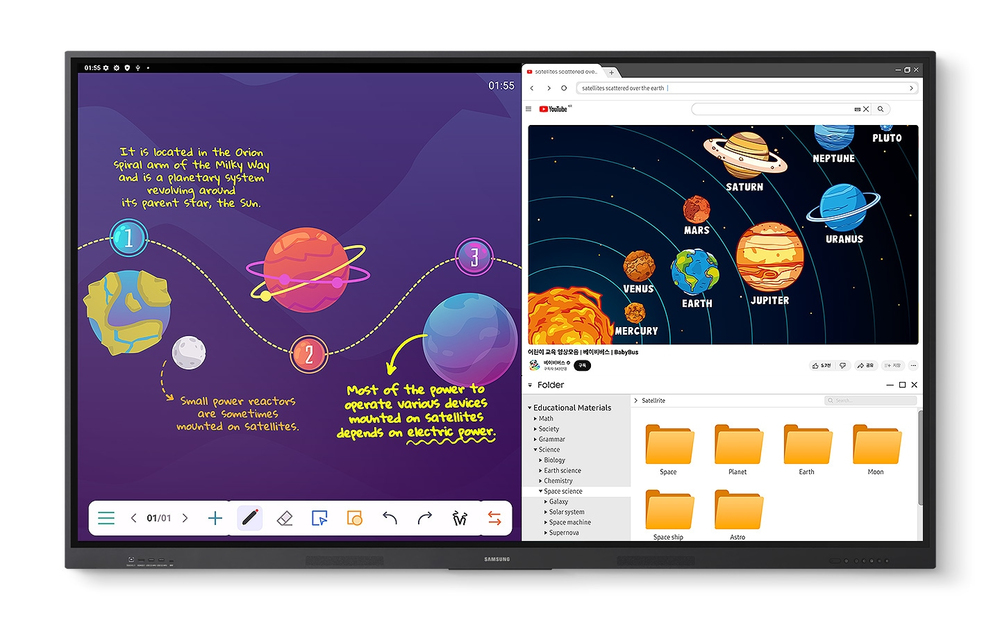
Easy MultitaskingThe split screen and multi-window, enable teachers to easily display information and multitask at the same time on the WAF series. This flexibility provides convenient access to all the screens required to create engaging learning environments.
Display multiple screens simultaneously
Smart, wireless sharing on multiple devices

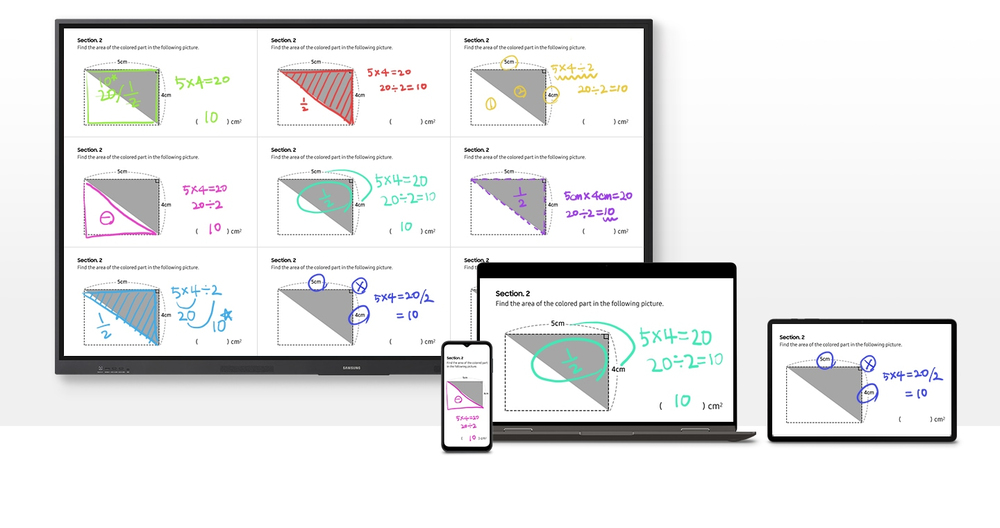
Smart, wireless sharing on multiple devices

Powerful Screen SharingThe WAF series supports screen mirroring for up to nine devices, increasing student engagement. This feature ensures every student is included and engaged as content can be shared on both the large display and individual devices. It can be used on iOS, Mac, Windows, Android.

Better interaction with best-in-class multi-touch
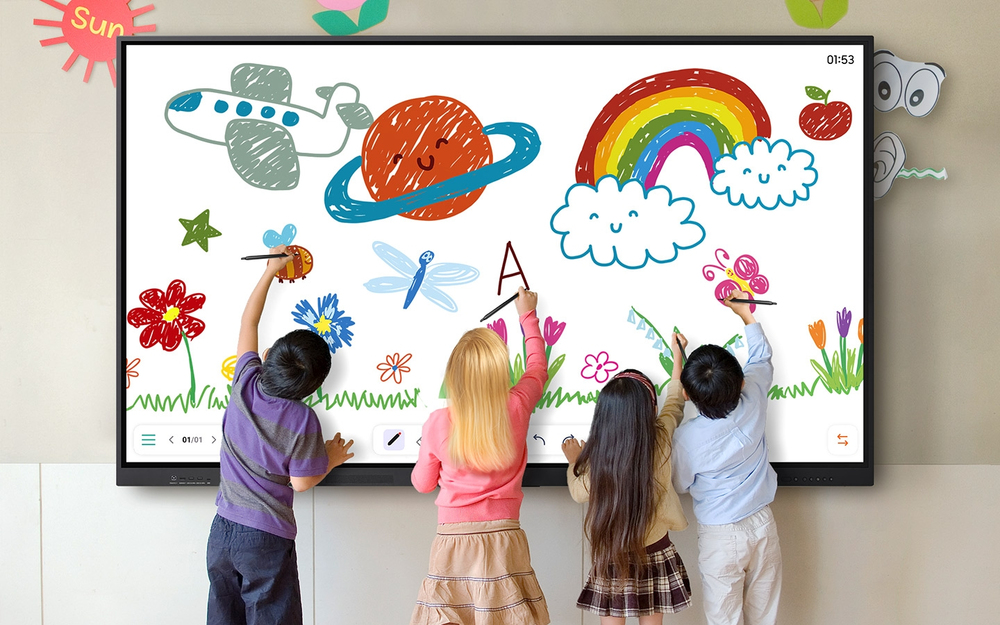
Multi-point touch drawingMultiple users can write and draw on the whiteboard at the same time with the displays advanced multi-touch capabilities. Up to 40 simultaneous touchpoints are possible, allowing large groups of students and teachers to collaborate and learn together in a fun and natural way.
Better interaction with best-in-class multi-touch
Switch pens without changing settings

Switch pens without changing settings

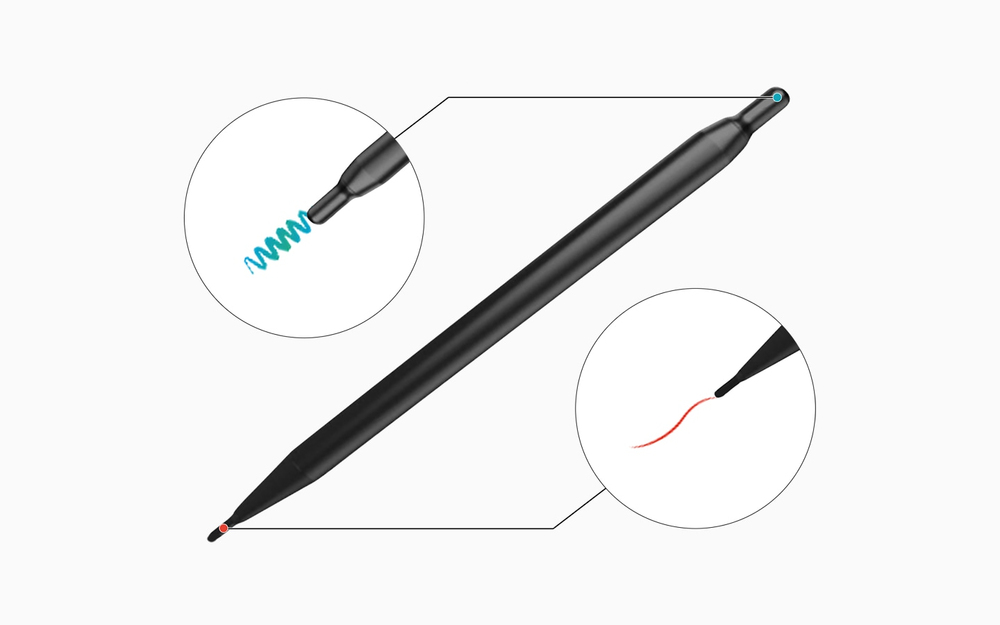
Dual PenThe dual pen function enables the use of two different writing tools with no downtime. With the double-sided nib applied, users can effortlessly switch between two different colors on the front and back side of the pen – without needing to change the settings or interrupt the flow of the lesson.

Front panel controls for intuitive navigation
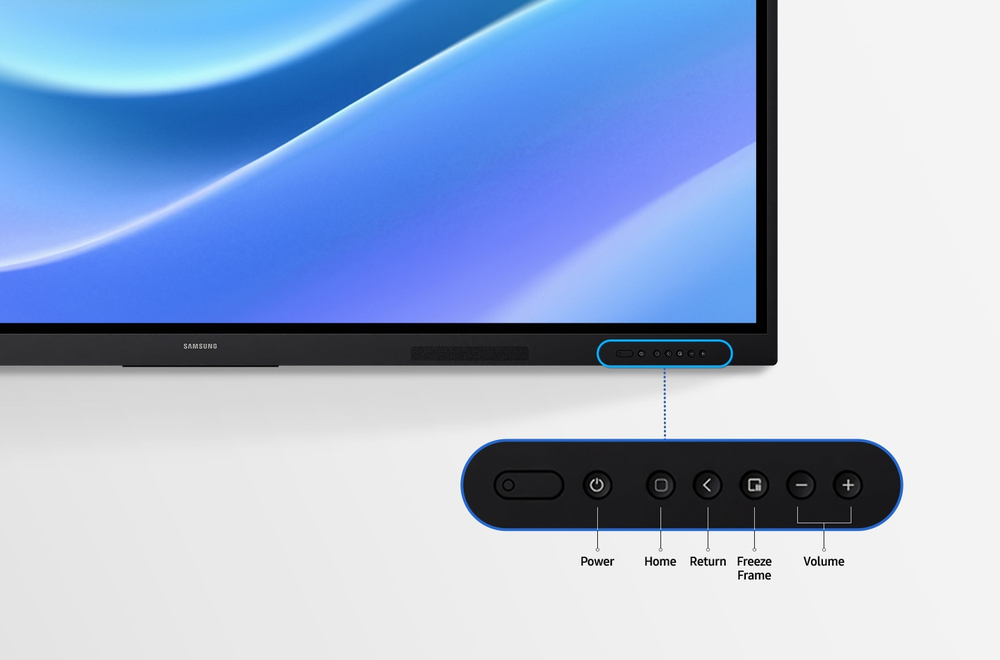
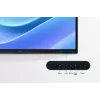
Quick Access ControlsThe WAF includes front-facing physical controls for quick access to frequently used functions. These intuitive controls allow users to operate the interactive display more efficiently, enhancing the overall user experience.
Front panel controls for intuitive navigation
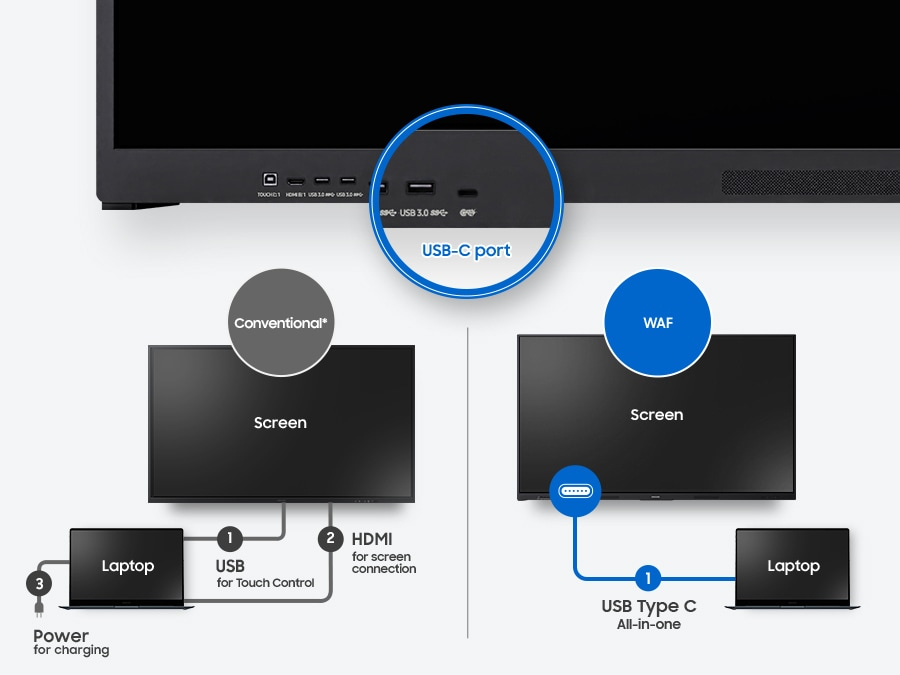
Convenient connectivity with USB-C

Convenient connectivity with USB-C

3-in-1 USB-C portConnectivity is enhanced with the 3-in-1 USB-C port, enabling screen mirroring, touch control and external device charging (max. 65W). Teachers can simply connect to the USB Type-C port, allowing them to deliver interactive and engaging lessons without any hassle.

Accessible content for any class size
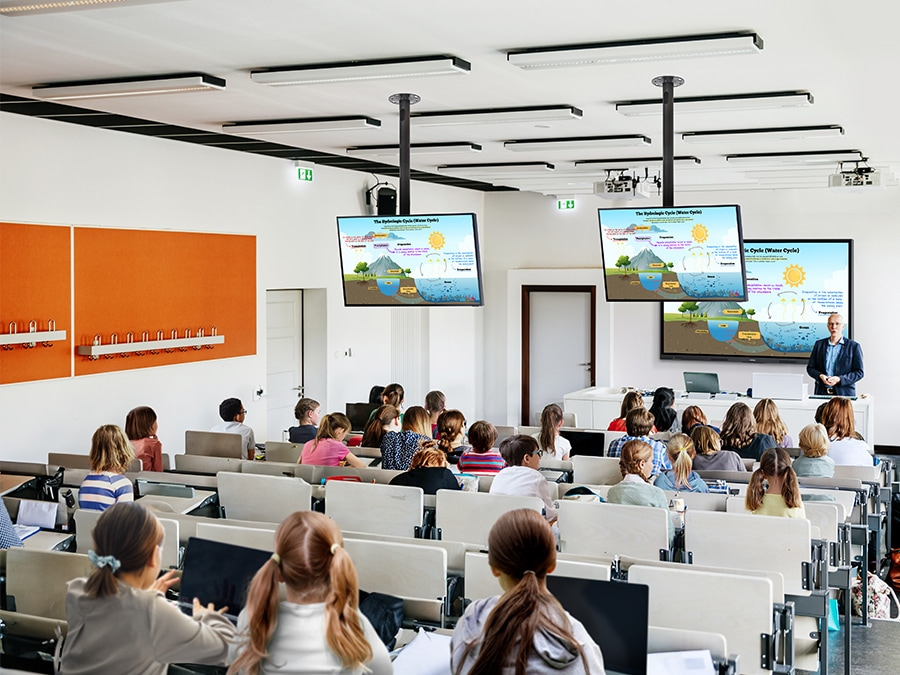
HDMI outWith the HDMI Out function, whiteboard screen content can be shared on a different and larger screen in the classroom. This feature ensures teachers can provide a real-time, interactive experience for students who can easily view the screen content regardless of where they sit in the classroom.
Accessible content for any class size
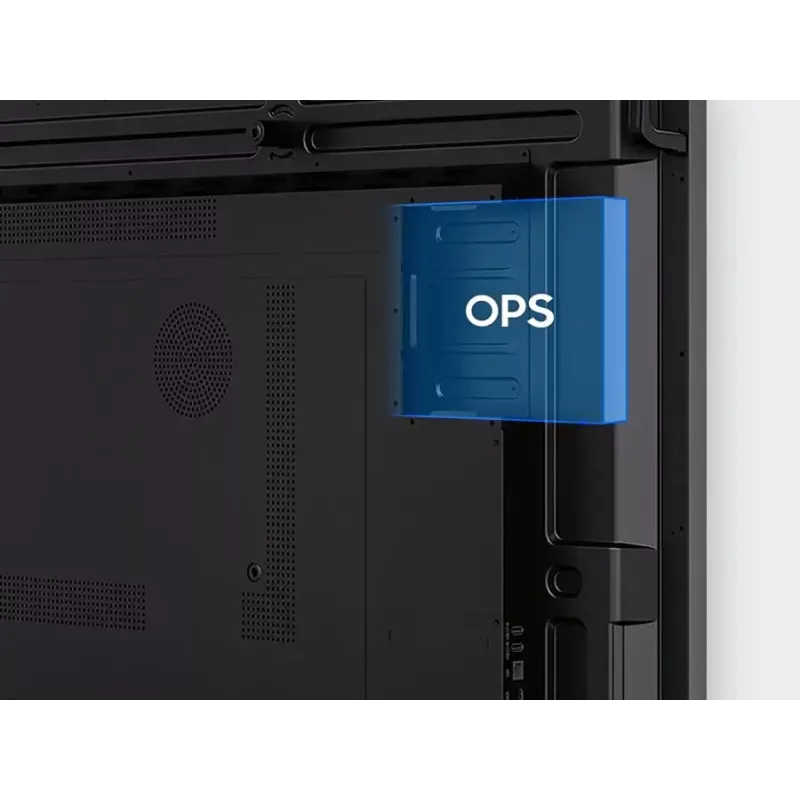
Use your favorite OS for the learning

Use your favorite OS for the learning

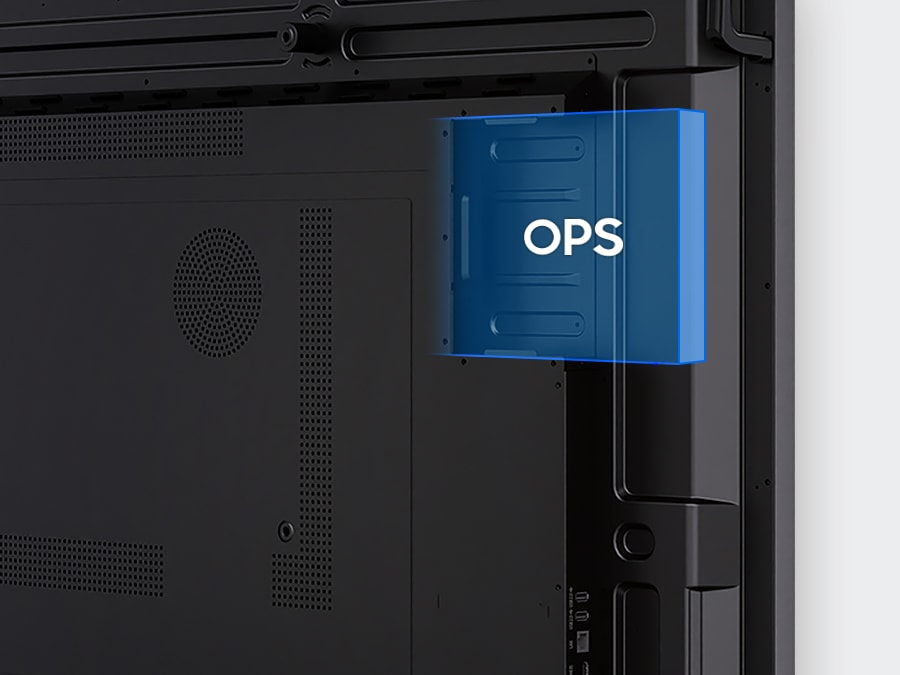
OPS (Open Pluggable Specification)The OPS slot in the WAF series can transform the interactive display into a Windows device, eliminating the need for an extra PC or devices. Users will have access to all the features and functionalities they are familiar with from a standard computer, directly on the display.

Seamless management, efficient operations
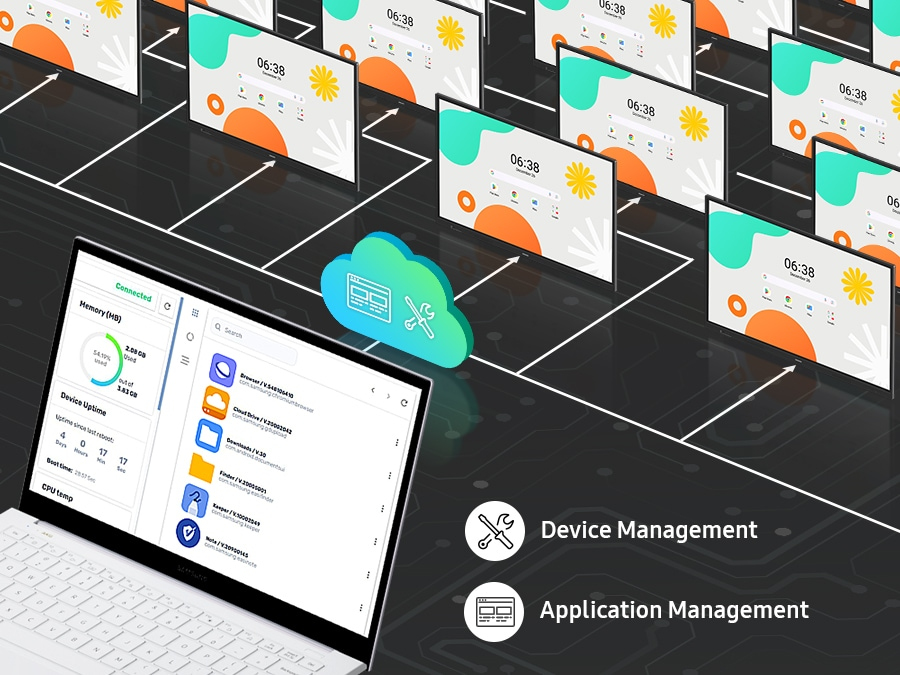
Device Management SolutionThe WAF series provides a device management solution[1] essential for advanced educational environments. This solution optimizes the remote management of whiteboard settings and applications, guaranteeing operational efficiency and stability.
Seamless management, efficient operations
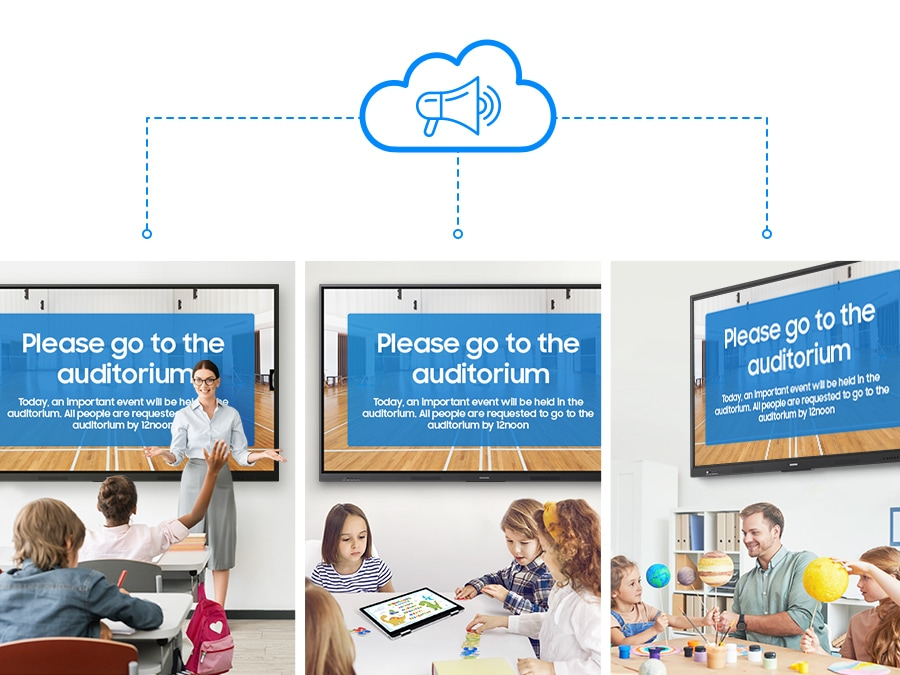
Notify across multiple devices, immediately

Notify across multiple devices, immediately

Advanced MessagingSend important messages across campuses, classrooms and public spaces immediately. Urgent communications are displayed on interactive whiteboards so students and other personnel are alerted in real time.

How to use

Turn on the interactive display and sign in to your Google account to access Google Play and other certified services. Use the visible Annotation button to write on any screen immediately; open the Note app to create up to four independent zones for group activities. Employ split-screen or multi-window modes to present different materials simultaneously. For wireless sharing, enable screen mirroring on student devices and connect up to nine sources. Use the dual pen to switch colors by flipping the nib, and operate common functions with the front quick-access buttons. Connect laptops or devices via the 3-in-1 USB-C port for mirroring, touch control and charging, or use HDMI Out to broadcast the whiteboard to a larger display. Insert an OPS module if you need a Windows environment and manage multiple displays remotely through the device management solution. Use Advanced Messaging to send urgent notices to all connected interactive boards.

Recommendations

For optimal classroom performance, keep the display firmware and installed apps updated, use the device management solution to apply consistent settings across units, and pair the WAF series with compatible USB-C or OPS modules when specific OS environments or higher charging power are required.

Hlavné vlastnosti
  • Operating system: Android
  • EDLA certification: supports Google services (Google Play, YouTube, Google Classroom)
  • Annotation: always-visible Annotation button for instant notes
  • Note zones: Split Note Mode — up to 4 independent zones
  • Multitasking: split-screen and multi-window support
  • Screen sharing: up to 9 devices; compatible with iOS, Mac, Windows, Android
  • Multi-touch: up to 40 simultaneous touchpoints
  • Pen: Dual Pen with double-sided nib for two colors without settings change
  • Controls: front-facing quick access physical buttons
  • USB-C: 3-in-1 port (screen mirroring, touch control, charging max 65W)
  • HDMI Out: share whiteboard content to an external display
  • OPS slot: supports Windows via Open Pluggable Specification
  • Device management: remote management solution for settings and apps
  • Messaging: advanced messaging to notify multiple displays in real time
Parametre
Bluetooth
Yes
Certifikácia
IEC62368-1 / UL62368-1 / IEC60950-1 / IS13252
Certifikáty zhody
Federal Communications Commission (FCC)
Diaľkové ovládanie súčasťou balenia
Yes
Doba odozvy
8 ms
Dotyková obrazovka
Yes
Ethernet LAN
Yes
Farba produktu
Black
Farebný priestor
72%
Frekvencia pixelov (max.)
78 MHz
HDCP
Yes
Hĺbka
87.7 mm
Hĺbka balenia
185 mm
Hmotnosť
62.5 kg
Hmotnosť balenia
74.1 kg
Jas displeja
400 cd/m²
Kontrastný pomer (typický)
1200:1
Miera zákalu
25%
Montáž VESA
Yes
Nainštalovaný operačný systém
Android
Najvyšší štandard Wi-Fi
Wi-Fi 5 (802.11ac)
Počet portov HDMI
2
Počet portov USB 2.0
2
Počet portov USB 3.2 Gen 1 (3.1 Gen 1) Type-A
2
Počet portov USB typu C
1
Porty Ethernet LAN (RJ-45)
1
Porty RS-232
1
Používateľská pamäť
64 GB
Pozorovací uhol, horizontálny
178°
Pozorovací uhol, vertikálny
178°
Prevádzková teplota (T-T)
0 - 40 °C
Prevádzkové hodiny (hodiny/dni)
12/7
Pripojenie slúchadiel
3.5 mm
Relatívna vlhkosť pri prevádzke (H-H)
10 - 80%
Rozhranie pre montáž panelu
800 x 600 mm
Rozlíšenie displeja
3840 x 2160 pixels
Rozstup pixelov
493.5 x 493.5 mm
Šírka
1961.8 mm
Šírka balenia
2095 mm
Spotreba energie (spánok)
0.5 W
Spotreba energie (standby)
0.5 W
Spotreba energie (typická)
493 W
Štandardy Wi-Fi
Wi-Fi 5 (802.11ac)
Stylus súčasťou balenia
Yes
Typ dotykovej obrazovky
Infrared
Typ HD
4K Ultra HD
Typ panelu
IPS
Uhlopriečka displeja
2.18 m (86")
Verzia HDCP
2.1
Verzia HDMI
2.1
Verzia operačného systému
14
Videovýstup
Yes
Vstup Line-in
Yes
Vstupná frekvencia AC
50/60 Hz
Vstupné napätie AC
100-240 V
Výška
1170 mm
Výška balenia
1265 mm
Výstup Line-out
Yes
Wi-Fi
Yes
Vývoj ceny za posledných 6 mesiacov
Monitor Samsung LH86WAFWLGCXEN 86" dotykový displej 3840 x 2160
Aktuálna
1 877,10 €
Najnižšia
1 357,71 €
Najvyššia
3 048,84 €
Zmena za 24 h
+181,90 €   +11%
Týždeň
+178,32 €   +10%
Mesiac
+313,10 €   +20%

Populárne produkty v tejto kategórii

Dobrý deň, som AI asistent DistriNode. Pomôžem Vám nájsť produkty, porovnať možnosti, vytvoriť cenovú ponuku v PDF alebo otvoriť požiadavku na podporu.