
Účet Kontakt
Váš košík
Doručenie cez DPD a FedEx
Pomoc? Opýtajte sa AI

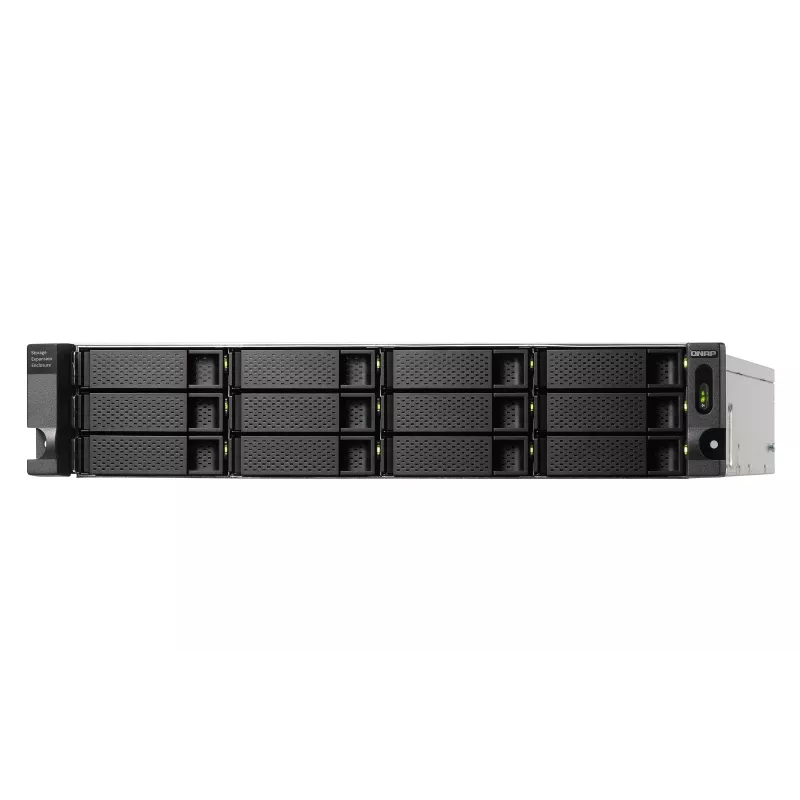
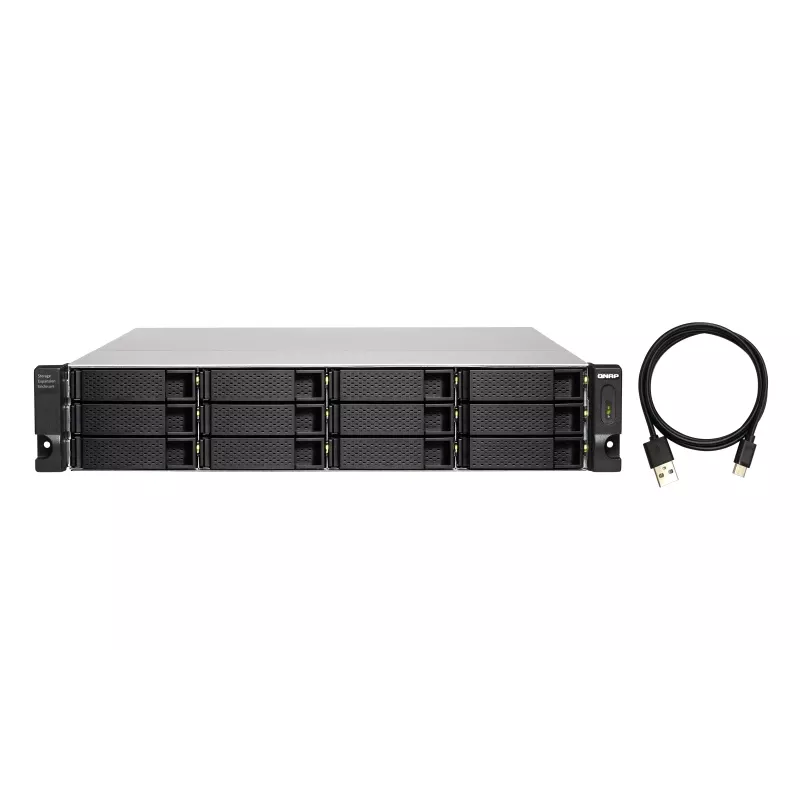
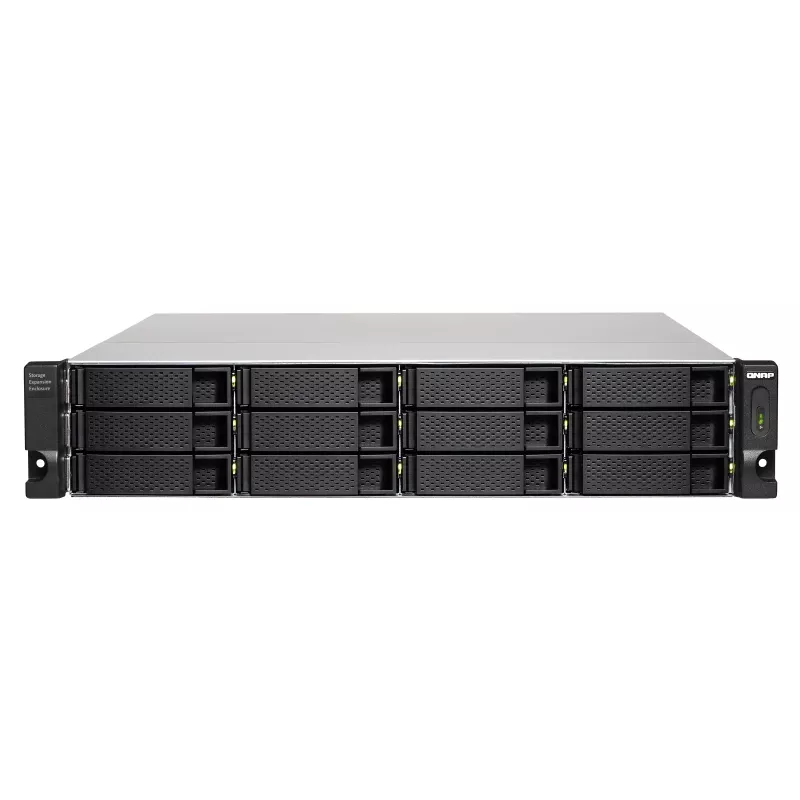
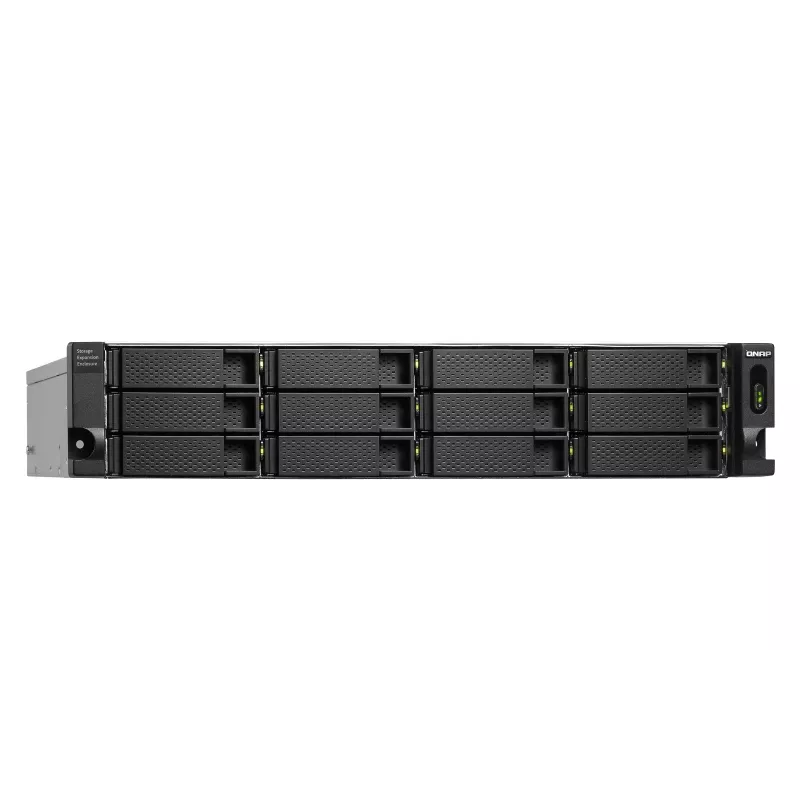
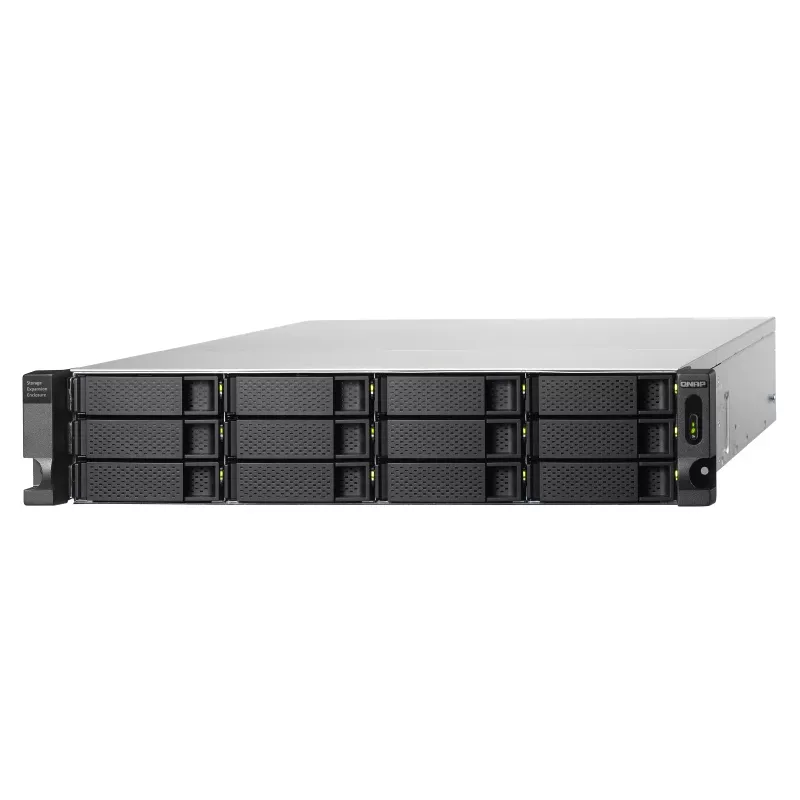
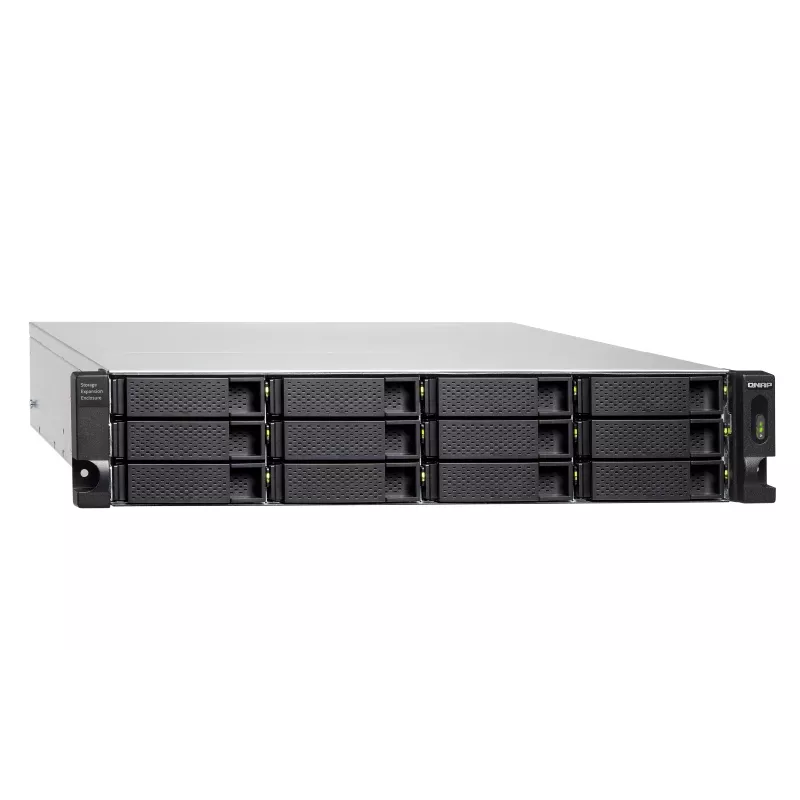
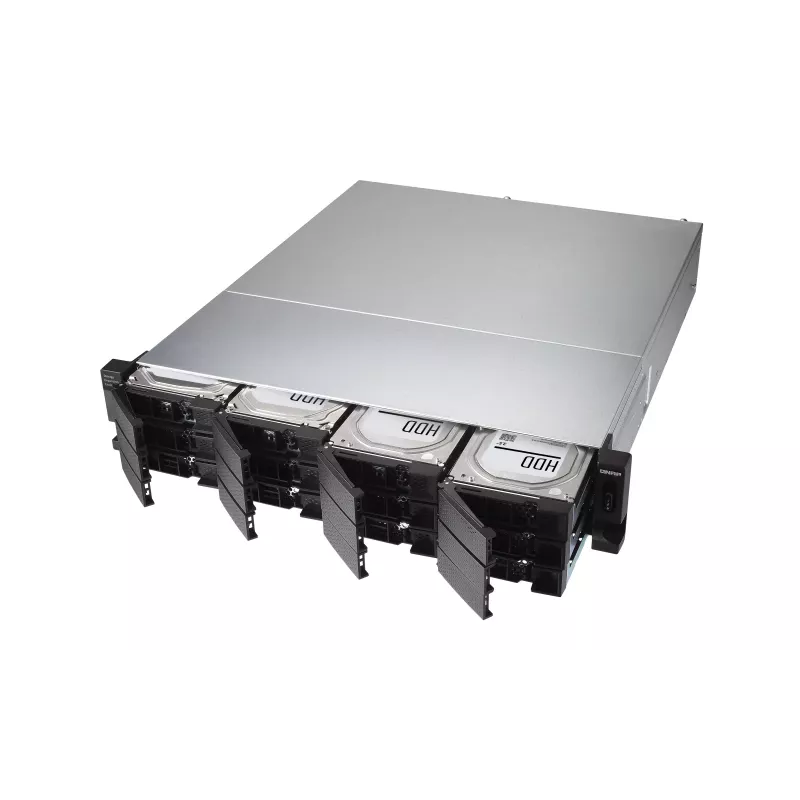
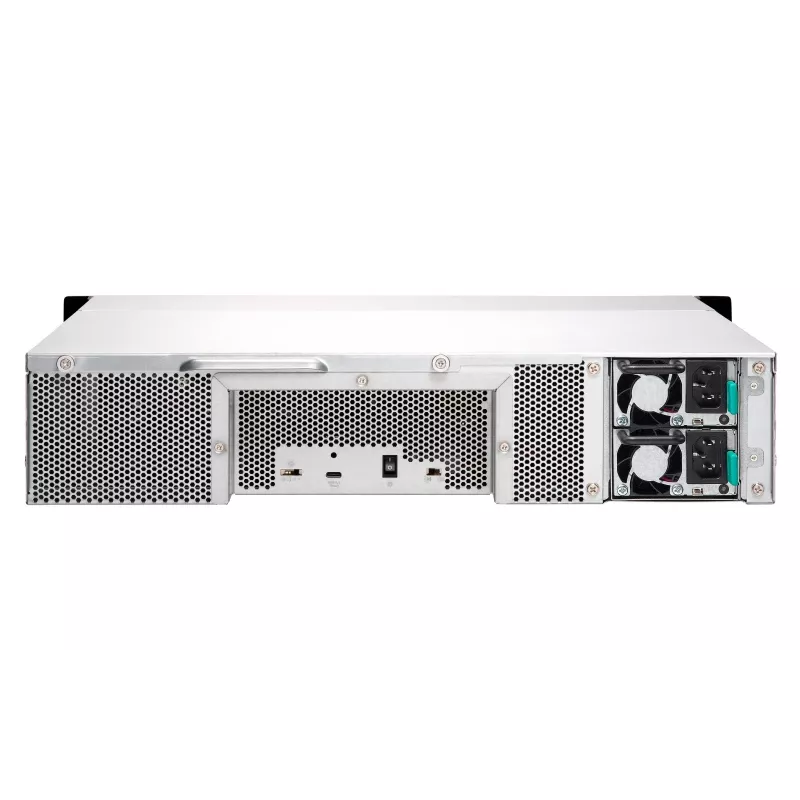
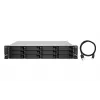
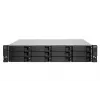
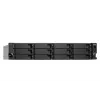
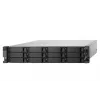
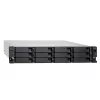
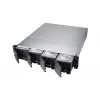
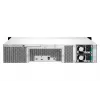
QNAP - TL-R1200C-RP - diskové pole - 12 pozícií (SATA-600) USB 3.2 Gen 2 (externé) montáž do racku 2U

QNAP - TL-R1200C-RP - diskové pole - 12 pozícií (SATA-600) USB 3.2 Gen 2 (externé) montáž do racku 2U
36 mes.
QNAP - TL-R1200C-RP - diskové pole - 12 pozícií (SATA-600) USB 3.2 Gen 2 (externé) montáž do racku 2U
1 172,70 €
The rackmount TL-R1200C-RP JBOD storage enclosure allows you to back up and expand your QNAP NAS, computers (supports Windows and Mac), and servers. The TL-R1200C-RP features twelve 3.5-inch SATA 6Gb/s drive bays with USB 3.2 Gen 2 (10 Gbps) Type-C connectivity to provide a fast and smooth expansion... Čítať viac

Doprava a vrátenie tovaru

Predpokladané doručenie štvrtok 29. októbra
O stave zásielky Vás budeme priebežne informovať prostredníctvom nášho podrobného systému sledovania zásielok
Možnosti platby
Platobná kartaVisaMastercardPayPalApple PayGoogle PayBankový prevod
The rackmount TL-R1200C-RP JBOD storage enclosure allows you to back up and expand your QNAP NAS, computers (supports Windows and Mac), and servers. The TL-R1200C-RP features twelve 3.5-inch SATA 6Gb/s drive bays with USB 3.2 Gen 2 (10 Gbps) Type-C connectivity to provide a fast and smooth expansion solution.

Flexible storage configuration and management

The TL-R1200C-RP provides software-controlled configurations for greater management flexibility. Users can configure RAID and monitor disk health using the QTS / QuTS hero Storage & Snapshots Manager on a QNAP NAS, or by using the QNAP JBOD Manager utility on their computer.

What you need to know

You can connect your TL-R1200C-RP to Windows®, Mac®, and Ubuntu® computers through the USB interface and use built-in utility to manage the RAID configuration.

Intelligently monitor JBOD enclosure status on PC and servers with QNAP JBOD Manager

The QNAP JBOD Manager is a desktop utility for monitoring the TL-R1200C-RP on Windows® and Mac® computers. You can quickly obtain and view information about the JBOD status, health, fan rotation speed, and check for firmware version updates. All device events are recorded, and QNAP JBOD Manager will automatically send system alert notifications to your desktop.

JBOD migration speeds up remote file transfers

Migrating a large number of small files or a single large data file by network environment can be time-consuming and consume significant network bandwidth that causes decreased work efficiency. The TL-R1200C-RP supports remote file transfer. All you have to do is set up the RAID configuration and store a large number of files. Then you can move the TL-R1200C-RP to another place and connect it with the computer or NAS to experience the device’s simple plug and play feature and fast data migration.

Use TL-R1200C-RP as a high-capacity disk drive reader by setting up single disk mode

You can treat each disk in your TL-R1200C-RP as an individual storage space, and also use it as a removable drive. It can function like a high-capacity disk drive reader. When one of disk reaches data storage limitation, you can remove it and put it into a dry box. Then swap a different disk into the TL-R1200C-RP empty drive slot. After that, you can install the disk that reached full data capacity into the TL-R1200C-RP and connect it with a computer or NAS for direct file access.

Versatile usage scenarios to meet storage expansion needs

The TL-R1200C-RP meets many storage expansion requirements for the home and office. Below is a list of potential usage scenarios:

Scenario 1: Expand your NAS capacity

The TL-R1200C-RP provides an alternative method for users to expand their NAS storage capacity. By connecting the TL-R1200C-RP to their NAS and using the Storage & Snapshots Manager in QTS or QuTS hero, users can easily configure and manage their storage expansion. The TL-R1200C-RP supports a variety of QNAP NAS storage and file management functions, allowing users to build storage pools, finding files with Qsirch, and organizing files with Qfiling.

Scenario 2: External storage for your NAS

You can use the TL-R1200C-RP to expand your NAS storage. You can select disks to create storage pools for expanding your NAS capacity, or you can treat each disk as an individual external storage space and use it as a removable drive for greater flexibility. Regardless of the mode you use, you can always use Storage & Snapshots Manager in QTS or QuTS hero to set up and manage your TL-R1200C-RP and use hard drive S.M.A.R.T. and Notification Center to check disk status anytime and anywhere.

Scenario 3: Expand the storage space of your Windows, Mac, and Ubuntu computer

You can use your TL-R1200C-RP with Windows®, Mac®, and Ubuntu® computers to expand more storage space. You can set up the RAID configuration of your TL-R1200C-RP to further secure data protection. Moreover, you can also use the single disk mode and format with the exFAT file system for more convenient access and sharing of files between Windows® and Ubuntu® computers.

High-speed USB transfer

TThe TL-R1200C-RP features high-speed USB 3.2 Gen 2 Type-C connectivity and built-in USB Attached SCSI Protocol (UASP) to provide convenient fast file sharing and intensive data transfer. The TL-R1200C-RP not only provides you higher file transfer performance than traditional USB interfaces but offers a more cost-effective option than REXP SAS JBOD.

How to use

Install compatible SATA drives into the available bays and connect the TL-R1200C-RP to a QNAP NAS to manage RAID and storage pools with Storage & Snapshots Manager, or connect it to a Windows, Mac or Ubuntu computer via the USB Type-C port and manage RAID configuration with QNAP JBOD Manager. For single-disk usage, configure each bay as an individual drive to use drives as removable storage. After setup, the enclosure is plug-and-play for data access and migration.

Recommendations

Use the QNAP JBOD Manager or QTS/QuTS hero Storage & Snapshots Manager to monitor disk S.M.A.R.T. data and firmware versions regularly. For portability and safe handling during migration, power down the enclosure before moving and store removed drives in a dry, static-safe environment. When sharing disks between systems, format single-disk volumes with an appropriate file system (for example exFAT for cross-platform compatibility) according to the target OS requirements.

Hlavné vlastnosti
  • Expanding storage capacity of QNAP NAS systems
  • Using as external removable storage for servers and workstations
  • High-volume or large-file data migration between locations
  • Adding additional storage to Windows, Mac or Ubuntu computers
  • Model: TL-R1200C-RP (QNAP)
  • Drive bays: 12 × 3.5-inch SATA (supports SATA III 6 Gbit/s)
  • Host interface: USB 3.2 Gen 2 Type-C (10 Gbps) with UASP
  • Form factor: 2U rackmount enclosure
  • Supported OS: QTS/QuTS hero (via NAS), Windows, macOS, Ubuntu (via USB)
  • Weight: 13.17 kg
  • Colour: Grey, Black
Parametre
Farba produktu
Black, Grey
Frekvencia sieťového adaptéra
50/60 Hz
Hladina hluku
33.4 dB
Hĺbka
423.8 mm
Hĺbka balenia
253 mm
Hmotnosť
13.2 kg
Hmotnosť balenia
14.3 kg
Káble v balení
AC, USB Type-C to USB Type-A
Kapacita racku
2U
Kód harmonizovaného systému (HS)
84733080
LED indikátory
Fan fail, HDD, Link, Status
Montáž do racku
Yes
Počet podporovaných úložných zariadení
12
Počet USB portov
1
Počet ventilátorov
2 fan(s)
Podporované rozhrania úložných zariadení
Serial ATA III
Prenosová rýchlosť
6 Gbit/s
Prevádzková teplota (T-T)
0 - 40 °C
Priemer ventilátora
7 cm
Pripojenie USB
Yes
Príručka
Yes
Relatívna vlhkosť pri prevádzke (H-H)
5 - 95%
Rod konektora USB
Female
Rozhranie hostiteľa
1 x USB 3.2 Gen 2 Type-C
Šírka
482.2 mm
Šírka balenia
552 mm
Skrutky súčasťou balenia
Yes
Teplota skladovania (T-T)
-20 - 70 °C
Typ balenia
Box
Typ konektora USB
USB Type-C
Typ produktu
HDD/SSD enclosure
Typ zdroja napájania
AC
Veľkosť úložného zariadenia
2.5/3.5"
Verzia USB
3.2 Gen 2 (3.1 Gen 2)
Vstupné napätie sieťového adaptéra
100 - 240 V
Vypínač
Yes
Výška
88.7 mm
Výška balenia
719 mm
Záručná doba
3 year(s)
Vývoj ceny za posledných 6 mesiacov
QNAP - TL-R1200C-RP - diskové pole - 12 pozícií (SATA-600) USB 3.2 Gen 2 (externé) montáž do racku 2U
Aktuálna
1 172,70 €
Najnižšia
1 126,87 €
Najvyššia
1 458,34 €
Zmena za 24 h
-1,02 €   0%
Týždeň
-1,12 €   0%
Mesiac
-9,76 €   -1%

Napísať recenziu

Hodnotenie *
Vaše meno sa zobrazí verejne – môžete použiť prezývku. Kupujúcich pozývame, aby písali recenzie; pred zverejnením ich kontrolujeme a zverejňujeme aj kritické.

Populárne produkty v tejto kategórii

Predajca: UAB KUR LT · Laisvės pr. 125A, LT-06118 Vilnius, Litva · IČO 303192950 · IČ DPH LT100008198612 · Odoslanie z EÚ (Litva)
Dobrý deň, som AI asistent DistriNode. Pomôžem Vám nájsť produkty, porovnať možnosti, vytvoriť cenovú ponuku v PDF alebo otvoriť požiadavku na podporu.
Všetky kategórie