

Účet Kontakt
Váš košík
Doručenie cez DPD a FedEx
Pomoc? Opýtajte sa AI

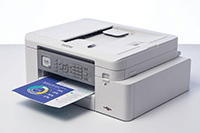
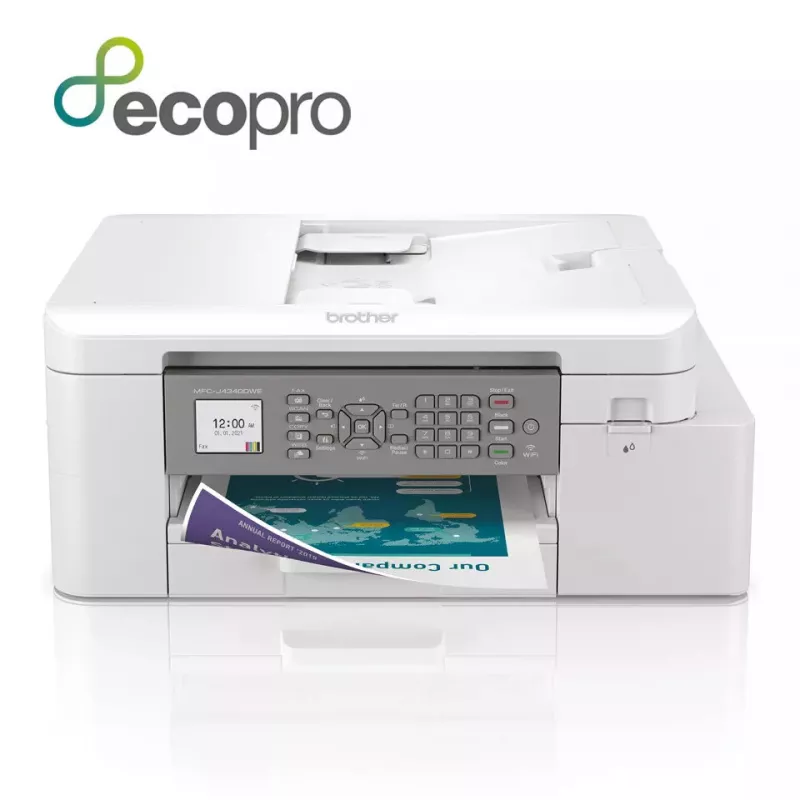
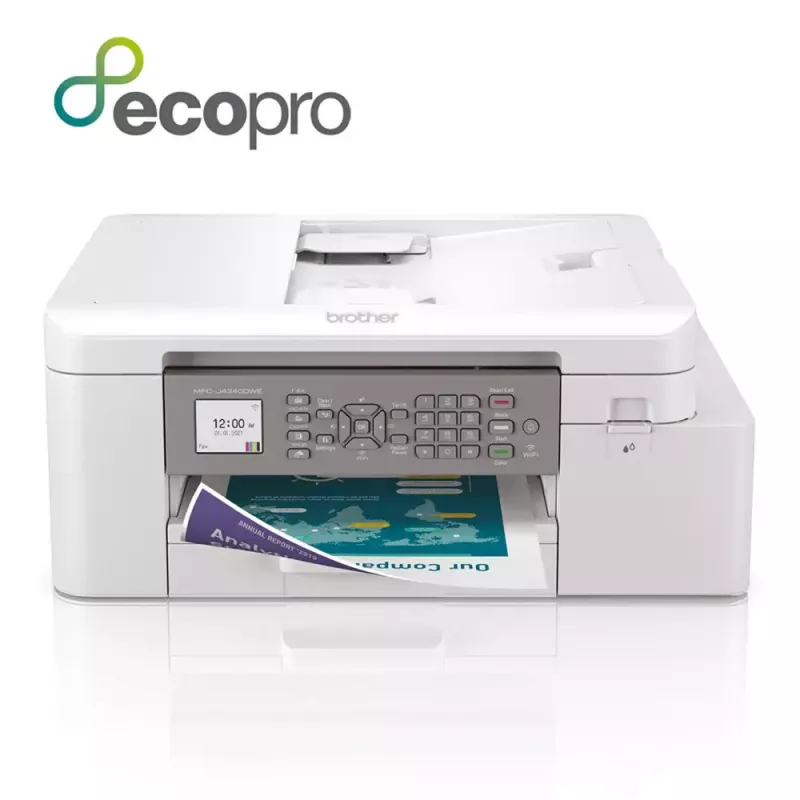
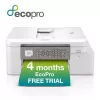
Brother MFC-J4340DWE multifunkčná tlačiareň atramentová A4 1200 x 4800 DPI Wi-Fi

Brother MFC-J4340DWE multifunkčná tlačiareň atramentová A4 1200 x 4800 DPI Wi-Fi
538,39 €
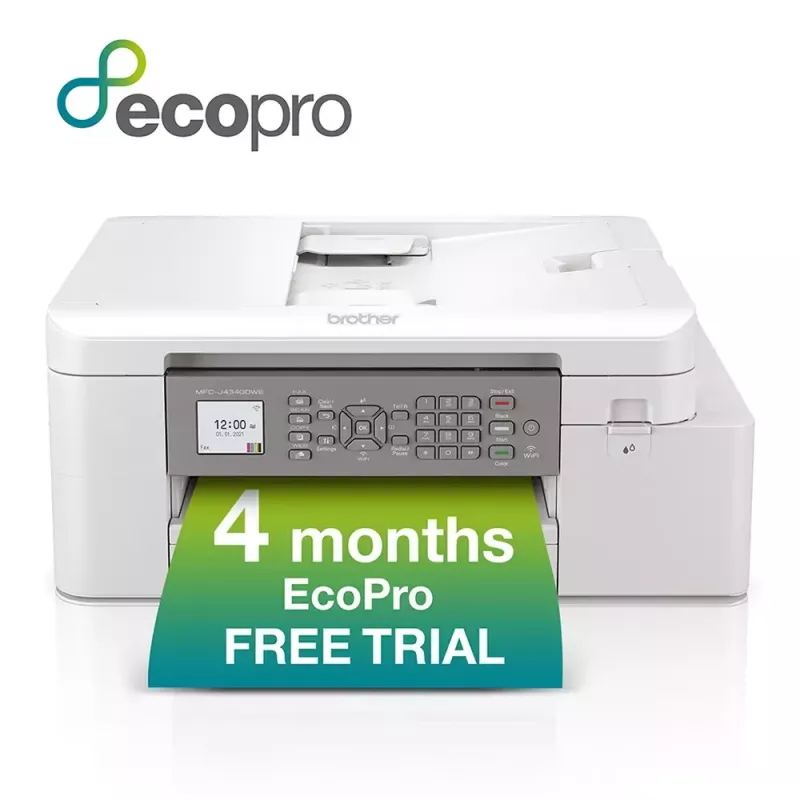
Available at Argos!Purchase the MFC-J4340DWE and receive:A powerful device with print, copy, scan and fax functionality, as well as a wide range of connectivity optionsA FREE 4 month EcoPro subscription trialAutomatic FREE delivery of Brother original ink suppliesA lifetime warranty support for your... Čítať viac
Sklad 5 Kód 31195 Značka BROTHER Model MFC-J4340DWE Záruka 2 roky

Doprava a vrátenie tovaru

Predpokladané doručenie utorok, októbra 27
O stave zásielky Vás budeme priebežne informovať prostredníctvom nášho podrobného systému sledovania zásielok
Možnosti platby
Platobná kartaVisaMastercardPayPalApple PayGoogle PayBankový prevod
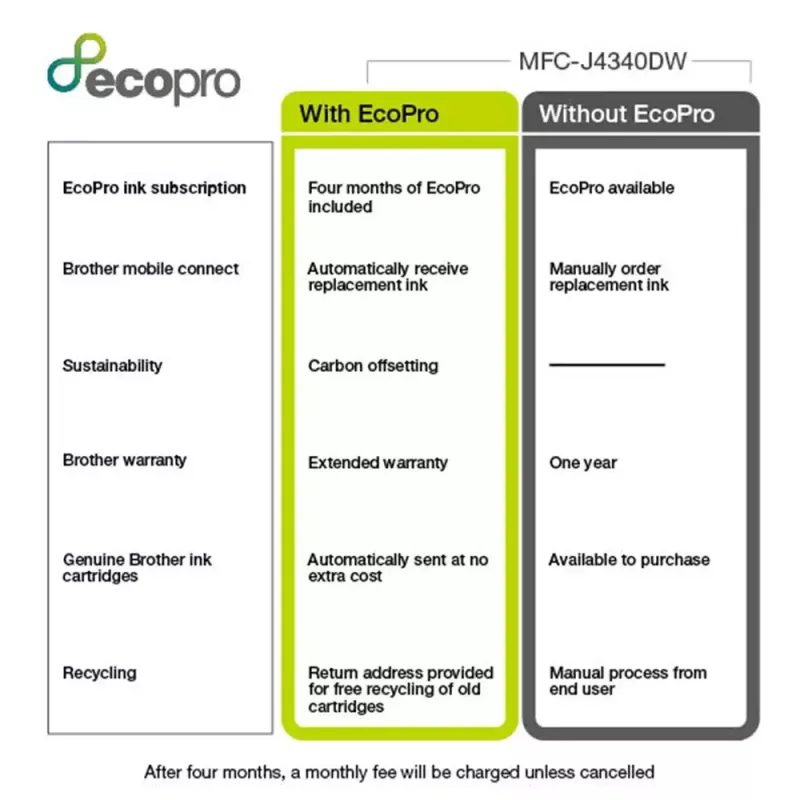
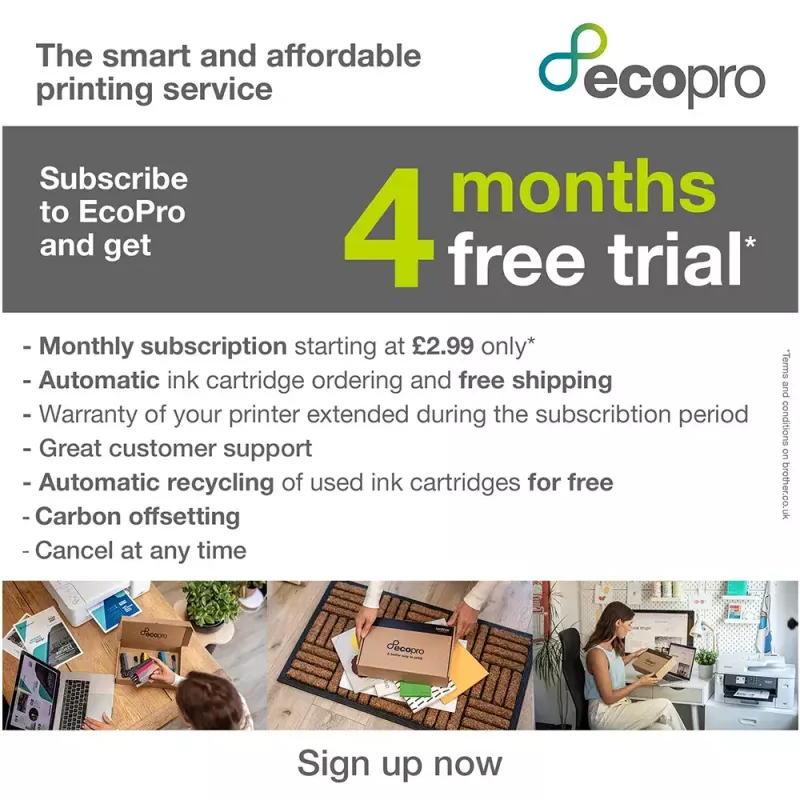
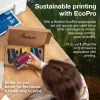
Available at Argos!Purchase the MFC-J4340DWE and receive:A powerful device with print, copy, scan and fax functionality, as well as a wide range of connectivity optionsA FREE 4 month EcoPro subscription trialAutomatic FREE delivery of Brother original ink suppliesA lifetime warranty support for your printerNow you will never run out of ink with a straight forward ink delivery subscription.Recycle your empty ink cartridges for FREE, responsibly protecting the environment. Brother has a zero waste to landfill policy for empty cartridges returned and for every Brother supply returned to us we donate to our rainforest-saving charity partner Cool Earth. By recycling, you're protecting the environment and supporting the rainforest with Cool Earth. Better for you, better for the planet, a better way to print.
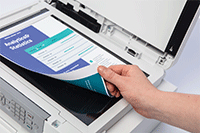
Scanning technology to improve work flow, even when working remotely

Scanning technology to improve work flow, even when working remotely

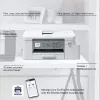
As a multifunction device this machines does so much more than print. The scanning opportunities available for example can significantly enhance your productivity from home. You can scan in colour or mono at high speeds to several destinations to boost workflow:ImageFileOCREmail

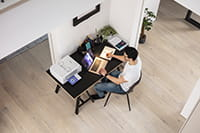
Professional print quality and efficiency from the comfort of your home

Your workplace may be at home but that should not mean print quality should be compromised. With the MFC-J4340DW you can expect print quality of the highest order, at quick, hassle-free speeds.If you’re working on large documents, these multifunction devices give you the opportunity to print focus on your work while it processes your documents. Whether it’s printing double sided automatically, thus saving the environment and paper, or using the automatic document feeder for multipage scanning it’s sure to improve your efficiency.
Professional print quality and efficiency from the comfort of your home
Automated supplies delivered free

Automated supplies delivered free

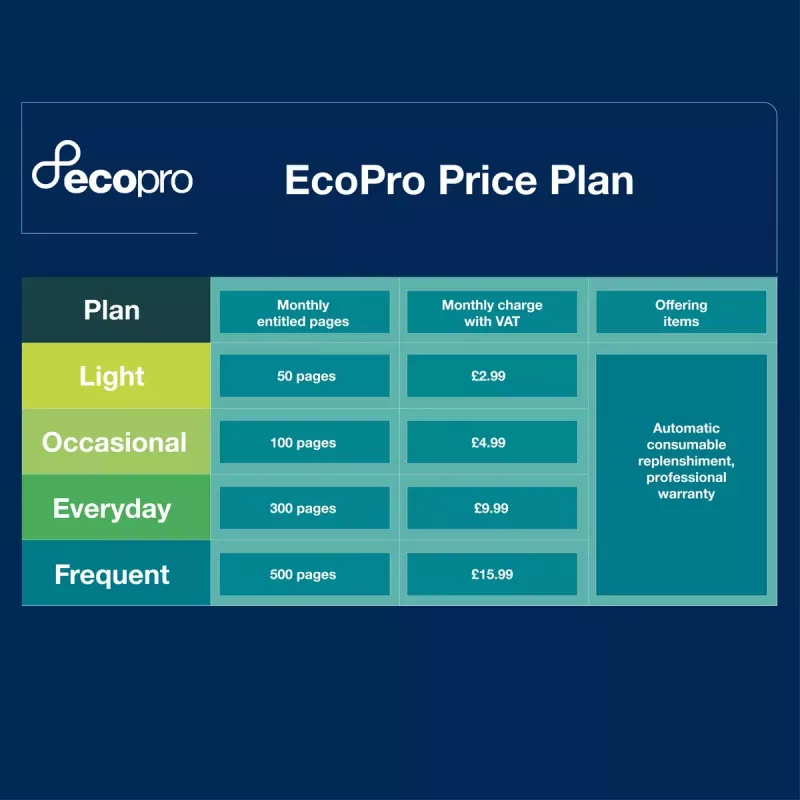
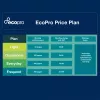
Sign up to the FREE EcoPro trial and supplies are ordered automatically, so you never run out of ink.If you don’t use all your plan pages in a month, the unused pages will be kept in your account and automatically rolled over to the next month.

Easy management with Brother Mobile Connect

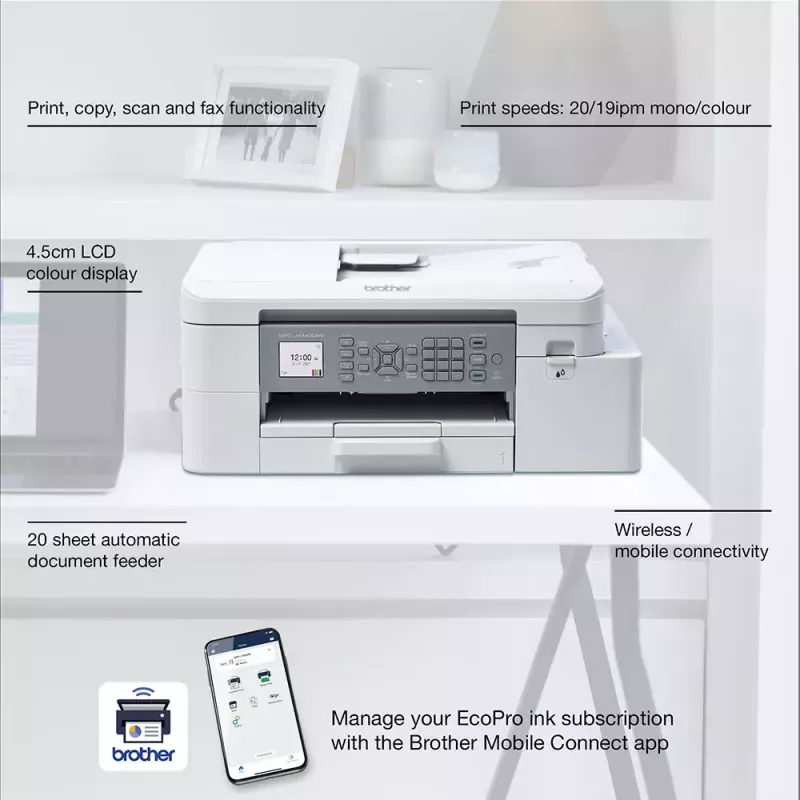
Fully manage your subscription with the Brother Mobile Connect app. Download the app to fully operate your Brother printer from anywhere. Brother Mobile Connect provides intuitive, time saving functionality to fit seamlessly into a busy life. Download the Brother Mobile Connect app to easily print from anywhere, manage your ink levels and fully operate your Brother printer from your mobile device.
Easy management with Brother Mobile Connect
Easy recycling with Brother

Easy recycling with Brother

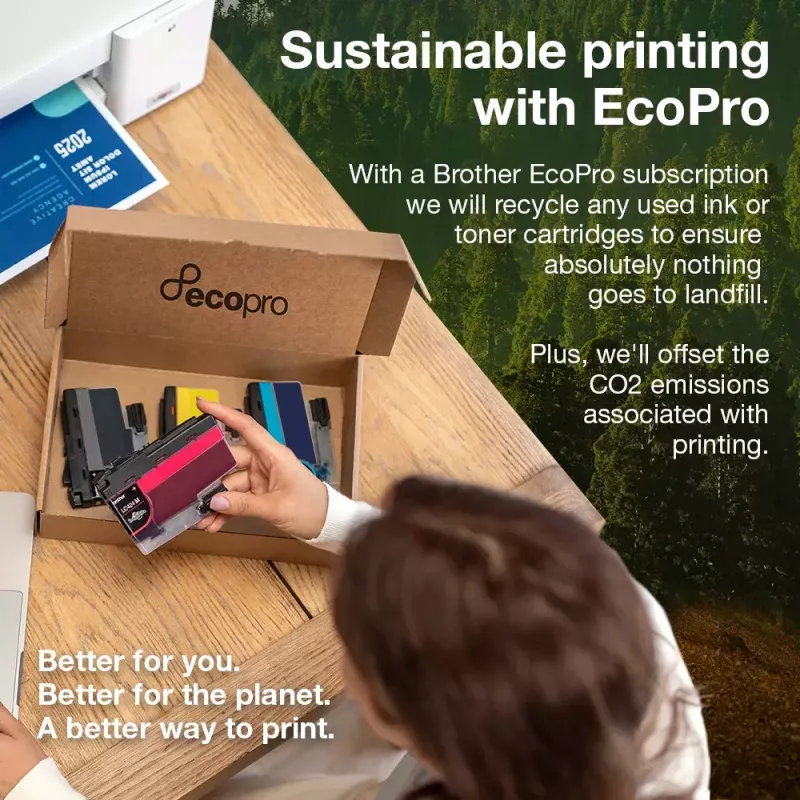
You can also return your used cartridges back to us to be recycled, absolutely free of charge.With EcoPro, you'll get a free postage label with every ink and toner cartridge you receive.

What is an EcoPro subscription plan?

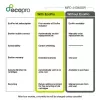
EcoPro is a better way to print for home offices and small businesses, with automatic free ink delivery direct to your door. It’s a subscription plan that helps you save on ink costs, offers warranty and ongoing service support for your printer, whilst focusing on reducing waste through recycling empty ink cartridges.
What is an EcoPro subscription plan?
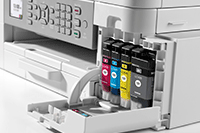
Keep on top of your ink useage, quickly and easily

Keep on top of your ink useage, quickly and easily

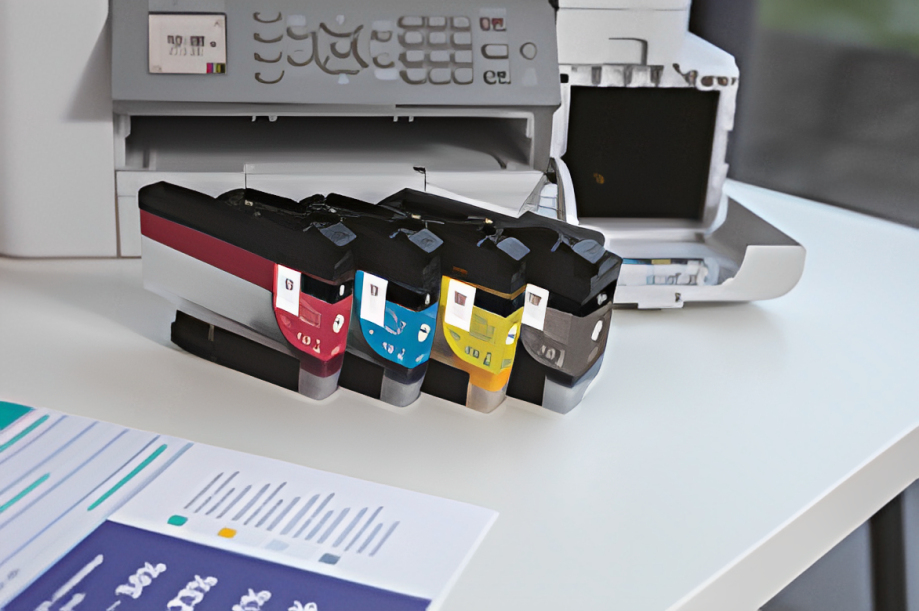
We’ve reengineered our ink cartridges to hold more ink and created an internal ink storage tank that delivers more pages of uninterrupted printing without sacrificing the compact, desktop size. Also, thanks to the page gauge feature you can check remaining ink levels on your LCD display to help avoid interrupted printing.

EcoPro printing warranty

Protected by EcoPro warranty you can feel secure with the reassurance that quality of product is maintained.EcoPro subscription protects your printer warranty maintaining and supporting your printing needs.
EcoPro printing warranty

How to use

Unbox the Brother MFC-J4340DWE, install the supplied ink cartridges and connect the device to your Wi‑Fi network or a computer following the quick start guide. Load A4 paper into the tray and select duplex options in the printer settings when double-sided copies or scans are required. Use the control panel or Brother’s mobile app/software to initiate print, copy, scan or fax tasks.

Recommendations

Use genuine Brother inks and enrol in the EcoPro automatic ink delivery to maintain print quality and ensure warranty coverage. Recycle empty cartridges through Brother’s free programme to reduce environmental impact.

Hlavné vlastnosti
  • Print, copy, scan & fax functionality
  • Automatic 2-sided printing
  • Wireless / mobile connectivity
  • 20 sheet automatic document feeder
  • Print speeds: 20 / 19ipm mono/colour (Based on ISO/IEC 24734)
  • 4.5cm LCD colour display
  • Home & office Inkjet Colour printing
  • 1200 x 4800 DPI
  • Printing colours: Black, Cyan, Magenta, Yellow
  • A4
  • Colour copying Colour scanning Colour faxing
  • Apple AirPrint, Brother iPrint & Scan, Mopria Print Service
  • Direct printing
  • USB port Wi-Fi
  • Internal memory: 128 MB Built-in processor 576 MHz
  • 8.83 kg
Parametre
Automatický podávač dokumentov (ADF)
Yes
Bezpečnostné algoritmy
64-bit WEP, 128-bit WEP, EAP-FAST, EAP-TLS, EAP-TTLS, PEAP, SSID, SSL/TLS, WPA-PSK, WPA2-PSK
Čas do prvej kópie (čierna, normálna)
10.5 s
Čas do prvej kópie (farebná, normálna)
13 s
Čas do prvej strany (čierna, normálna)
5.8 s
Čas do prvej strany (farebná, normálna)
5.9 s
Celková vstupná kapacita
150 sheets
Celková výstupná kapacita
100 sheets
Celkový počet vstupných zásobníkov
1
Certifikáty udržateľnosti
Blue Angel
Displej
LCD
Dostupnosť náhradných dielov
5 year(s)
Ethernet LAN
No
Farba produktu
White
Farby tlače
Black, Cyan, Magenta, Yellow
Faxovanie
Colour faxing
Formáty fotografického papiera
9x13,10x15,13x18
Formáty ISO radu A (A0...A9)
A4, A5, A6
Formáty ISO radu C (C0...C9)
C5
Formáty obálok
C5, Com-10, DL, Monarch
Formáty tlačových médií mimo ISO
Legal, Letter
Frekvencia procesora
576 MHz
Funkcia kopírovania N-in-1
Yes
Funkcia kopírovania N-in-1 (N=)
2, 4
Funkcia tlače brožúr
Yes
Funkcia tlače N-in-1
Yes
Funkcia tlače plagátov
Yes
Gramáž média v univerzálnom zásobníku
64 - 300 g/m²
Gramáž média v zásobníku papiera
64 - 220 g/m²
Hladina akustického tlaku (tlač)
57 dB
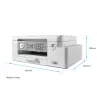
Hĺbka
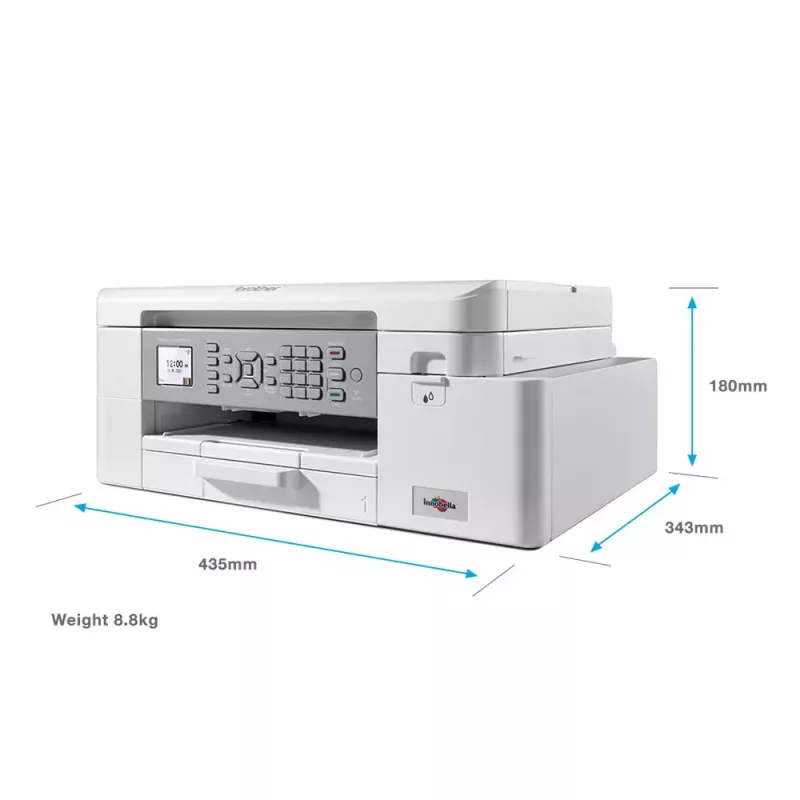
360 mm
Hĺbka balenia
242 mm
Hmotnosť
8.83 kg
Hmotnosť balenia
10.7 kg
Hrubá hmotnosť palety
243.3 kg
Hrubá výška palety
14.8 cm
Interná pamäť
128 MB
Káble v balení
AC
Kazety súčasťou balenia
Yes
Kopírovanie
Colour copying
Krajina pôvodu
Philippines
Maximálna oblasť skenovania
213.9 x 295 mm
Maximálne rozlíšenie
1200 x 4800 DPI
Maximálne rozlíšenie kopírovania
1200 x 2400 DPI
Maximálny formát kopírovania
A4
Maximálny formát papiera ISO radu A
A4
Maximálny počet kópií
99 copies
Maximálny pracovný cyklus
30000 pages per month
Obojstranná tlač
Yes
Obojstranné funkcie
Copy, Print, Scan
Obojstranné kopírovanie
Yes
Obojstranné skenovanie
Yes
Odložené odoslanie faxu
Yes
Odporúčaný pracovný cyklus
250 - 2000 pages per month
Ovládače skenera
TWAIN, WIA
Pamäť faxu
180 pages
Počet portov USB 2.0
2
Počet produktov na palete
21 pc(s)
Počet tlačových kaziet
4
Počet vonkajších kartónov na paletu
21 pc(s)
Počet vonkajších kartónov na vrstvu palety
7 pc(s)
Počet vrstiev na palete
3 pc(s)
Podporované operačné systémy Mac
Mac OS X 10.10 Yosemite, Mac OS X 10.11 El Capitan, Mac OS X 10.12 Sierra, Mac OS X 10.13 High Sierra, Mac OS X 10.14 Mojave, Mac OS X 10.15 Catalina, Mac OS X 10.15.3 Catalina, Mac OS X 10.8 Mountain Lion, Mac OS X 10.9 Mavericks
Podporované operačné systémy Windows
Windows 10, Windows 7, Windows 8, Windows 8.1
Podporované serverové operačné systémy
Windows Server 2008, Windows Server 2008 R2, Windows Server 2012, Windows Server 2012 R2, Windows Server 2016
Podporované sieťové protokoly (IPv4)
ARP,RARP,BOOTP, DHCP,APIPA(AutoIP),WINS/NetBIOS name resolution, DNS Resolver, mDNS, LLMNR responder, LPR/LPD,CustomRawPort/ Port9100, IPP, SNMPv1/v2c,TFTPserver,ICMP,Web Services(Print/Scan),SNTP Client,HTTPServer
Podporované sieťové protokoly (IPv6)
NDP,RA,mDNS,LLMNRResponder, DNS Resolver, LPR/LPD,Custom Raw Port/ Port9100,IPP,SNMPv1/v2c,TFTPserver,WebServices (Print/Scan), SNTP Client, ICMPv6,HTTPServer
Priama tlač
Yes
Režim obojstranného kopírovania
Auto
Režim obojstranného skenovania
Manual
Režim obojstrannej tlače
Auto
Rozlíšenie optického skenovania
1200 x 2400 DPI
Rýchlosť prenosu faxu
14400 sec/page
Rýchlosť tlače (ISO/IEC 24734) čiernobiela
20 ipm
Rýchlosť tlače (ISO/IEC 24734) farebná
19 ipm
Šírka
435 mm
Šírka balenia
495 mm
Skenovanie
Colour scanning
Skenovať do
E-mail, File, Image, OCR
Spotreba energie (pohotovostný režim)
3.5 W
Spotreba energie (priemerná prevádzka)
21 W
Spotreba energie (spánok)
1.1 W
Spotreba energie (standby)
1.4 W
Spotreba energie (vypnuté)
0.2 W
Štandardy Wi-Fi
802.11b, 802.11g, Wi-Fi 4 (802.11n)
Technológia skenovania
CIS
Technológia tlače
Inkjet
Technológie mobilnej tlače
Apple AirPrint, Brother iPrint & Scan, Mopria Print Service
Tlač
Colour printing
Tlač N-up
2, 4, 9, 16
Tlač vodoznaku
Yes
Typ ovládania
Buttons
Typ palety
800 x 1200 mm
Typ skenera
Flatbed & ADF scanner
Typy médií v zásobníku papiera
Glossy paper, Plain paper, Recycled paper
Uhlopriečka displeja
4.57 cm (1.8")
Umiestnenie na trhu
Home & office
Univerzálny zásobník
Yes
Úrovne odtieňov sivej
256
USB port
Yes
Vstavaný displej
Yes
Vstavaný procesor
Yes
Vstupná farebná hĺbka
30 bit
Vstupná hĺbka odtieňov sivej
10 bit
Vstupná kapacita automatického podávača dokumentov (ADF)
20 sheets
Vstupná kapacita zásobníka 1
150 sheets
Výška
180 mm
Výška balenia
455 mm
Výstupná farebná hĺbka
24 bit
Výstupná hĺbka odtieňov sivej
8 bit
Wi-Fi
Yes
Zmena veľkosti pri kopírovaní
25 - 400%
Vývoj ceny za posledných 6 mesiacov
Brother MFC-J4340DWE multifunkčná tlačiareň atramentová A4 1200 x 4800 DPI Wi-Fi
Aktuálna
538,39 €
Najnižšia
519,67 €
Najvyššia
547,95 €
Zmena za 24 h
-1,12 €   0%
Týždeň
-3,70 €   -1%
Mesiac
+18,71 €   +4%

Populárne produkty v tejto kategórii

Predajca: UAB KUR LT · Laisvės pr. 125A, LT-06118 Vilnius, Litva · IČO 303192950 · IČ DPH LT100008198612 · Odoslanie z EÚ (Litva)
Dobrý deň, som AI asistent DistriNode. Pomôžem Vám nájsť produkty, porovnať možnosti, vytvoriť cenovú ponuku v PDF alebo otvoriť požiadavku na podporu.