
Účet Kontakt
Váš košík
Doručenie cez DPD a FedEx
Pomoc? Opýtajte sa AI

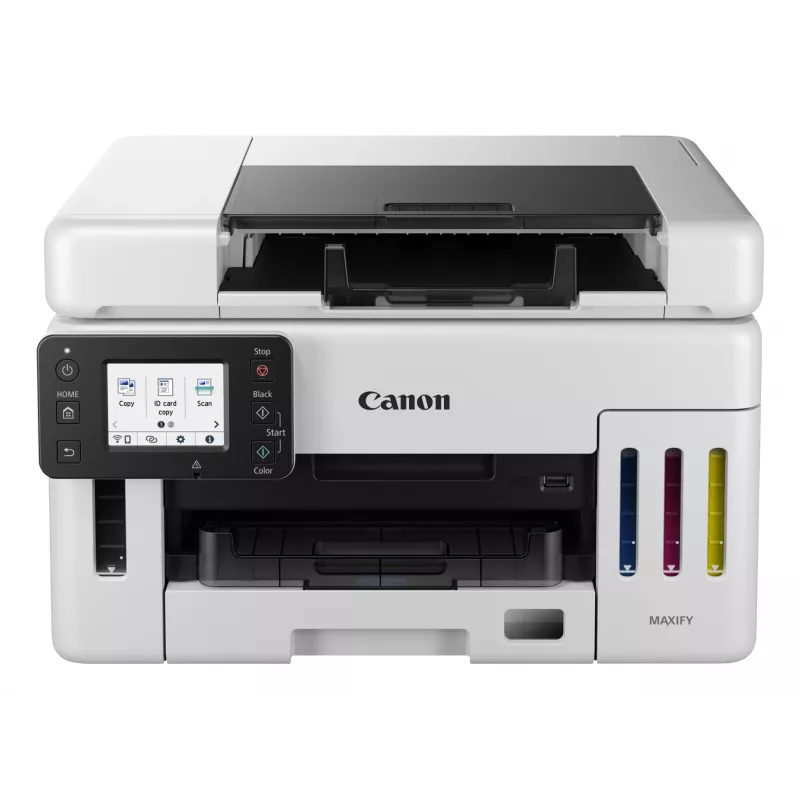
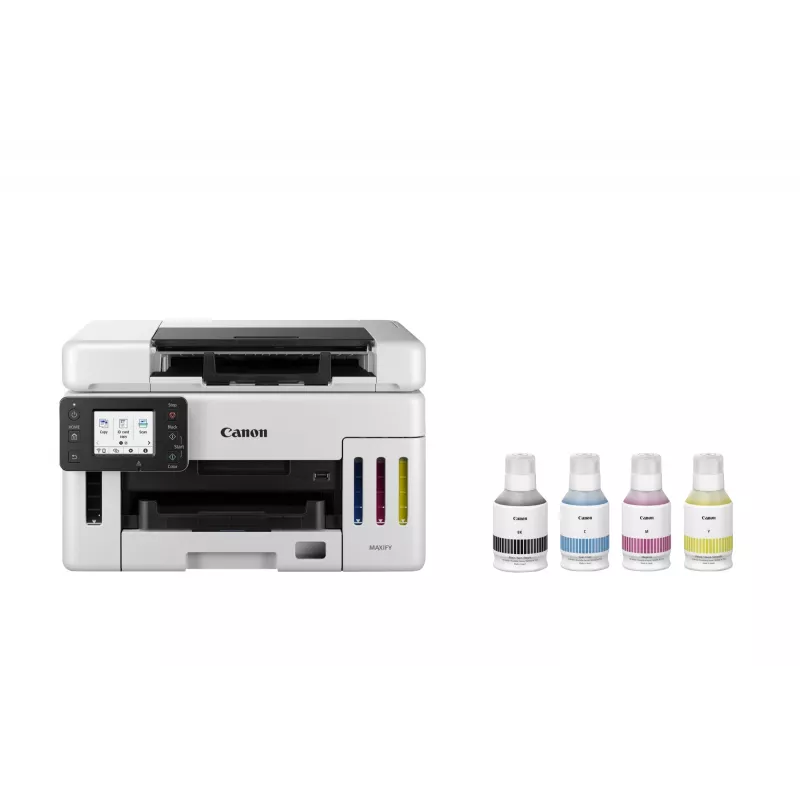
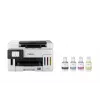
Canon MAXIFY GX6550 Atramentová A4 600 x 1200 DPI WLAN

Canon MAXIFY GX6550 Atramentová A4 600 x 1200 DPI WLAN
498,49 €
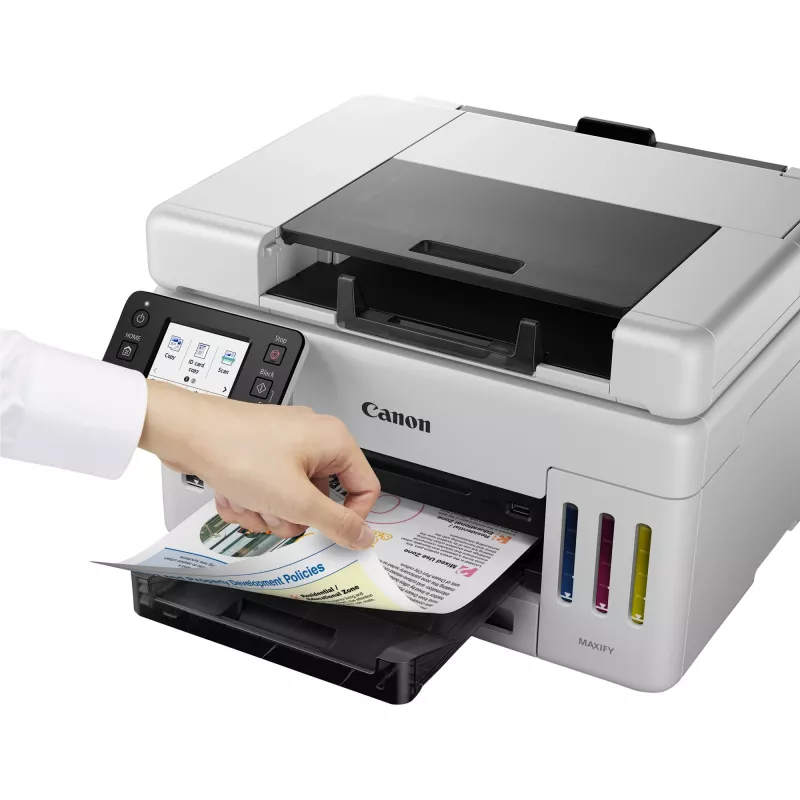
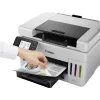
The Canon MAXIFY GX6550 Inkjet Colour Printing multifunction printer combines high-quality colour output, reliable scanning and copying, and flexible connectivity in a compact office-ready design. With a maximum print resolution of 600 x 1200 DPI and colour scanning at an optical resolution of 1200 ... Čítať viac
Sklad 100 Kód 118901 Značka Canon Model 6351C006 Záruka 2 roky

Doprava a vrátenie tovaru

Predpokladané doručenie pondelok, októbra 19
O stave zásielky Vás budeme priebežne informovať prostredníctvom nášho podrobného systému sledovania zásielok
Možnosti platby
Platobná kartaVisaMastercardPayPalApple PayGoogle PayBankový prevod

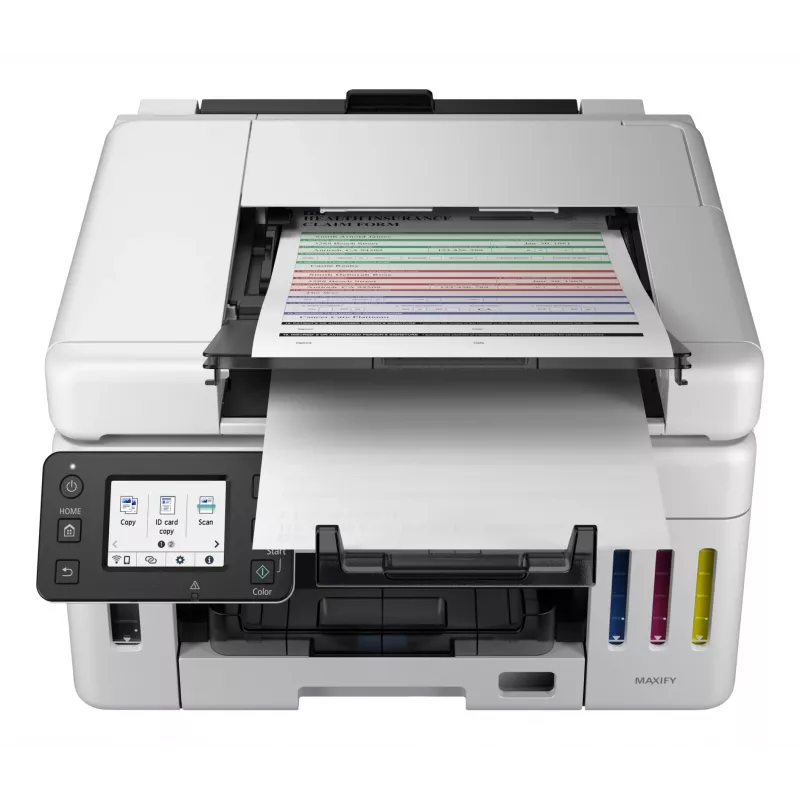
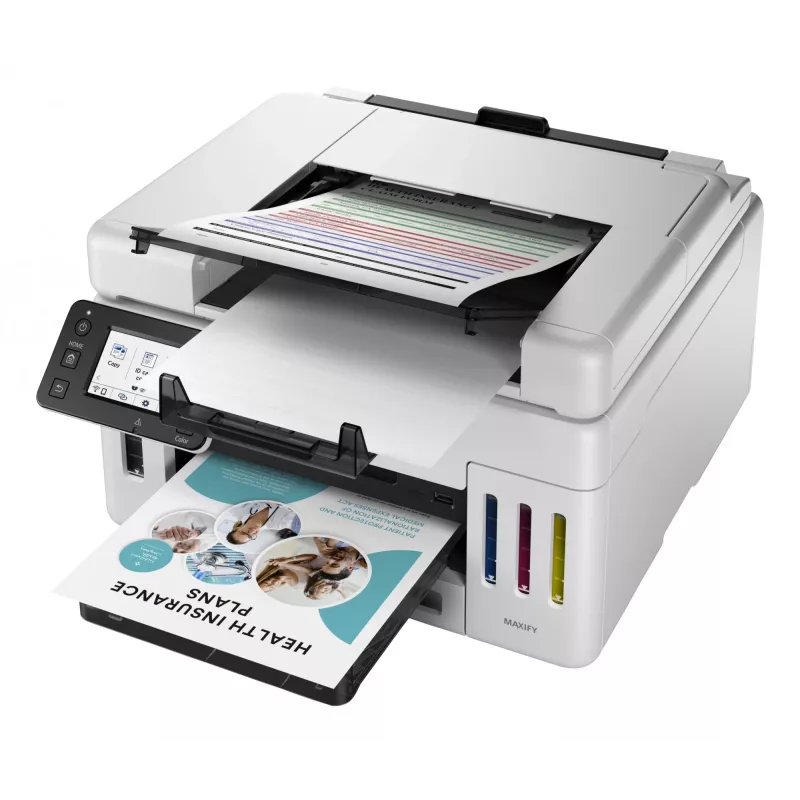
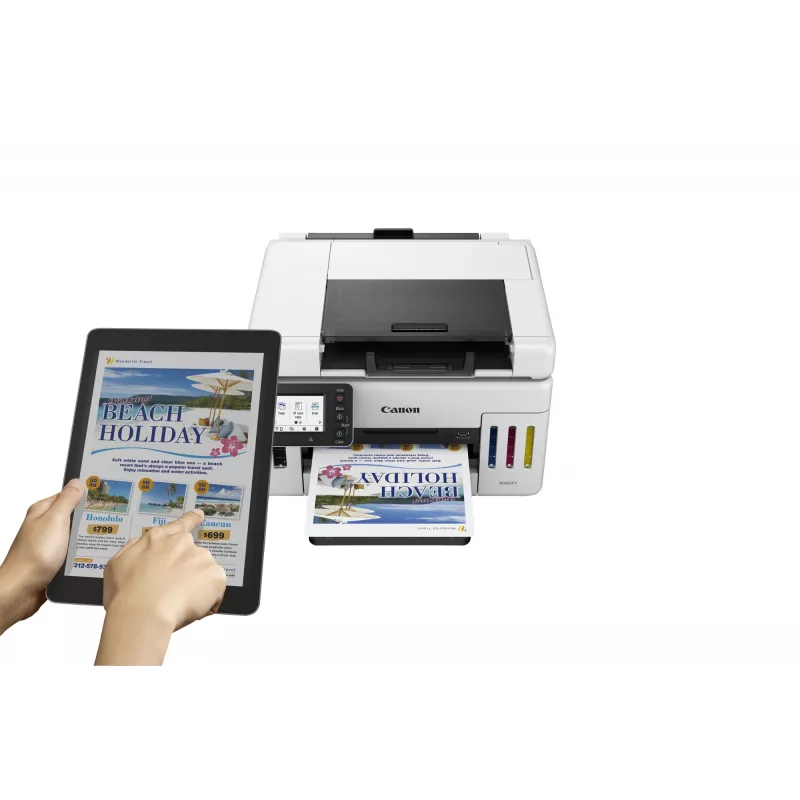
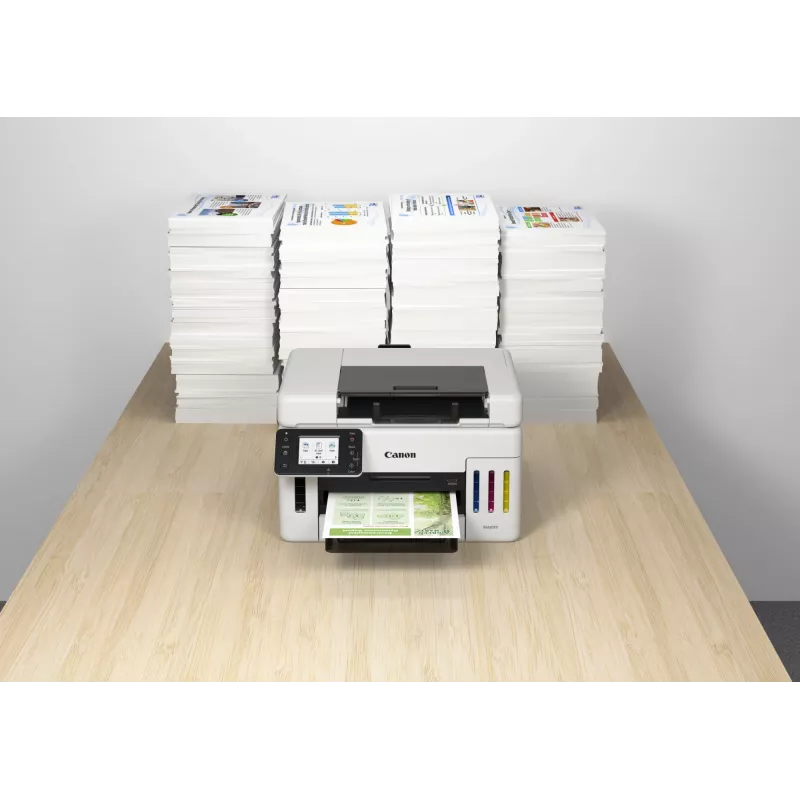
The Canon MAXIFY GX6550 Inkjet Colour Printing multifunction printer combines high-quality colour output, reliable scanning and copying, and flexible connectivity in a compact office-ready design. With a maximum print resolution of 600 x 1200 DPI and colour scanning at an optical resolution of 1200 x 1200 DPI, the device delivers sharp text and detailed images on A4 media. The unit supports duplex printing and copying and connects over Wi‑Fi and Ethernet LAN, enabling convenient networked and wireless workflows for small offices or workgroups.

Advantages

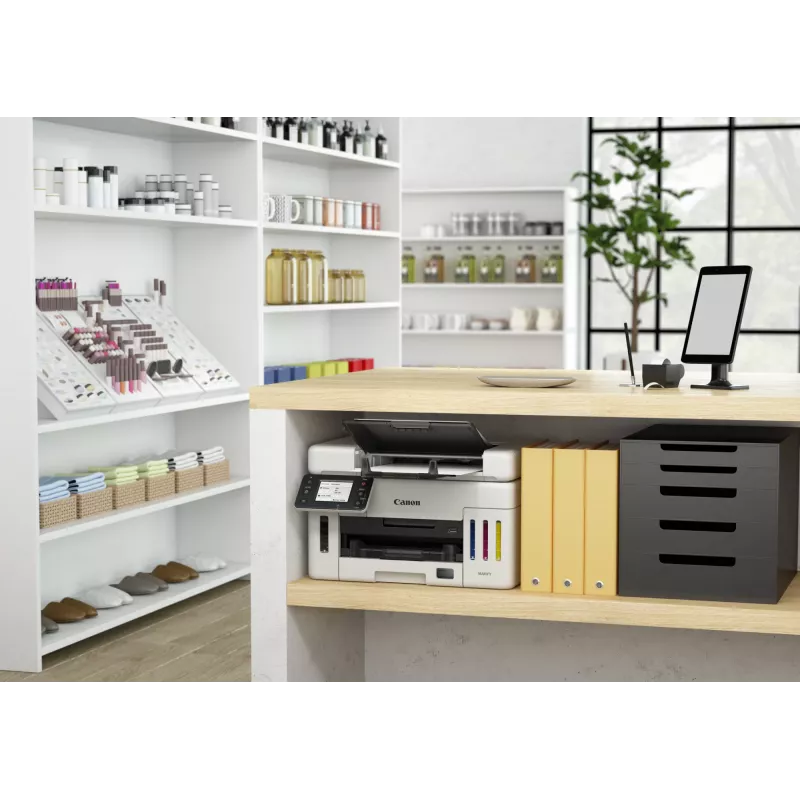
The MAXIFY GX6550 offers consistent colour reproduction and an extended monthly duty cycle suitable for moderate to heavy office use. Its integrated scanning and copying functions streamline document handling without the need for separate devices. Built-in Wi‑Fi and Ethernet LAN support allow printing from multiple devices and simple integration into existing networks. The printer’s dual-tone black and white housing provides a neutral appearance that fits most office interiors.

Suitable for

  • Small to medium offices requiring reliable colour prints and frequent scanning
  • Workgroups that need duplex printing and network connectivity
  • Users who handle A4 documents, reports and marketing materials

Key specifications

  • Print technology: Inkjet colour printing
  • Maximum print resolution: 600 x 1200 DPI
  • Copying: Colour copying with duplex support
  • Scanning: Colour scanning; optical resolution 1200 x 1200 DPI
  • Maximum paper size: A4
  • Connectivity: Wi‑Fi and Ethernet LAN
  • Duplex functions: Automatic duplex print and copy
  • Maximum monthly duty cycle: Up to 45,000 pages
  • Weight: Approximately 11.5 kg
  • Product colour: Black and white

How to use

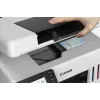
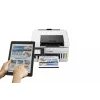
Unpack the printer and place it on a stable surface with adequate ventilation. Install ink tanks and load A4 paper into the main tray according to the user manual. Connect the device to power and configure network settings using the control panel or the provided setup software; choose Wi‑Fi for wireless printing or Ethernet for a wired network connection. Use the printer driver on your computer or the mobile printing options for direct print jobs. For scanning, place documents on the scanner glass or feeder and select the desired resolution and destination (computer, email or USB) through the scanning interface.

Recommendations

For consistent output, use papers recommended for inkjet colour printing and perform regular maintenance tasks such as printhead checks and cleaning cycles. When deploying the printer in a shared environment, configure secure network access and set appropriate duplex and draft settings to optimize ink usage and reduce media consumption.
Hlavné vlastnosti
  • Small to medium offices requiring reliable colour prints and frequent scanning
  • Workgroups that need duplex printing and network connectivity
  • Users who handle A4 documents, reports and marketing materials
  • Print technology: Inkjet colour printing
  • Maximum print resolution: 600 x 1200 DPI
  • Copying: Colour copying with duplex support
  • Scanning: Colour scanning; optical resolution 1200 x 1200 DPI
  • Maximum paper size: A4
  • Connectivity: Wi‑Fi and Ethernet LAN
  • Duplex functions: Automatic duplex print and copy
  • Maximum monthly duty cycle: Up to 45,000 pages
  • Weight: Approximately 11.5 kg
  • Product colour: Black and white
Parametre
Automatický podávač dokumentov (ADF)
Yes
Bezpečnostné algoritmy
WPA-AES, WPA-EAP, WPA-PSK, WPA-TKIP, WPA2-AES, WPA2-PSK, WPA2-TKIP, WPA3-EAP, WPA3-SAE
Čas do prvej strany (čierna, normálna)
7 s
Čas do prvej strany (farebná, normálna)
8 s
Celková vstupná kapacita
350 sheets
Celkový počet vstupných zásobníkov
1
Ďalšie podporované operačné systémy
ChromeOS
Displej
LCD
Ethernet LAN
Yes
Farba produktu
Black, White
Farby tlače
Black, Cyan, Magenta, Yellow
Farebný displej
Yes
Faxovanie
No
Formáty fotografického papiera
10x15,13x18,18x25,20x25
Formáty ISO radu A (A0...A9)
A4, A5, A6
Formáty ISO radu B (B0...B9)
B5
Formáty obálok
C5, Com-10, DL, Monarch
Formáty tlačových médií mimo ISO
Legal, Letter
Funkcia kopírovania N-in-1
Yes
Funkcia kopírovania N-in-1 (N=)
2, 4
Funkcia kopírovania preukazov
Yes
Funkcia vymazania okrajov
Yes
Gramáž média v zásobníku papiera
64 - 105 g/m²
Hĺbka
645 mm
Hmotnosť
11.5 kg
Kapacita priloženej náplne (čierna)
6000 pages
Kapacita priloženej náplne (CMY)
14000 pages
Kapacita priloženej náplne (ekonomický režim, čierna)
9000 pages
Kapacita priloženej náplne (ekonomický režim, CMY)
21000 pages
Kazety súčasťou balenia
Yes
Kopírovanie
Colour copying
Maximálna oblasť skenovania
216 x 356 mm
Maximálna veľkosť tlače
216 x 1200 mm
Maximálne rozlíšenie
600 x 1200 DPI
Maximálny formát papiera ISO radu A
A4
Maximálny počet kópií
99 copies
Maximálny pracovný cyklus
45000 pages per month
Obojstranná tlač
Yes
Obojstranné funkcie
Copy, Print
Obojstranné kopírovanie
Yes
Počet tlačových kaziet
4
Podporované mobilné operačné systémy
Android, iOS, iPadOS
Podporované operačné systémy Mac
Mac OS X 10.15 Catalina, Mac OS X 11.0 Big Sur, Mac OS X 12.0 Monterey, Mac OS X 13.0 Ventura
Podporované operačné systémy Windows
Windows 10, Windows 11, Windows 8.1
Podporované serverové operačné systémy
Windows Server 2012 R2, Windows Server 2016, Windows Server 2019, Windows Server 2022
Prevádzková teplota (T-T)
5 - 35 °C
Relatívna vlhkosť pri prevádzke (H-H)
10 - 90%
Rozlíšenie optického skenovania
1200 x 1200 DPI
Rýchlosť tlače (ISO/IEC 24734) čiernobiela
24 ipm
Rýchlosť tlače (ISO/IEC 24734) farebná
15.5 ipm
Rýchlosti Ethernet LAN
10,100 Mbit/s
Šírka
399 mm
Skenovanie
Colour scanning
Spotreba energie (kopírovanie)
24 W
Spotreba energie (standby)
1.4 W
Spotreba energie (vypnuté)
0.1 W
Štandardy Wi-Fi
802.11a, 802.11b, 802.11g, Wi-Fi 4 (802.11n), Wi-Fi 5 (802.11ac)
Technológia kabeláže
10/100Base-T(X)
Technológia skenovania
CIS
Technológia tlače
Inkjet
Technológie mobilnej tlače
Apple AirPrint, Canon PRINT Business, Canon iEasy-PhotoPrint, Mopria Print Service
Tlač
Colour printing
Typ ovládania
Touch
Typ skenera
Flatbed & ADF scanner
Typická spotreba elektriny Energy Star (TEC)
0.15 kWh/week
Typy médií v zásobníku papiera
Card stock, Envelopes, Photo paper, Plain paper
Uhlopriečka displeja
6.86 cm (2.7")
Umiestnenie na trhu
Business
USB port
Yes
USB port
USB Type-A / USB Type-B
Vstavaný displej
Yes
Vstupná farebná hĺbka
16 bit
Vstupná frekvencia AC
50/60 Hz
Vstupná hĺbka odtieňov sivej
16 bit
Vstupná kapacita automatického podávača dokumentov (ADF)
50 sheets
Vstupné napätie AC
100 - 240 V
Výška
327 mm
Výstupná farebná hĺbka
8 bit
Výstupná hĺbka odtieňov sivej
8 bit
Wi-Fi
Yes
Zmena veľkosti pri kopírovaní
25 - 400%
Vývoj ceny za posledných 6 mesiacov
Canon MAXIFY GX6550 Atramentová A4 600 x 1200 DPI WLAN
Aktuálna
498,49 €
Najnižšia
473,27 €
Najvyššia
498,49 €
Zmena za 24 h
+25,23 €   +5%
Týždeň
+24,48 €   +5%
Mesiac
—   

Nezávislé recenzie technických médií

trustedreviews.comSimon
7/10

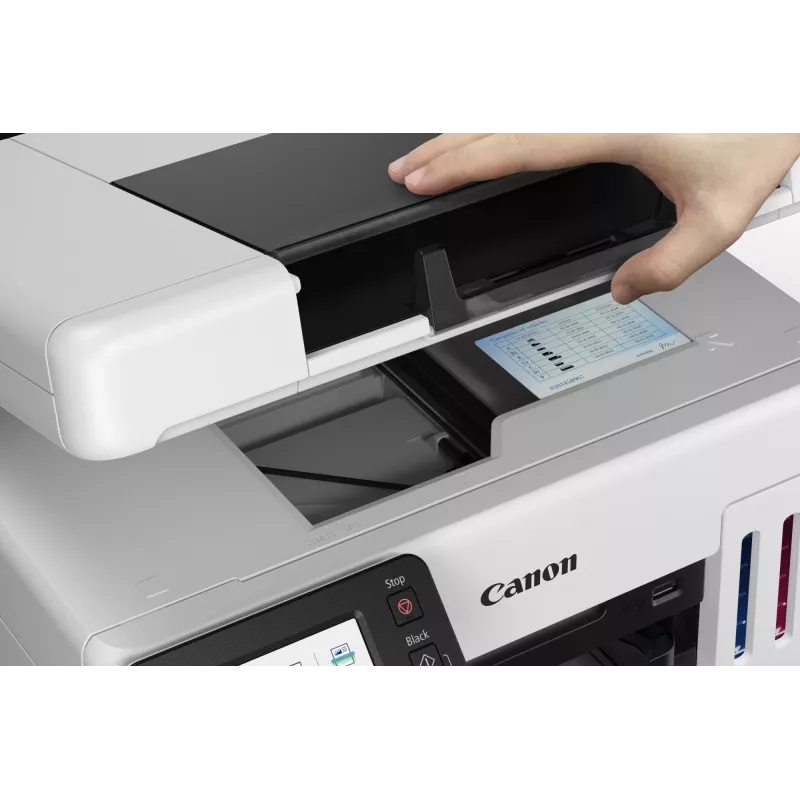
Verdikt: Canon's whacky-looking MAXIFY GX6550 might be expensive to buy, but its ultra-low running costs make it good value to own over the long term. It's a great choice if you want a small office multifunction for a cramped space, but otherwise, its oddball scan...

Výhody
  • Extremely low running costs
  • Unusually compact design
  • Reasonable quality and speed
Nevýhody
  • Very expensive to buy
  • Unusual scanner layout isn't perfect
Prečítajte si celú recenziu na trustedreviews.com →
itpro.comSimon
8/10

Verdikt: While $500 is a lot of money for a compact office inkjet, the GX6550's high asking price isn't a major concern. Provided you'll print enough to use up all or most of its bundled ink, you'll pay less overall than you would for a similar, but cartridge-base...

Výhody
  • Innovative and compact packaging
  • Very low cost of ownership
Nevýhody
  • Expensive to buy
  • Compromised scan platen
  • Underwhelming color print quality
Prečítajte si celú recenziu na itpro.com →
techradar.com
9/10

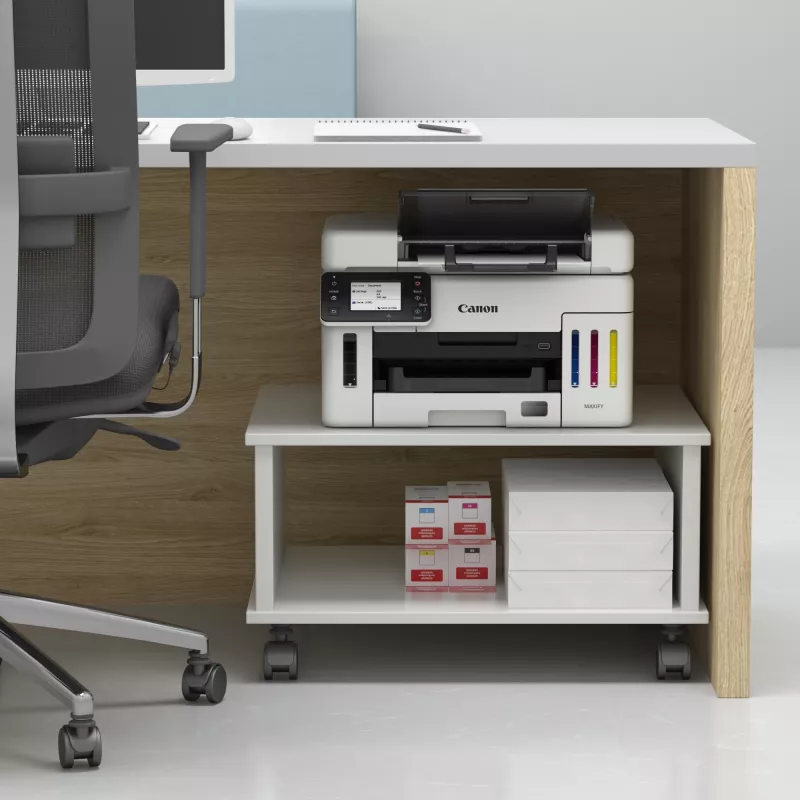
Verdikt: By moving the ADF opening from the top to the front, Canon's latest all-in-one inkjet printer can be installed on a shelf, or under the counter. It's an improvement on the already excellent design of Canon's MAXIFY GX models, but it's still not perfect. H...

Prečítajte si celú recenziu na techradar.com →

Populárne produkty v tejto kategórii

Dobrý deň, som AI asistent DistriNode. Pomôžem Vám nájsť produkty, porovnať možnosti, vytvoriť cenovú ponuku v PDF alebo otvoriť požiadavku na podporu.