
Účet Kontakt
Váš košík
Doručenie cez DPD a FedEx
Pomoc? Opýtajte sa AI

D-Link 5-in-1 USB-C hub s HDMI/Ethernet a Power Delivery

D-Link 5-in-1 USB-C hub s HDMI/Ethernet a Power Delivery
56,90 €
Add a second screen at up to 4K resolutionsConnect a second display to the 4K HDMI port for video up to 4K resolution with no lagSuperSpeed USB 3.0Transfer data at 5 Gbps. Ideal for transferring from USB drives, phones, tablets, cameras, and other peripherals.Plug and PlayAdd more available ports si... Čítať viac
Sklad 10 Kód 10397 Značka D-LINK Model DUB-M520 Záruka 2 roky

Doprava a vrátenie tovaru

Predpokladané doručenie piatok, októbra 16
O stave zásielky Vás budeme priebežne informovať prostredníctvom nášho podrobného systému sledovania zásielok
Možnosti platby
Platobná kartaVisaMastercardPayPalApple PayGoogle PayBankový prevod
Add a second screen at up to 4K resolutions

Connect a second display to the 4K HDMI port for video up to 4K resolution with no lag

SuperSpeed USB 3.0

Transfer data at 5 Gbps. Ideal for transferring from USB drives, phones, tablets, cameras, and other peripherals.

Plug and Play

Add more available ports simply by plugging the hub into a USB-C port. No additional software required.

Thunderbolt 3

Use the Thunderbolt 3 port to transfer data, deliver power, or extend your display in seconds.

Power Delivery

Deliver up to 60W of power through the hub to your laptop by connecting your USB-C charger to the USB-C port.

Gigabit Ethernet Connectivity

Give your laptop an instant, reliable wired Gigabit connection.

Strong housing

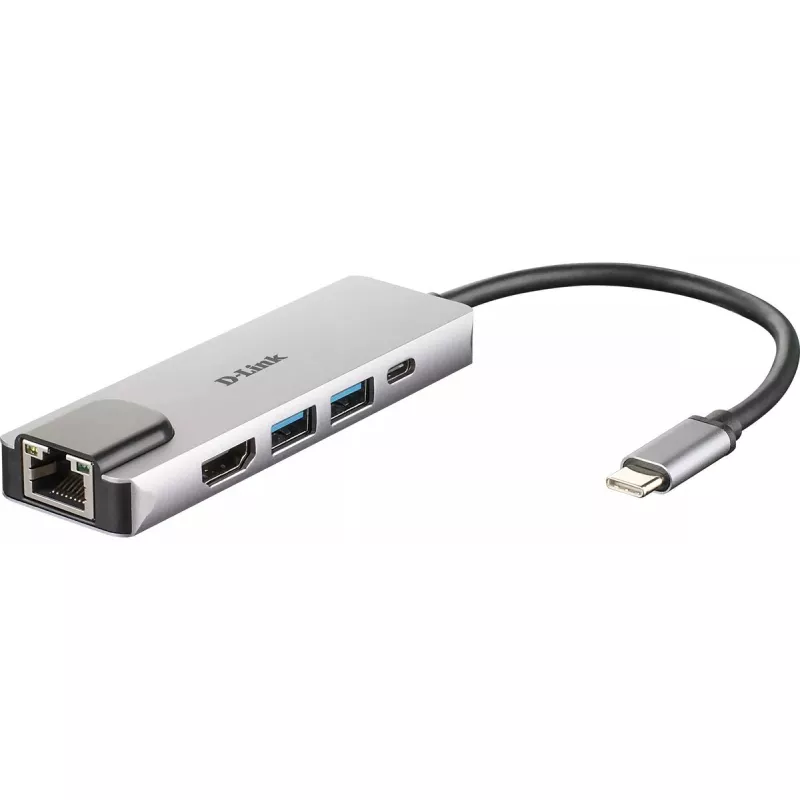
Compact, lightweight design in space grey, with aluminium alloy housing.

Turn one port into five more options.

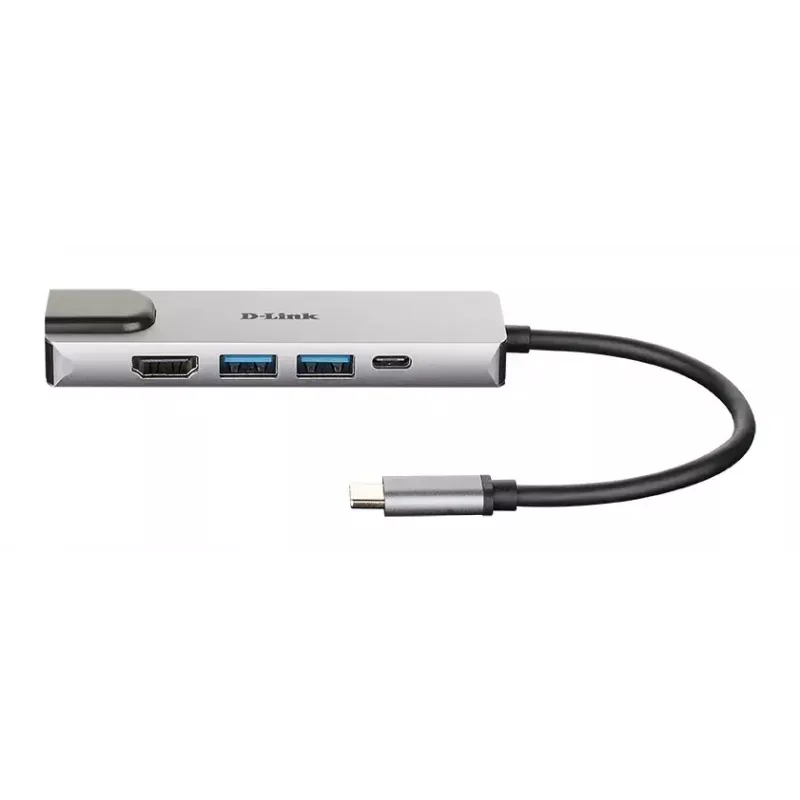
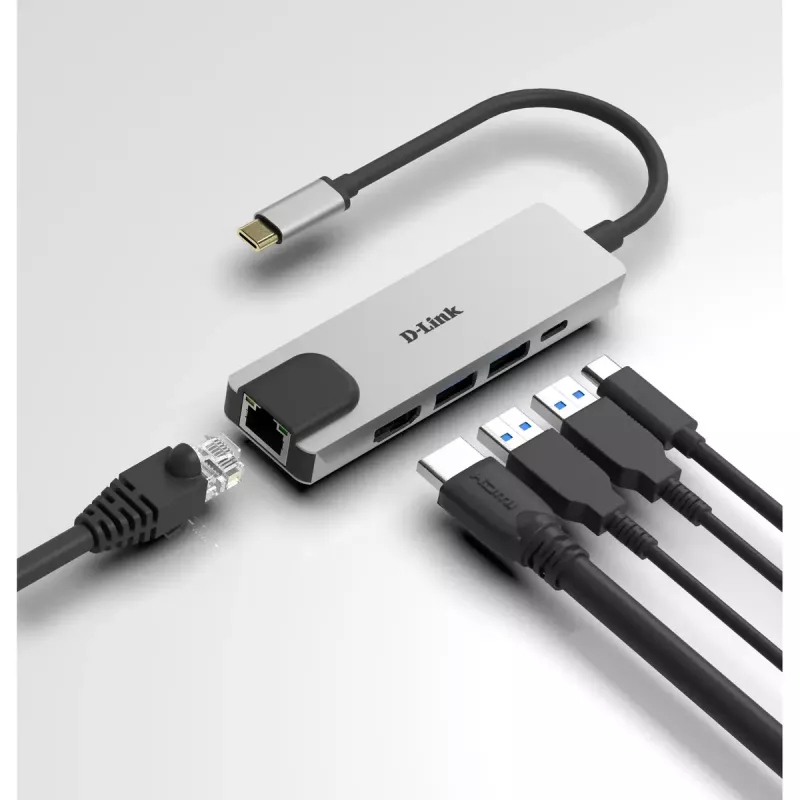
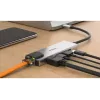
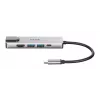
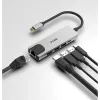
Instantly add a Gigabit Ethernet port, a second display using the HDMI port, two additional USB 3.0 ports, and a USB‑C port to your computer simply by plugging in the hub into any USB‑C port.

Plug into a reliable docking station. Unplug for instant remote working.

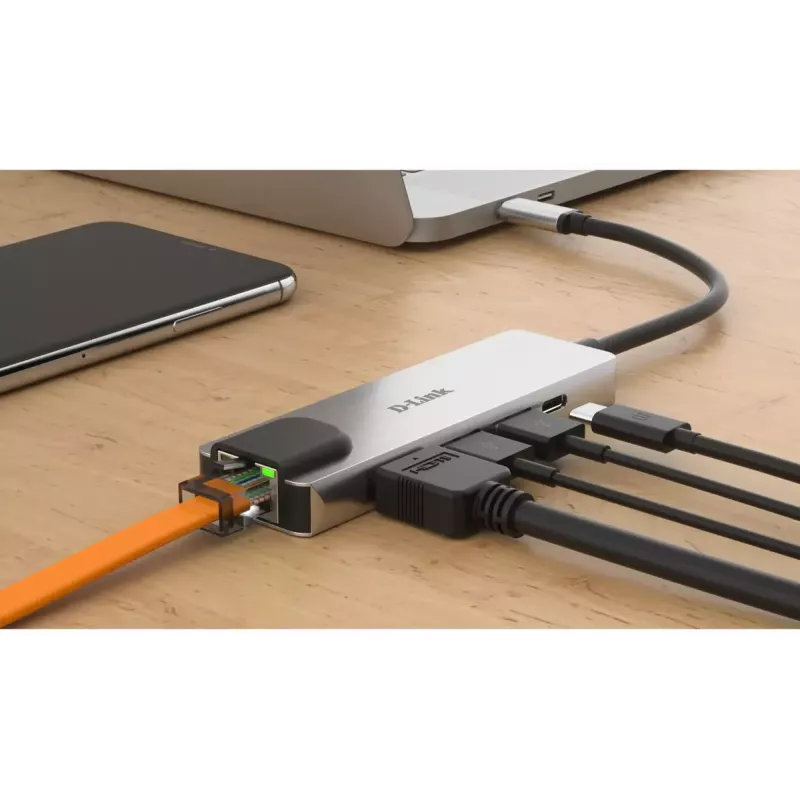
Enjoy a premium docking station experience simply by plugging the hub into a single USB-C port on your computer. You can directly access a private LAN network with Gigabit Ethernet speeds, extend your monitor to a second screen, transfer files from USB 3.0 devices, and charge your laptop, all at the same time. Need to work remotely? Simply unplug the hub’s single cable and you’re ready to go with your laptop.

Easy to use everywhere. No setup at all.

The space grey, strong aluminium alloy housing protects the high-quality chipset inside and makes the hub ready for any situation, whether you’re at home, the office, or travelling. Plug and play convenience allows you to use the hub straight away and with any Mac, Windows or Linux computer with a USB-C port. There are no drivers to install, and no complicated software setup.

Extend your screen to a vivid 4K monitor.

Plug into the hub’s HDMI port to instantly mirror or extend your display to a second monitor with vibrant 4K resolution. And full backwards compatibility means you can connect to a 720p or 1080p monitor.

Send power through the hub.

With the Power Delivery feature, you can charge your laptop at the same time as connecting to your USB peripheral devices. Simply connect your USB-C charger to the hub’s USB-C port to provide power through the hub and to your laptop.

How to use

Plug the hub into any computer USB-C port. Connect an HDMI cable from the hub to a second display to mirror or extend the desktop up to 4K. Attach USB devices such as drives, phones or cameras to the USB 3.0 ports for data transfer. Connect your USB-C charger to the hub’s USB-C port to deliver up to 60W to your laptop. For a wired network, connect an Ethernet cable to the Gigabit port. No additional software or drivers are required.

Recommendations

For stable 4K display performance, use a high-quality HDMI cable and confirm the host device’s USB-C port supports video output. To charge high-power laptops above 60W, use the laptop’s original charger directly for full-speed charging while using the hub for connectivity.

Hlavné vlastnosti
  • Wired
  • Host interface: Thunderbolt 3
  • USB Power Delivery (USB PD)
  • Ethernet LAN 10,100,1000 Mbit/s
  • Full duplex
  • Plug and Play
Parametre
Bezdrôtové nabíjanie
No
Certifikácia
CE, FCC, IC, RCM
Ďalšie podporované operačné systémy
ChromeOS
Ethernet LAN
Yes
Farba produktu
Aluminium
Hĺbka
31 mm
Hmotnosť
49 g
Integrovaná čítačka kariet
No
Kód harmonizovaného systému (HS)
84733020
LED indikátory
Yes
Materiál krytu
Aluminium
Maximálne digitálne rozlíšenie
4096 x 2160 pixels
Množstvo v balení
1 pc(s)
Plný duplex
Yes
Plug and Play
Yes
Počet portov HDMI
1
Počet portov USB 3.2 Gen 1 (3.1 Gen 1) Type-A
2
Počet portov USB 3.2 Gen 1 (3.1 Gen 1) typu C
1
Podporované operačné systémy Mac
Yes
Podporované operačné systémy Windows
Yes
Porty Ethernet LAN (RJ-45)
1
Prevádzková teplota (T-T)
0 - 70 °C
Relatívna vlhkosť pri prevádzke (H-H)
5 - 80%
Relatívna vlhkosť pri skladovaní (H-H)
5 - 80%
Rozhranie hostiteľa
Thunderbolt 3
Rýchlosti Ethernet LAN
10,100,1000 Mbit/s
Sieťové štandardy
IEEE 802.3, IEEE 802.3ab, IEEE 802.3az, IEEE 802.3u, IEEE 802.3x
Šírka
103 mm
Technológia pripojenia
Wired
Teplota skladovania (T-T)
-25 - 85 °C
Typ HD
4K Ultra HD
USB Power Delivery (USB PD)
Yes
USB Power Delivery až do
60 W
Verzia HDMI
1.4
Vstup pre mikrofón
No
Vstupný konektor DC
No
Vstupný prúd
0.12 A
Výška
11 mm
Vývoj ceny za posledných 6 mesiacov
D-Link 5-in-1 USB-C hub s HDMI/Ethernet a Power Delivery
Aktuálna
56,90 €
Najnižšia
48,49 €
Najvyššia
58,27 €
Zmena za 24 h
+0,89 €   +2%
Týždeň
+1,01 €   +2%
Mesiac
+0,54 €   +1%

Populárne produkty v tejto kategórii

Dobrý deň, som AI asistent DistriNode. Pomôžem Vám nájsť produkty, porovnať možnosti, vytvoriť cenovú ponuku v PDF alebo otvoriť požiadavku na podporu.